





































































































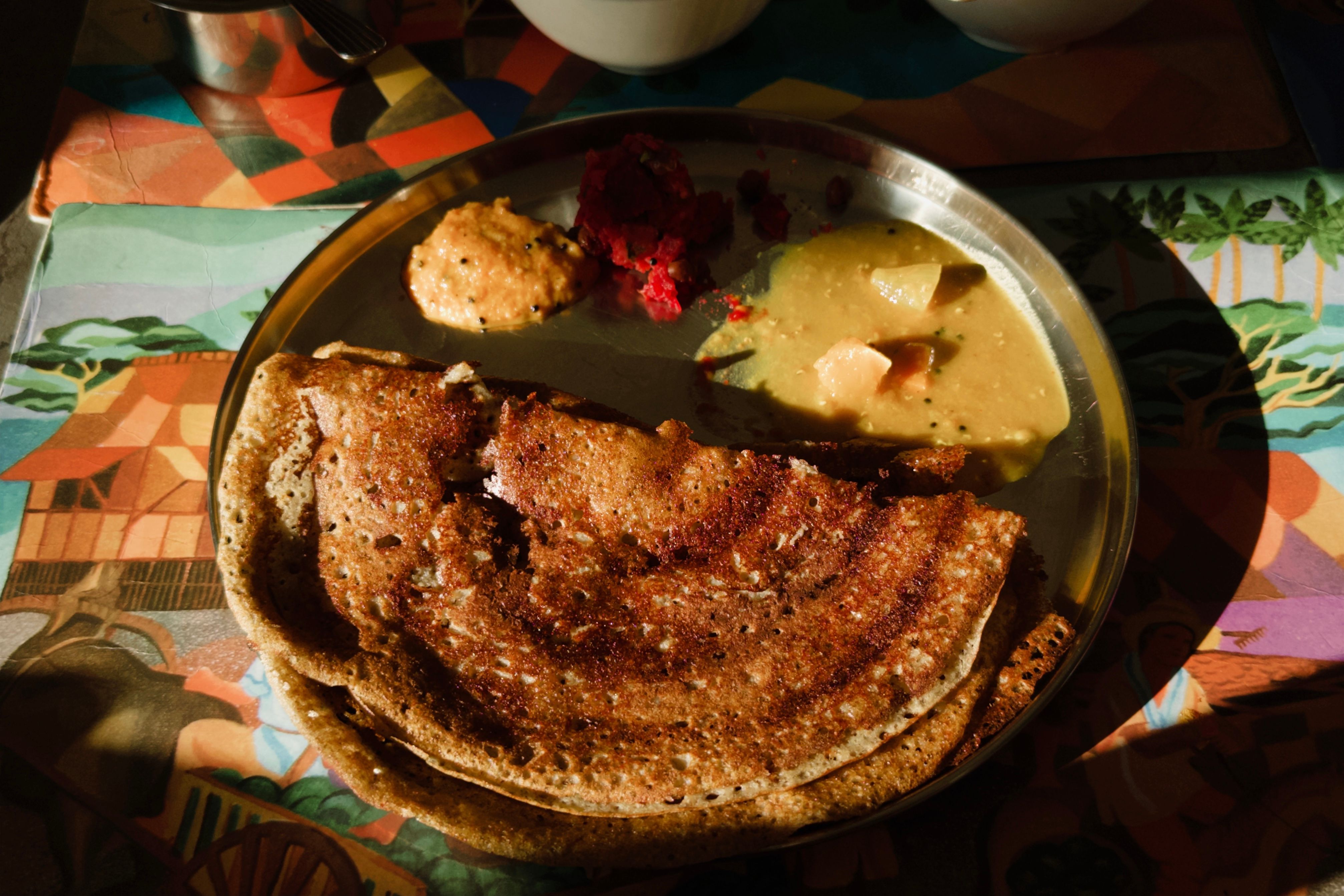

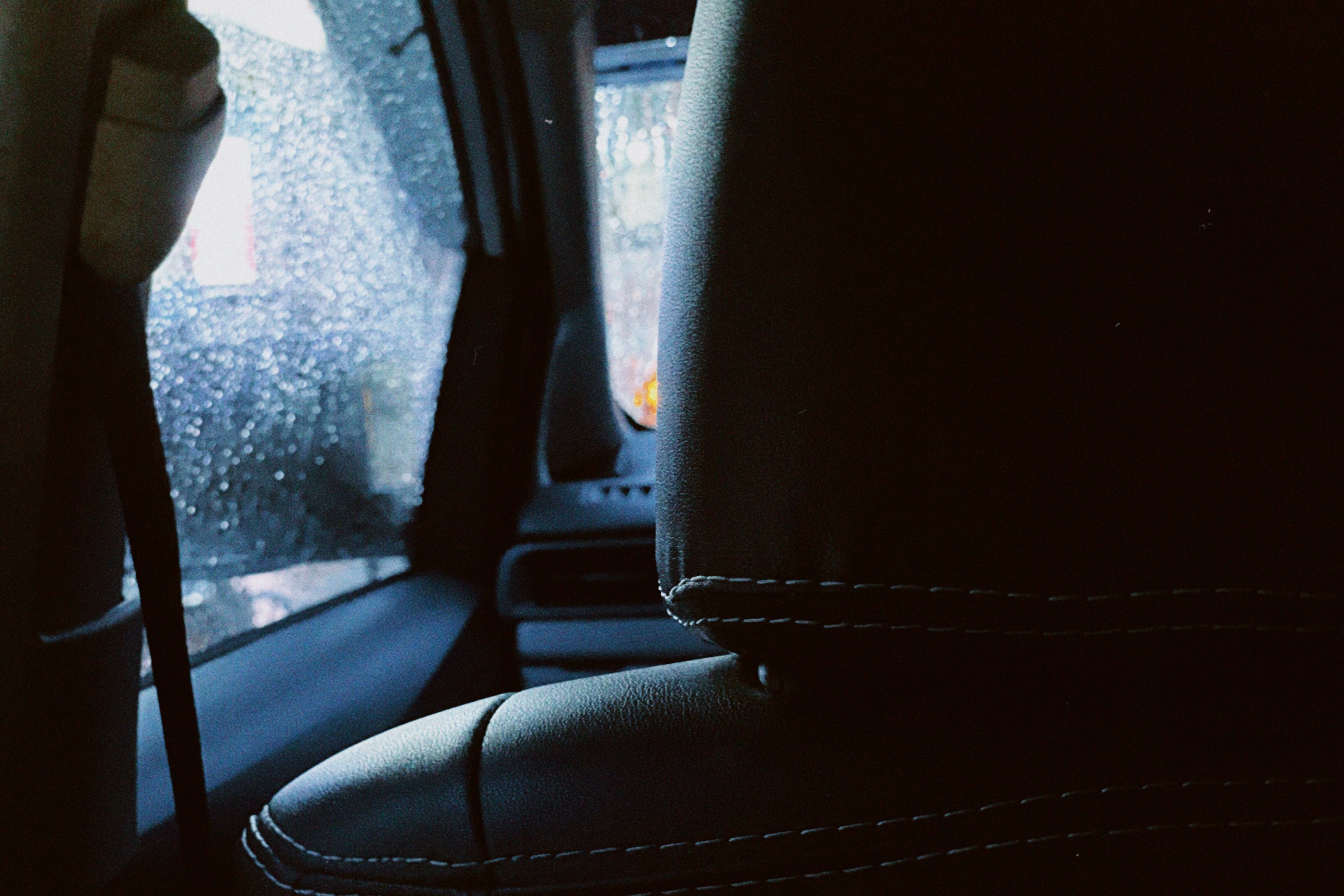

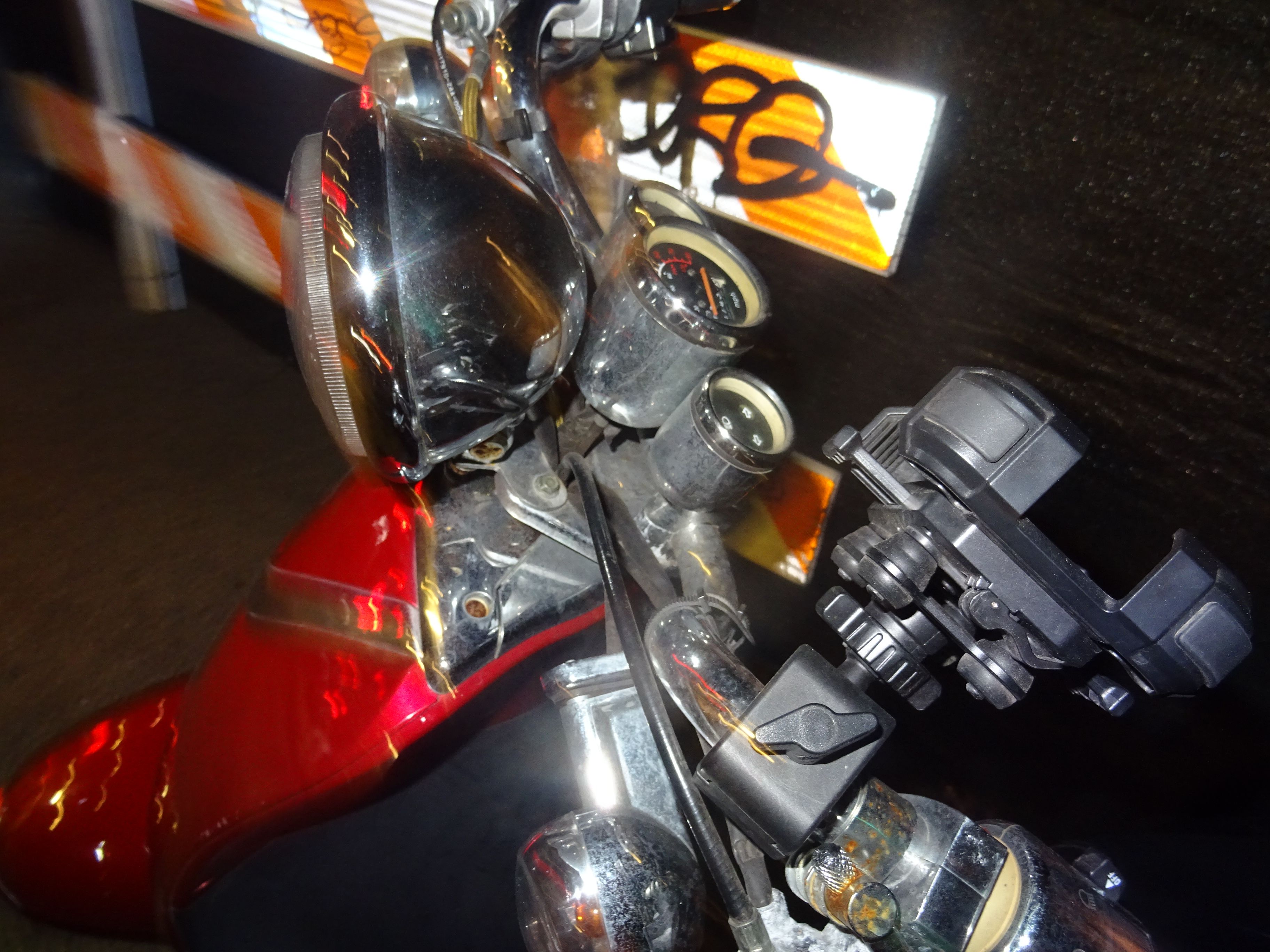

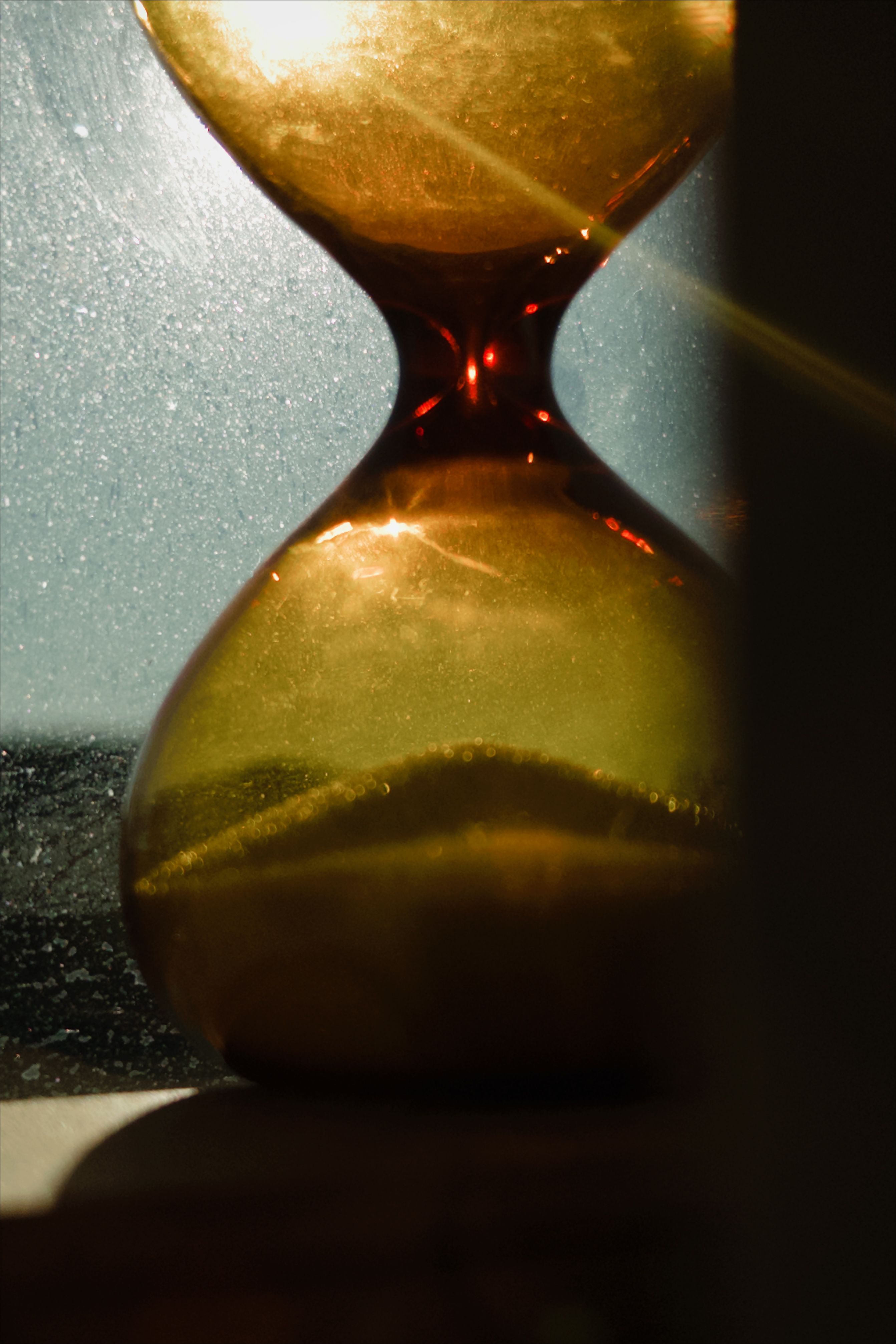


































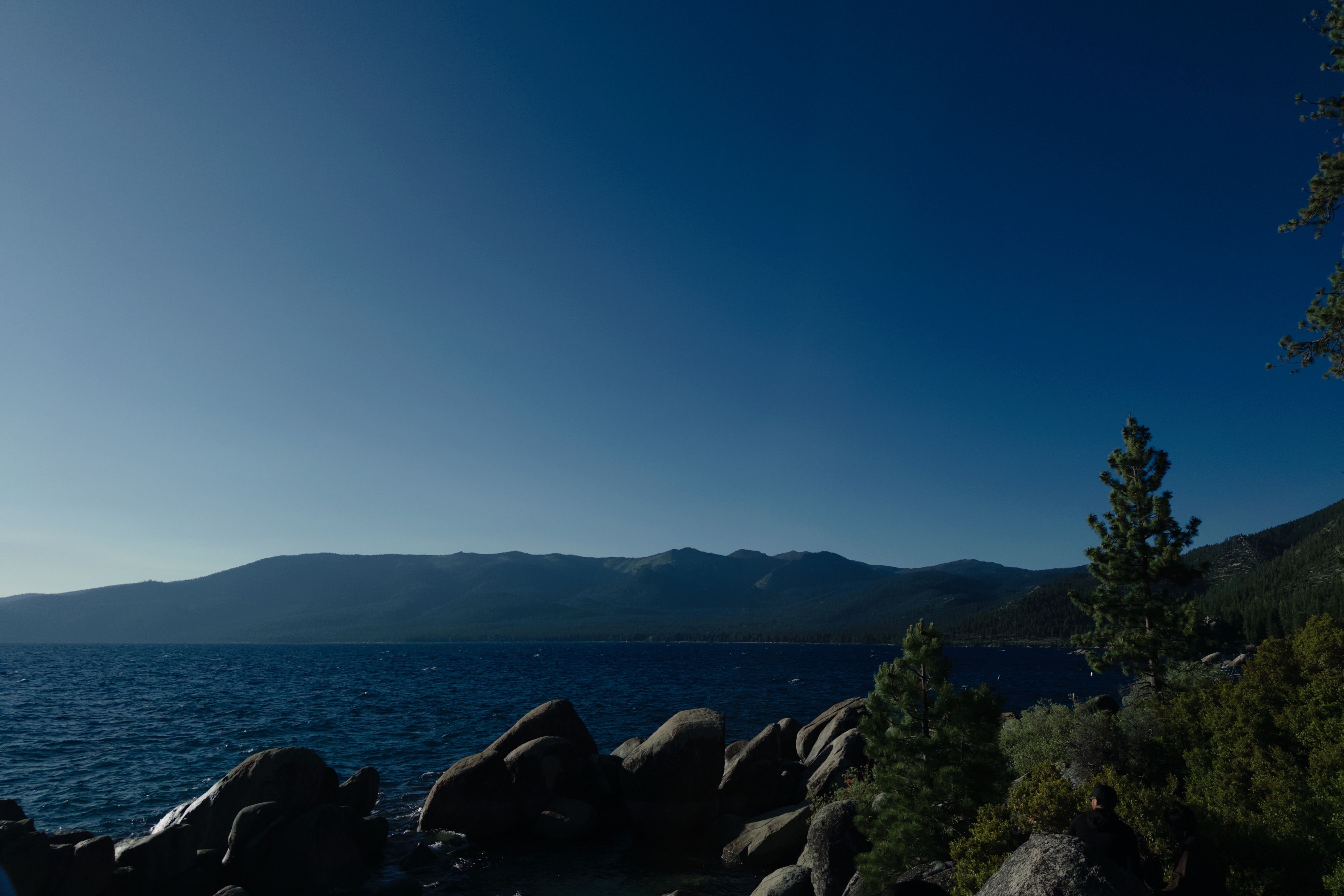


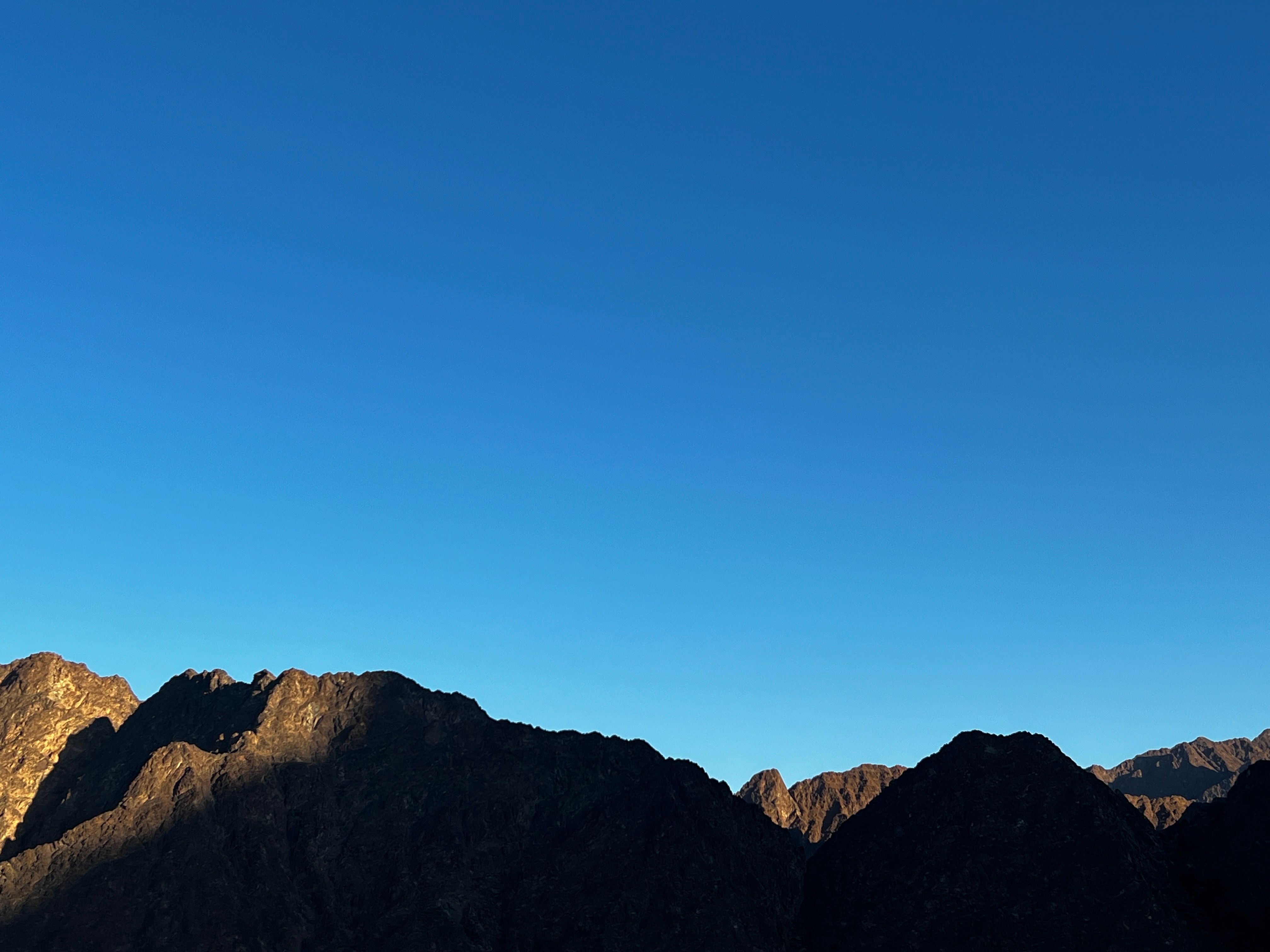


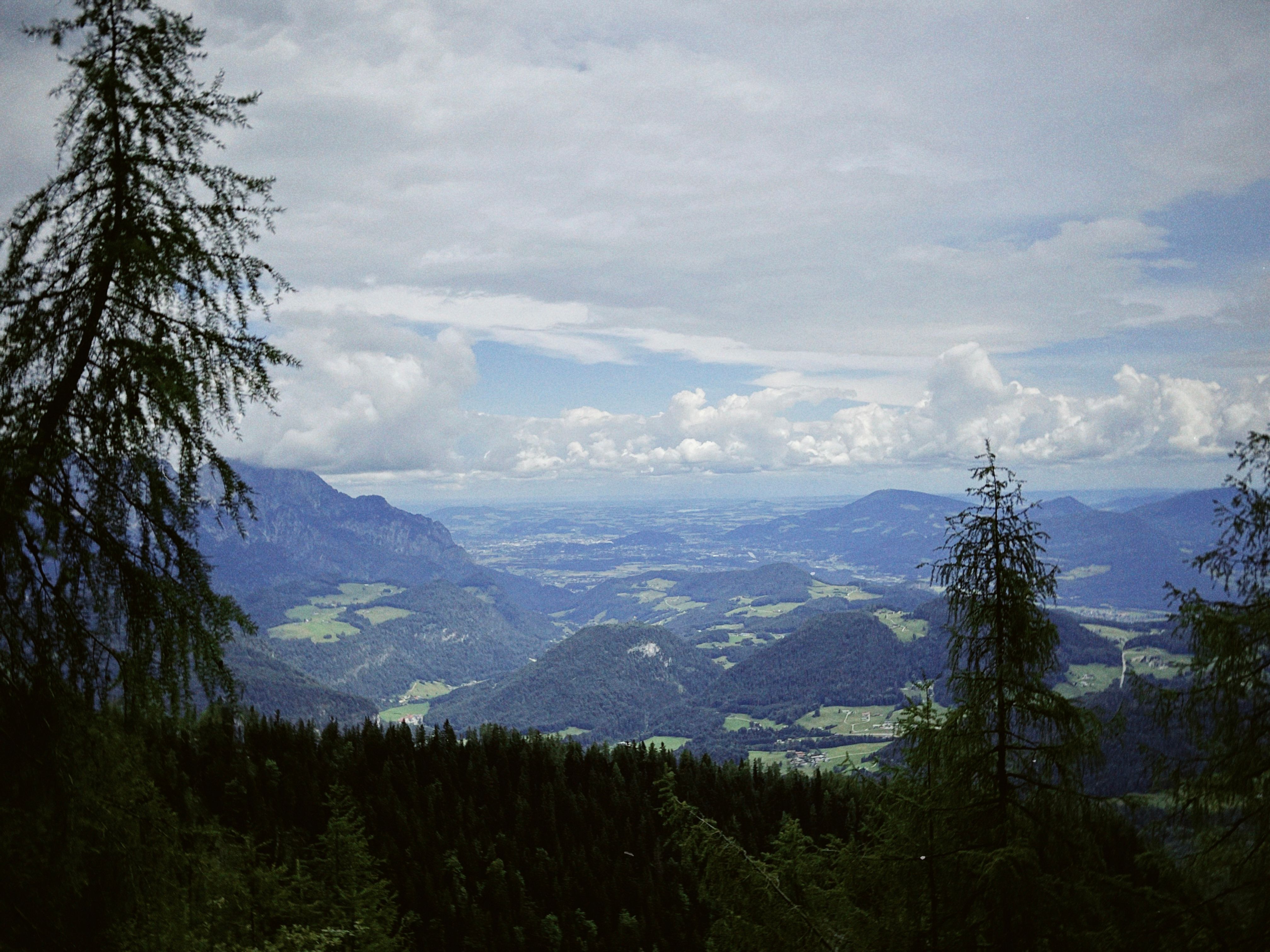








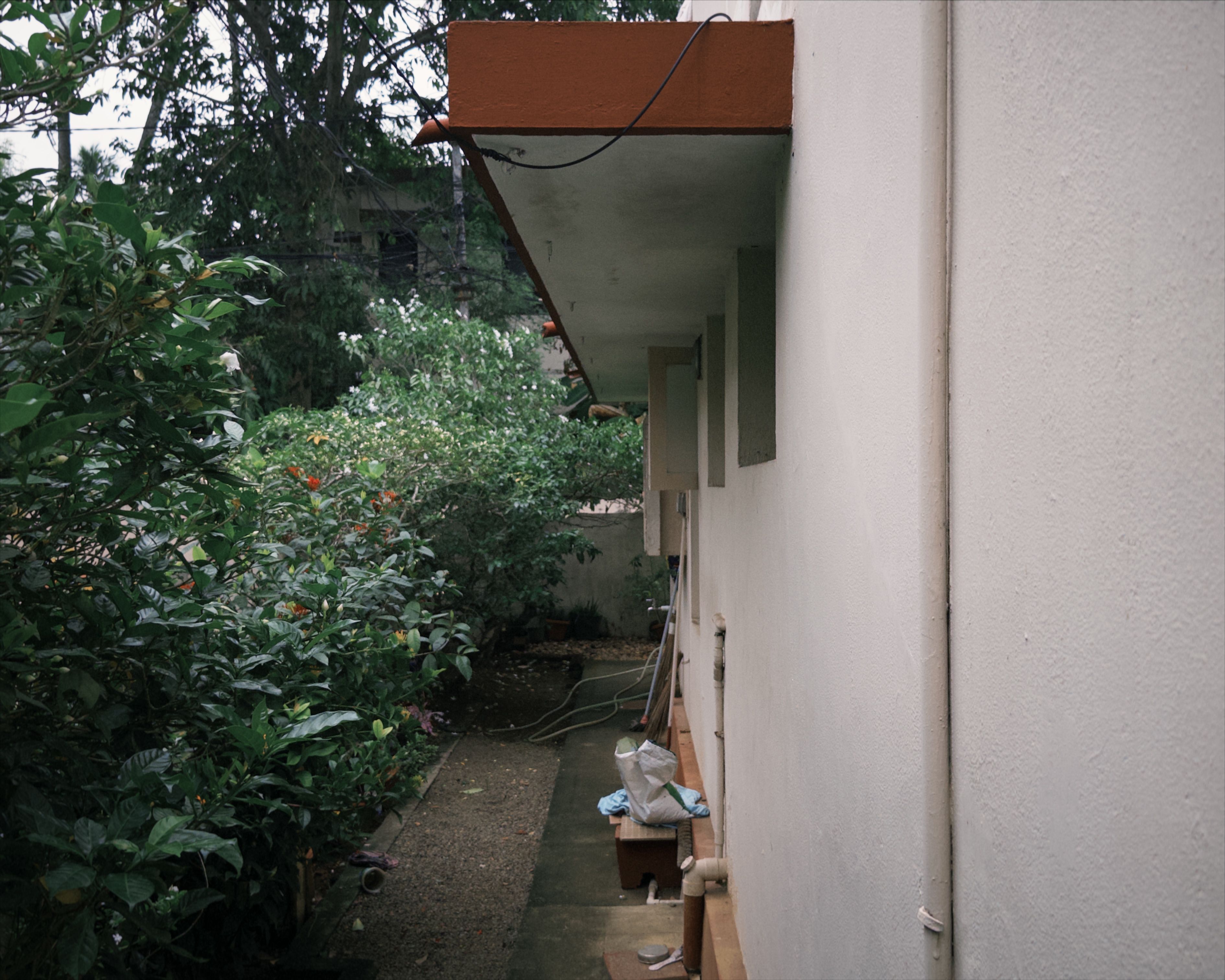
















































































































































































































10 min read. I promise it’s interesting. And if it’s not, it was interesting for me to talk about. No AI writing here.
Role:
Design + Dev
Because:
Shiggles
From:
Jun 2026 —
The Why
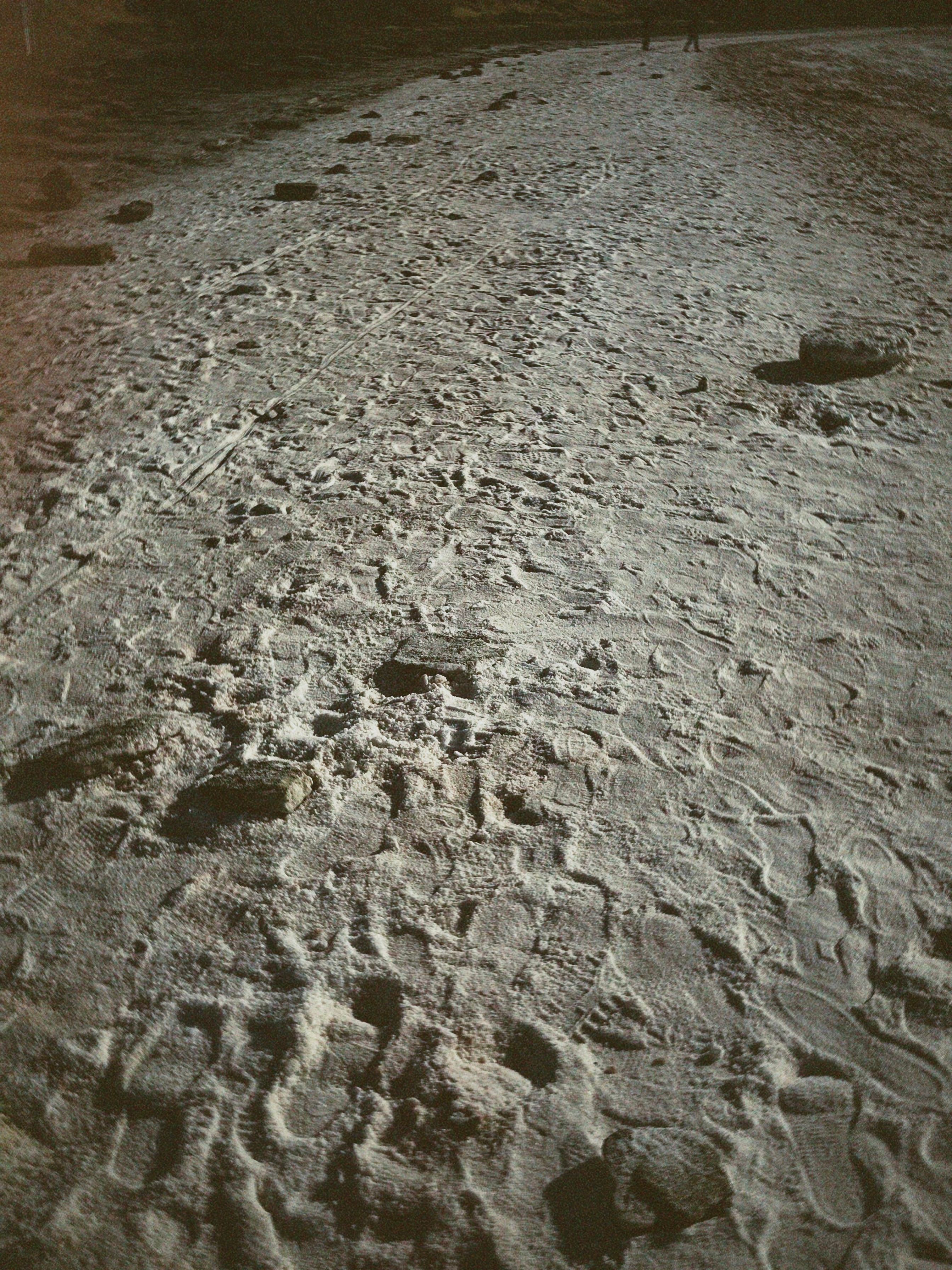
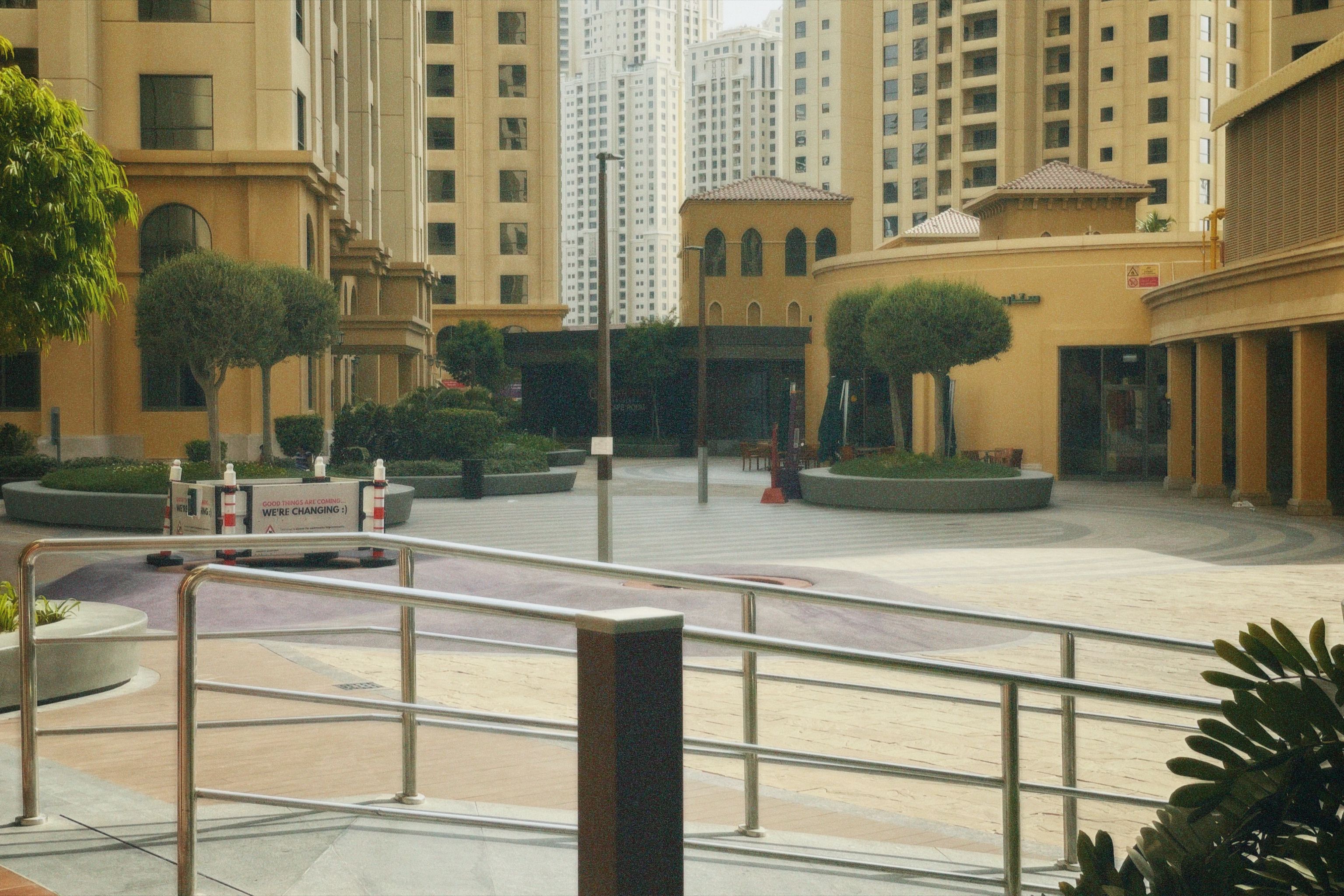
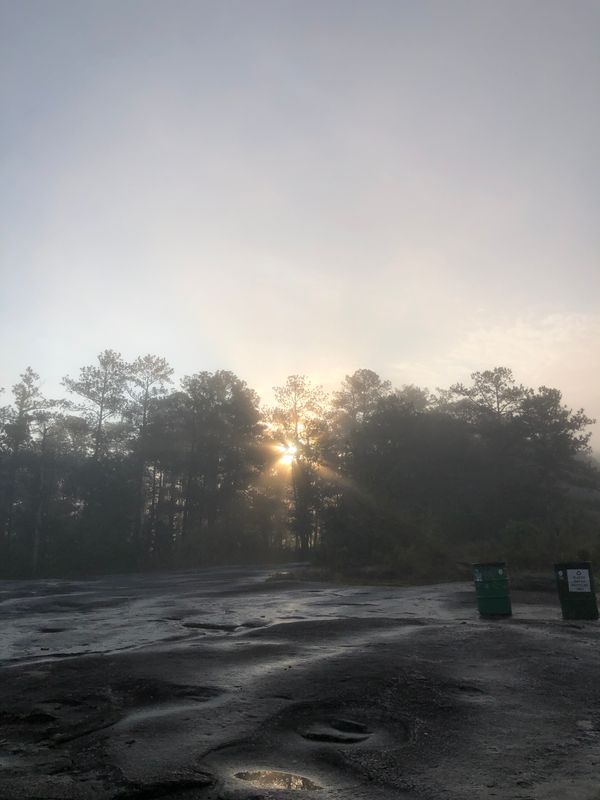
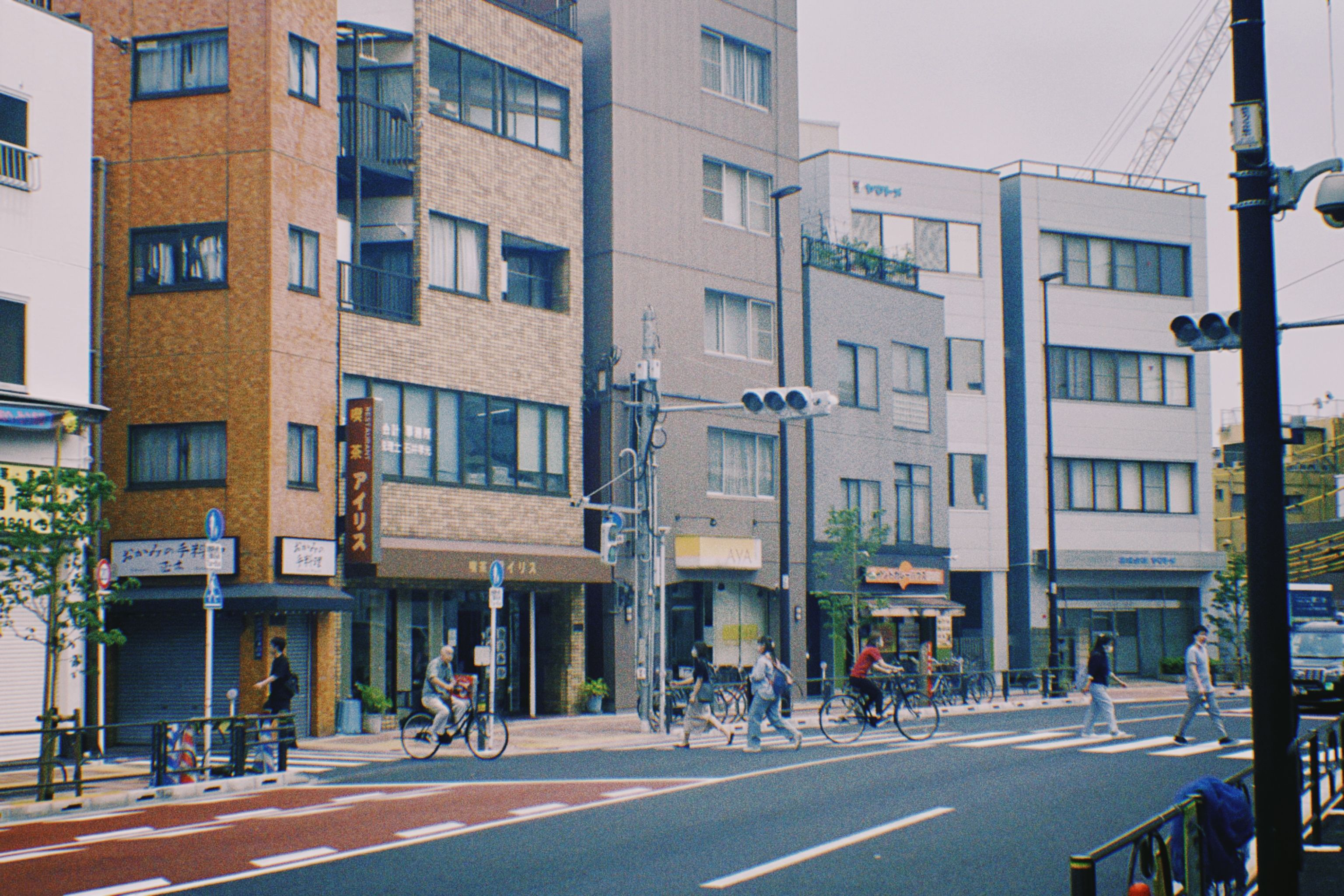
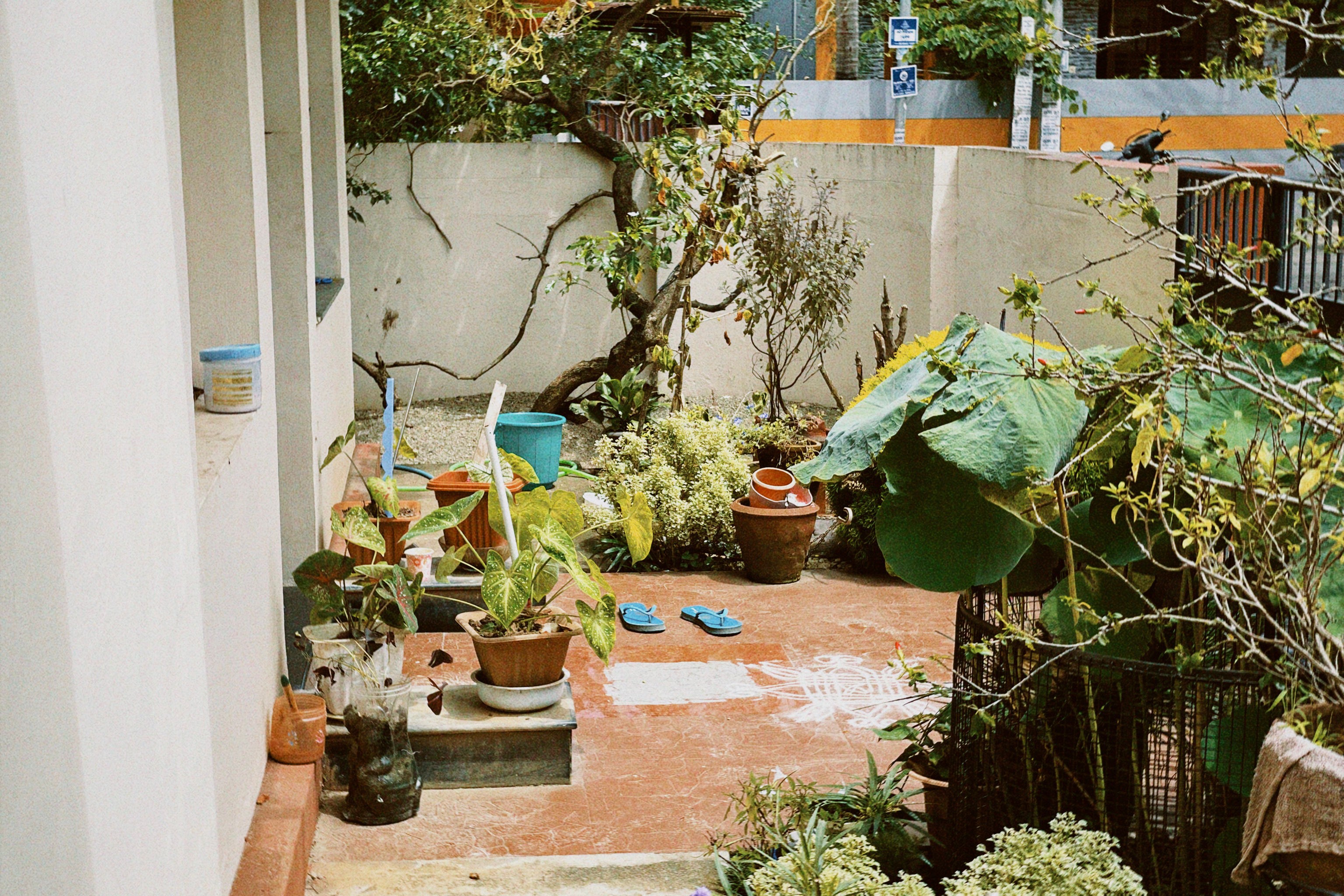
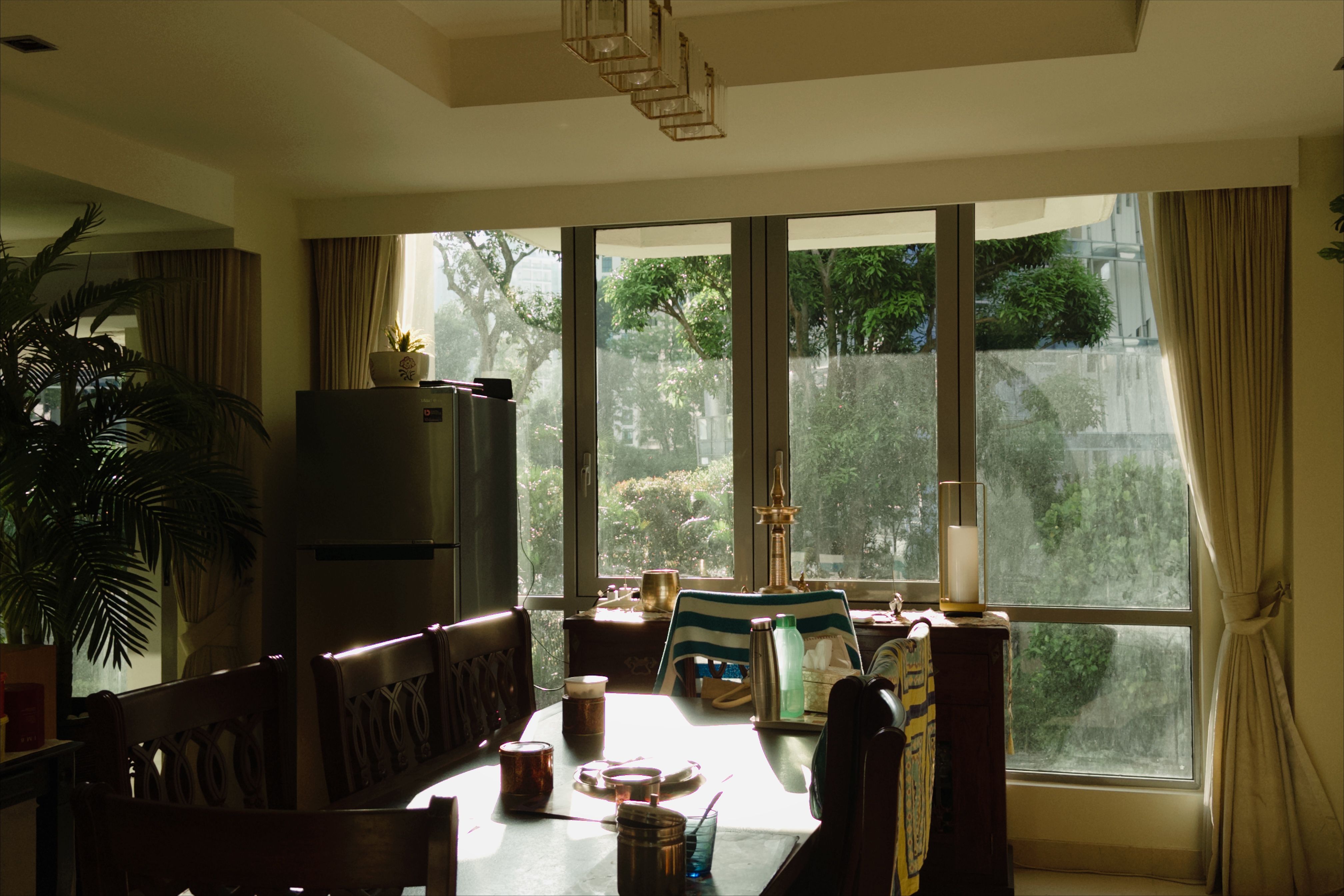
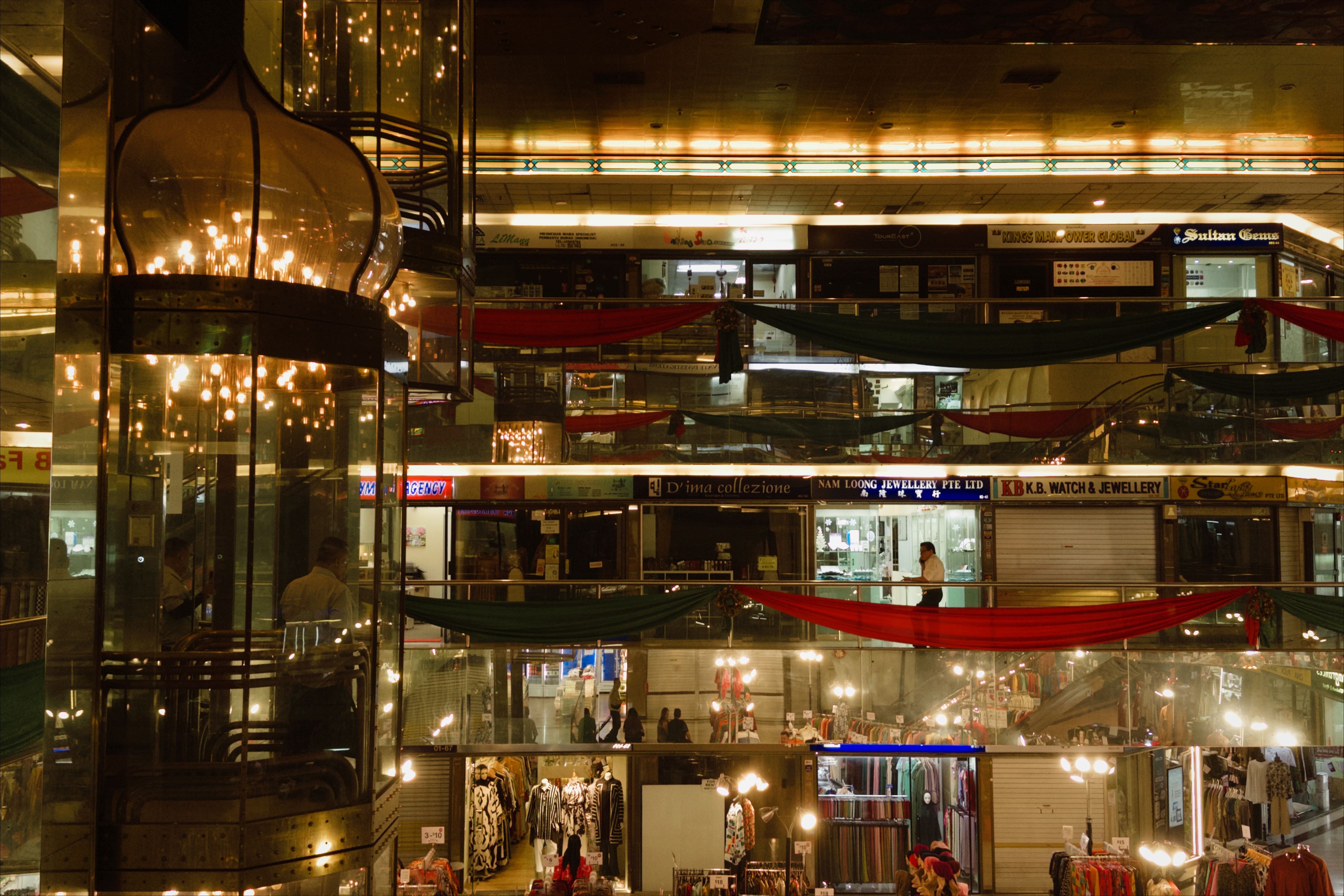
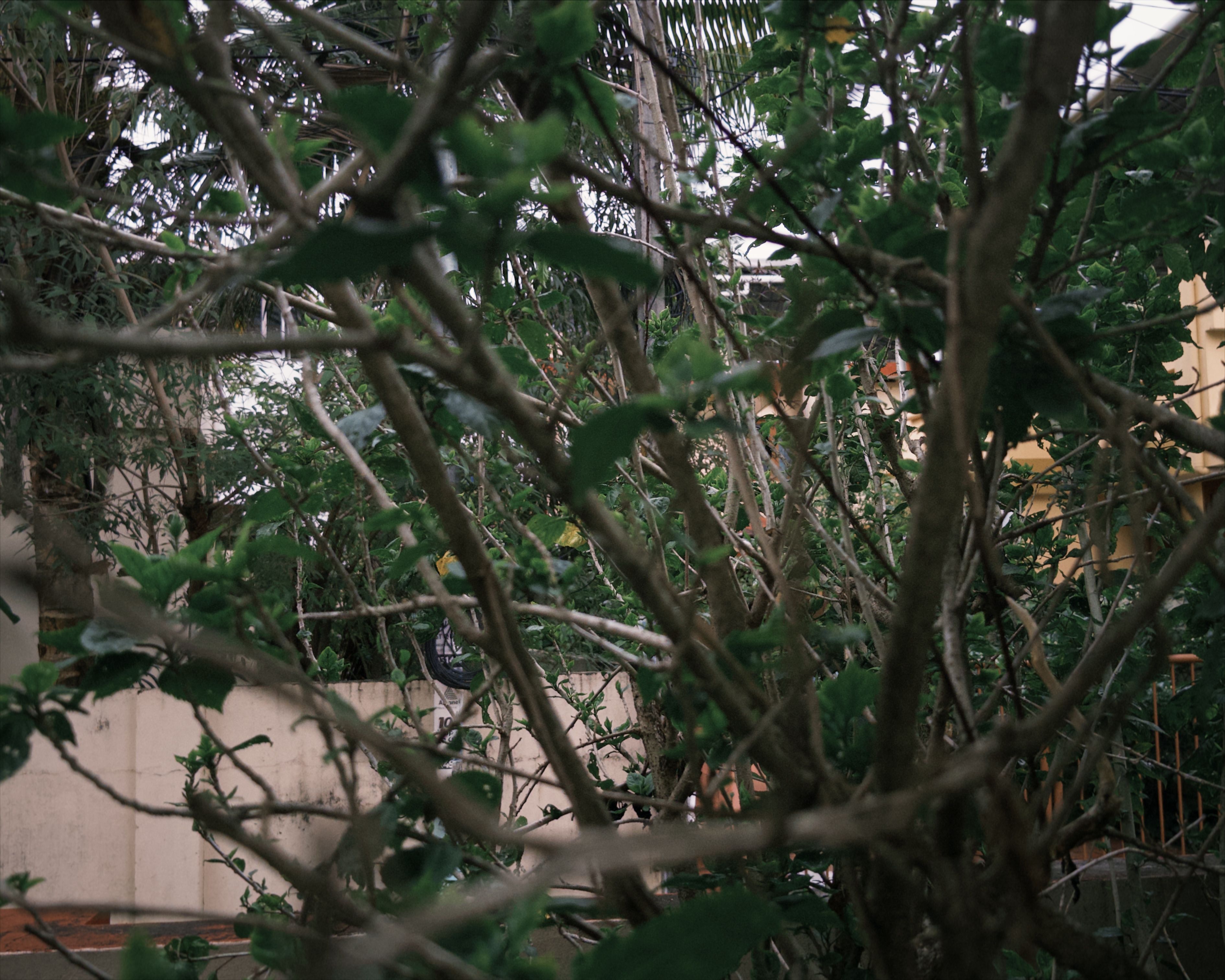
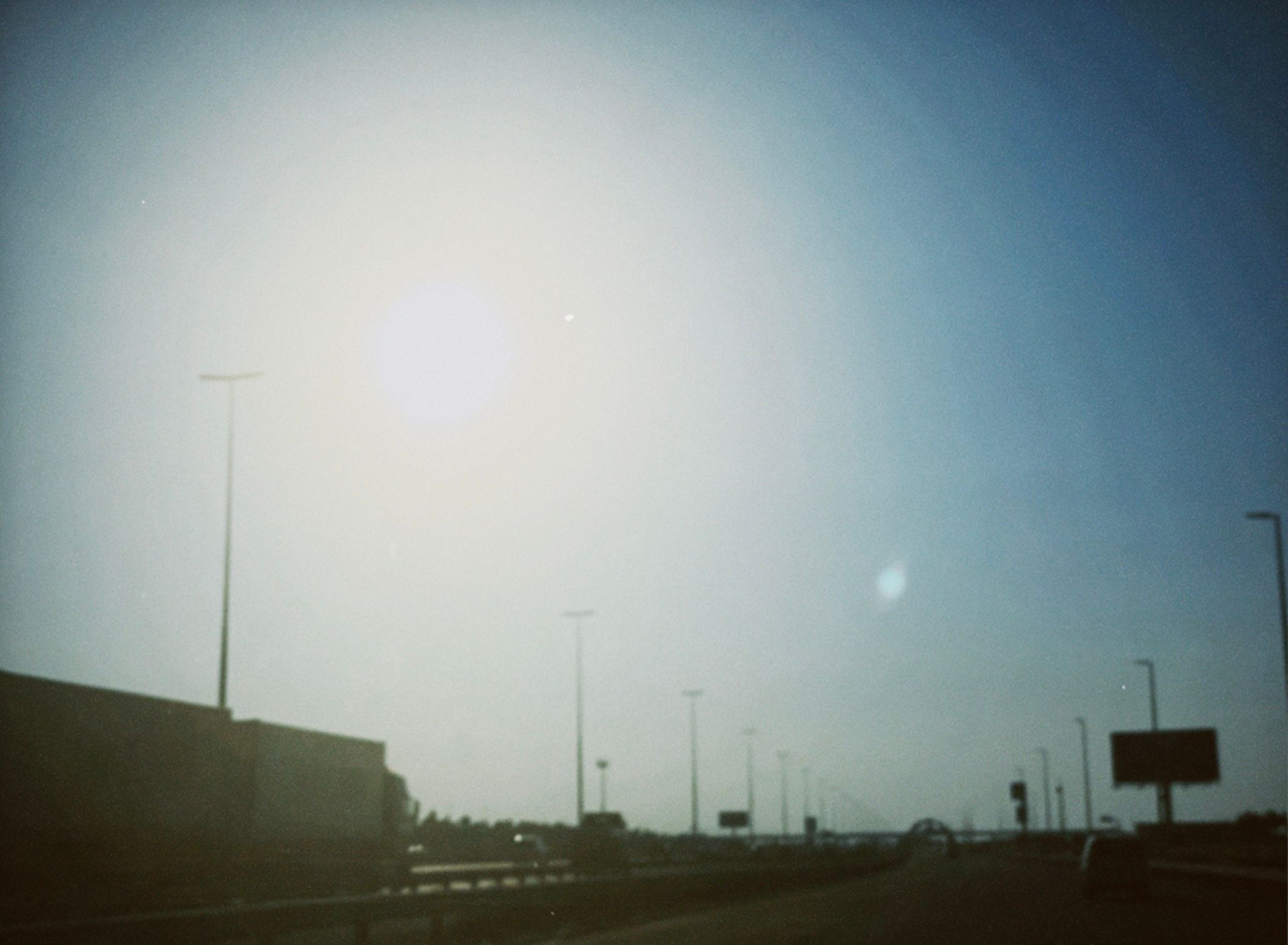
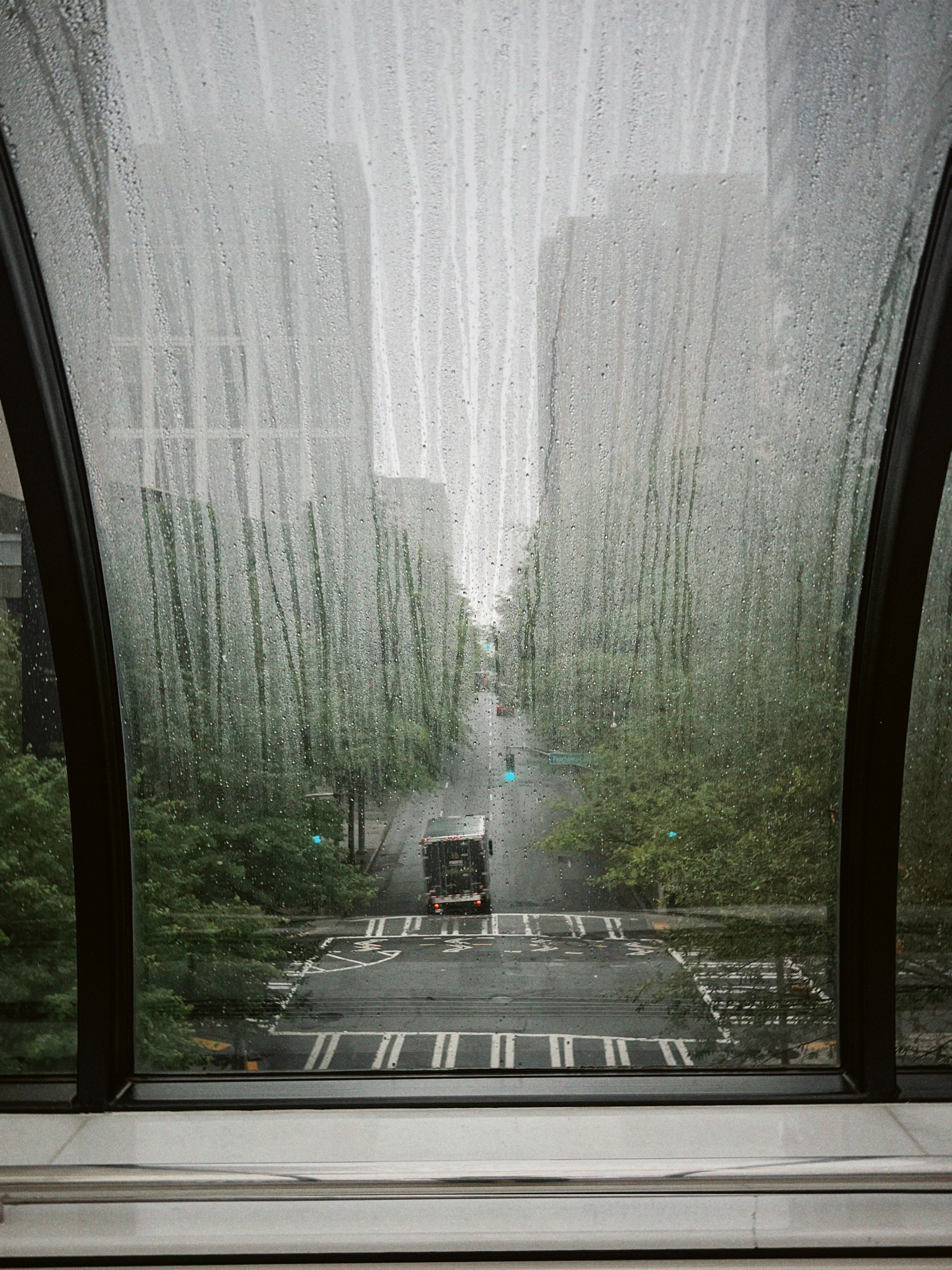
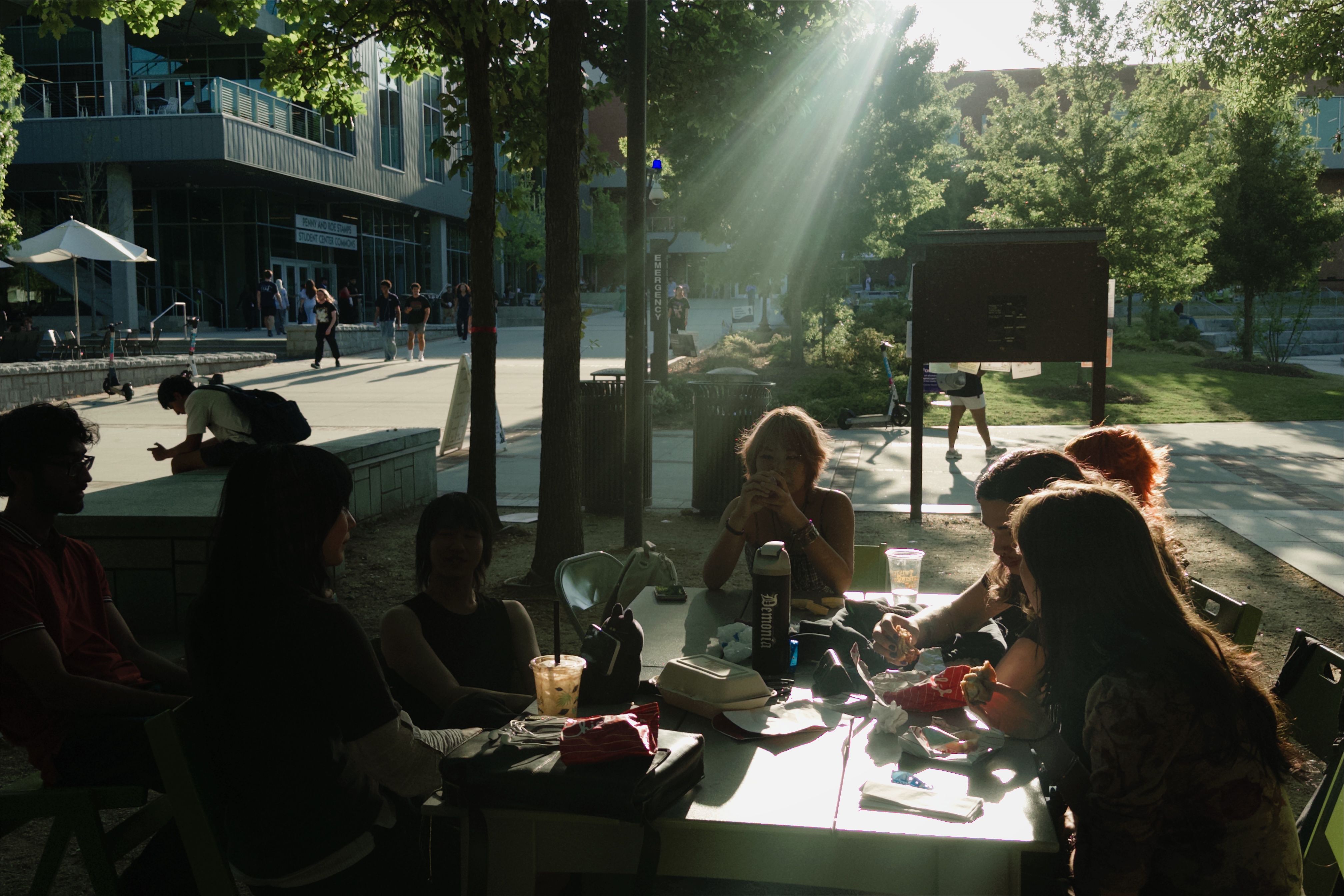
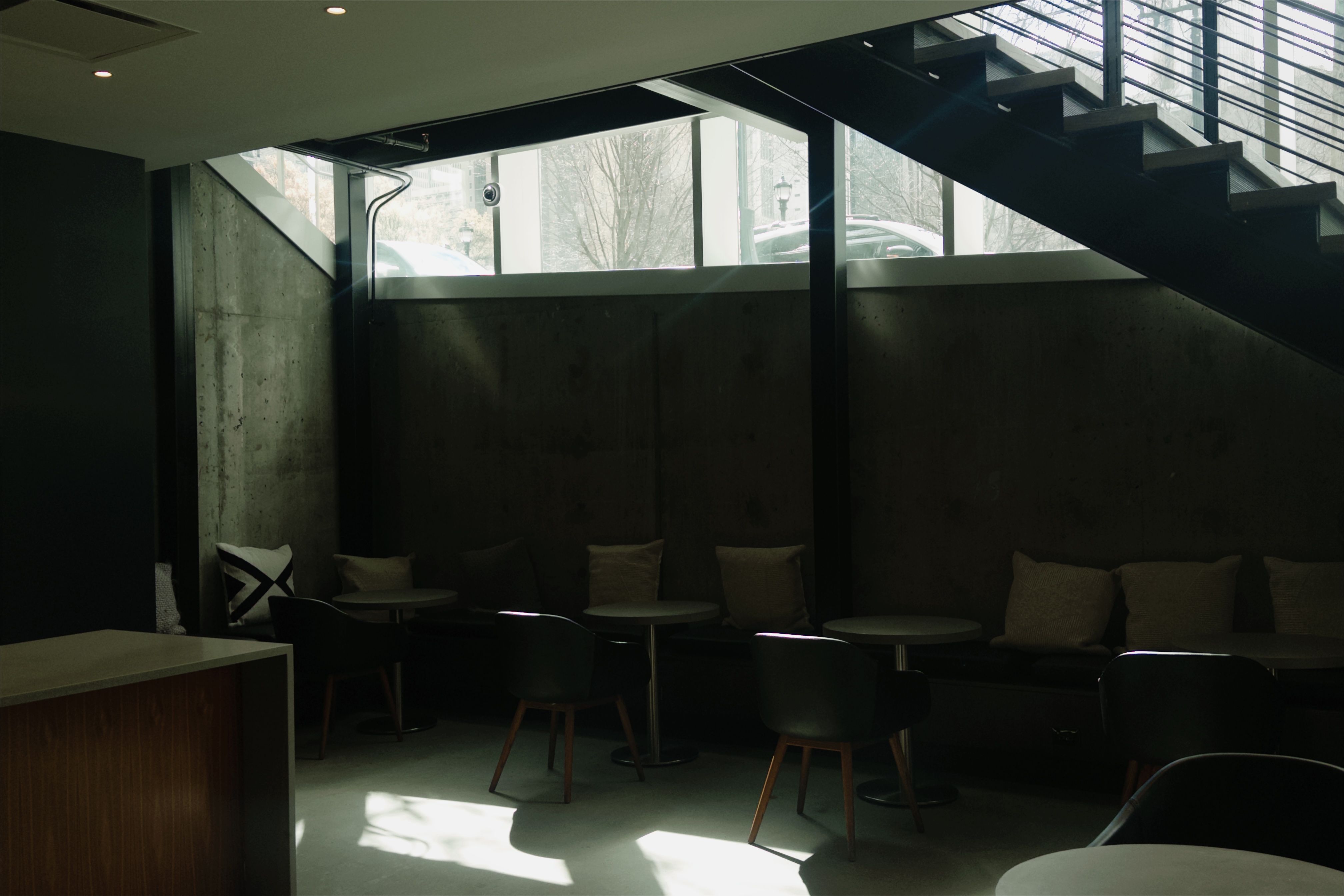
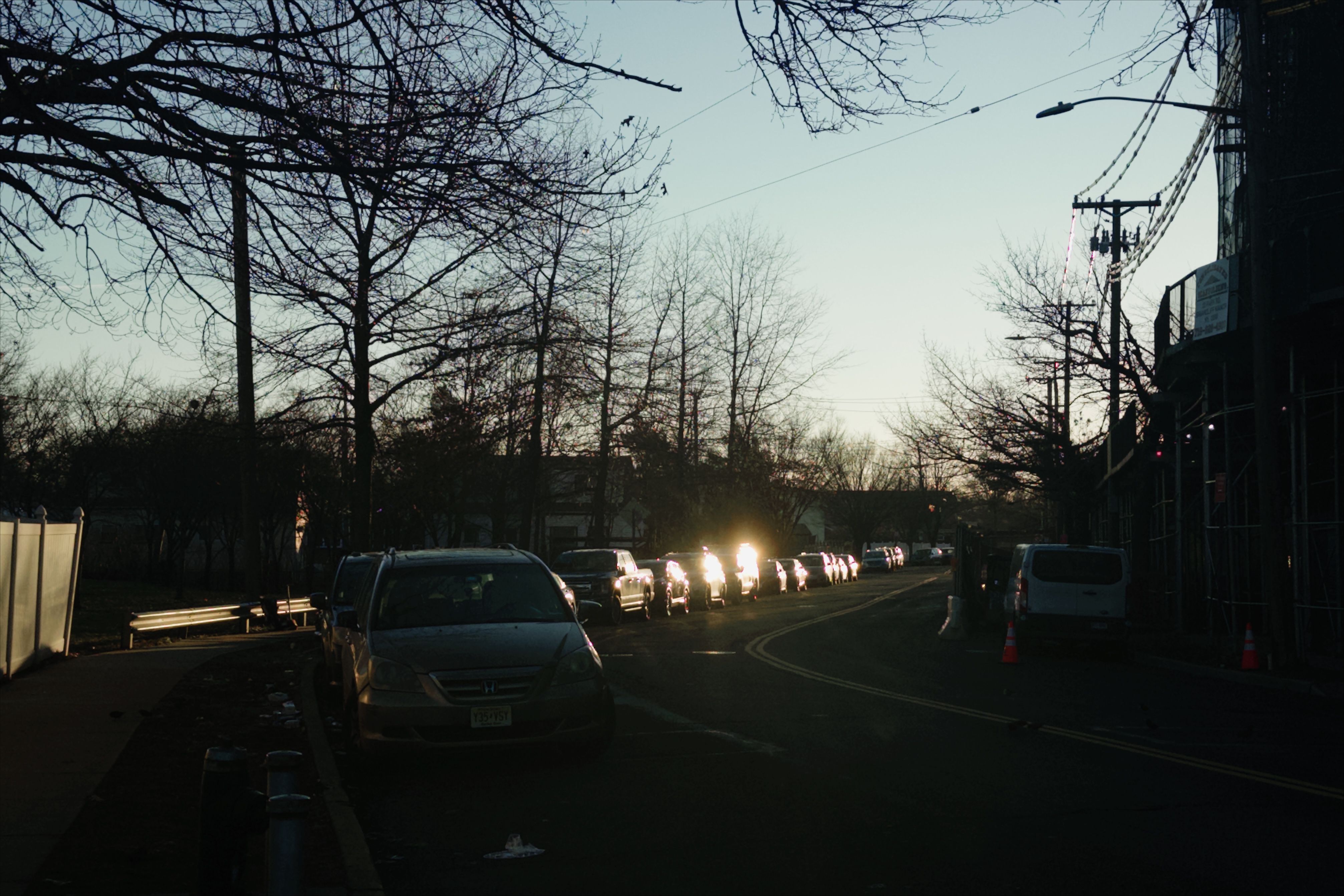
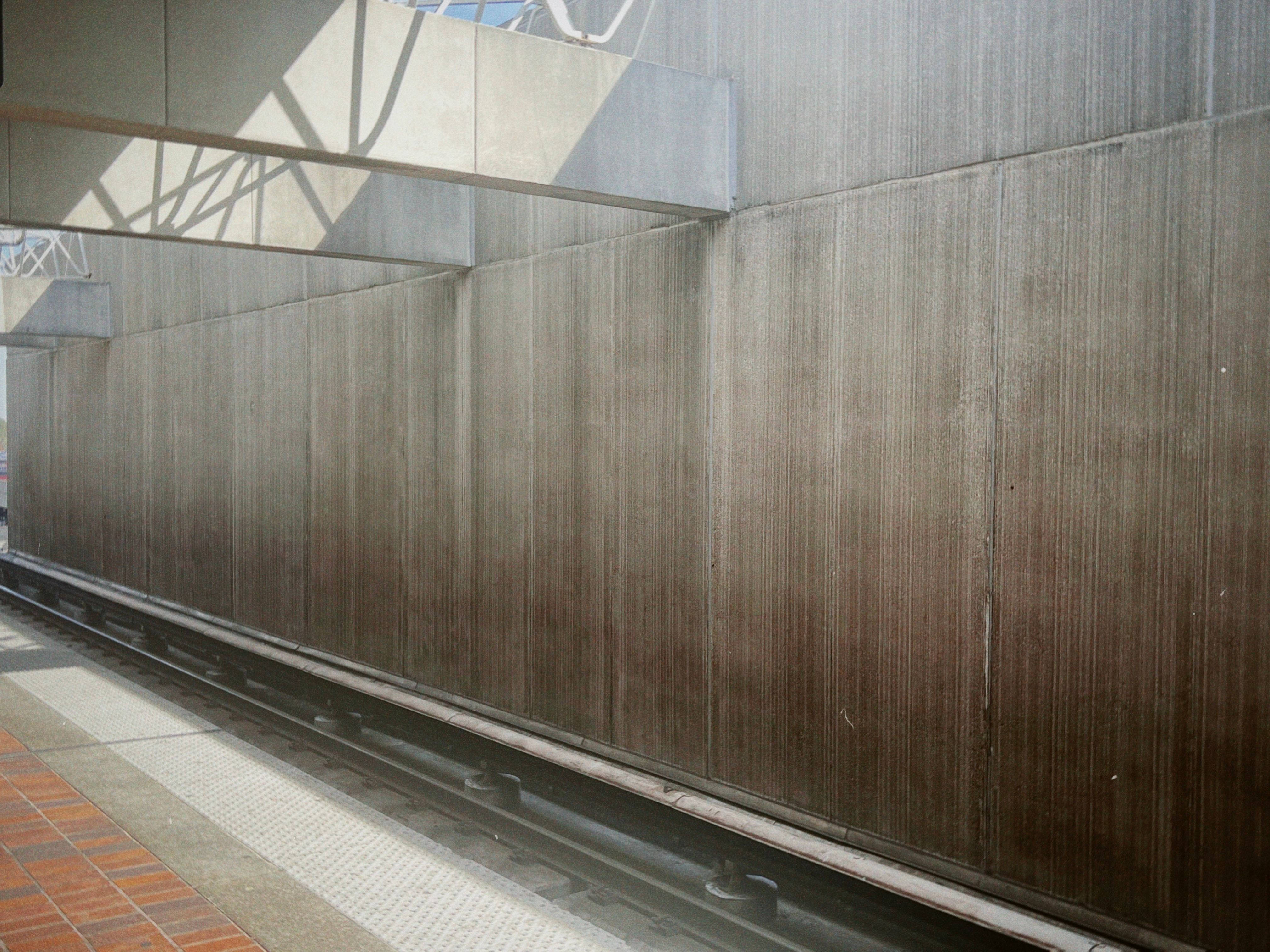
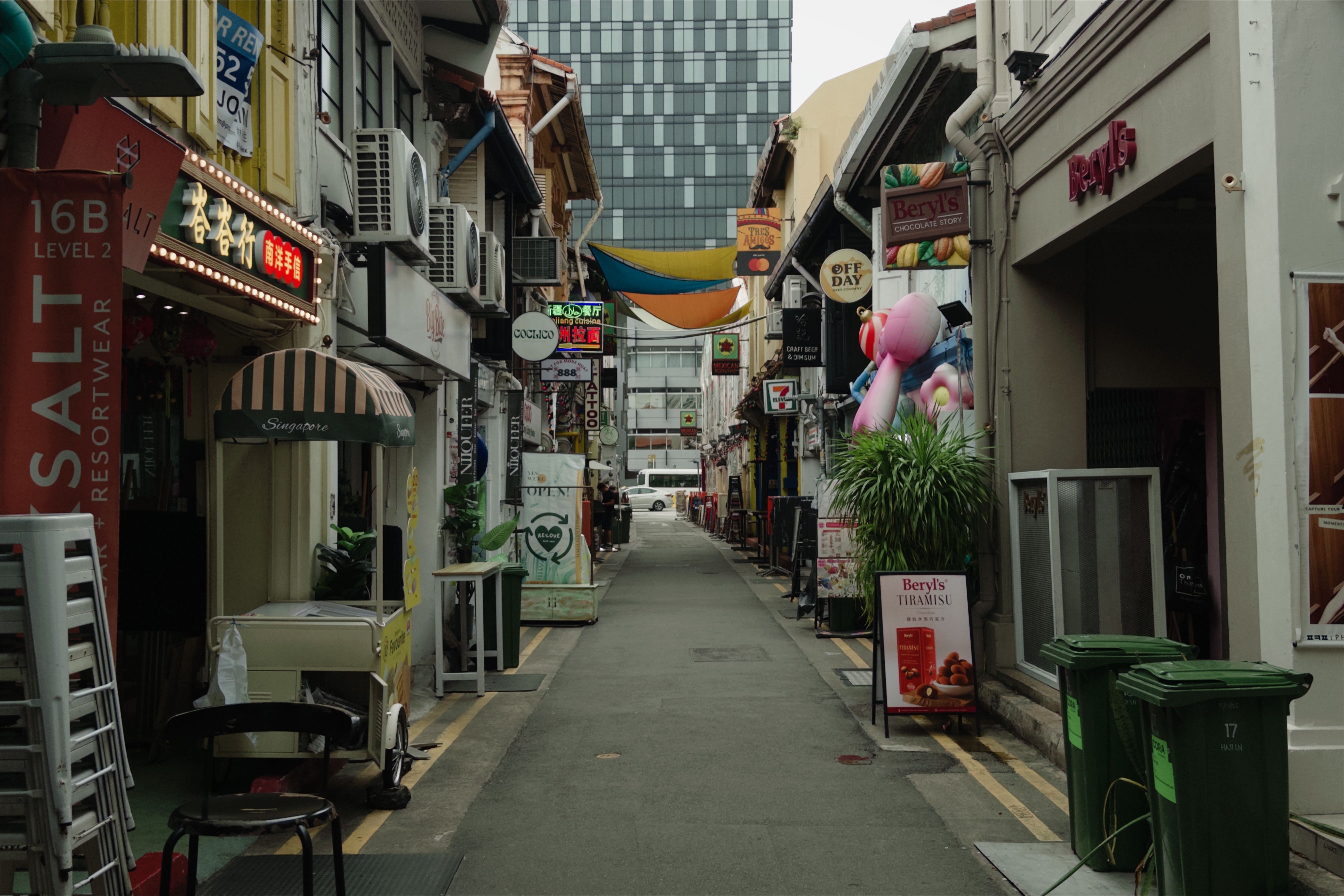
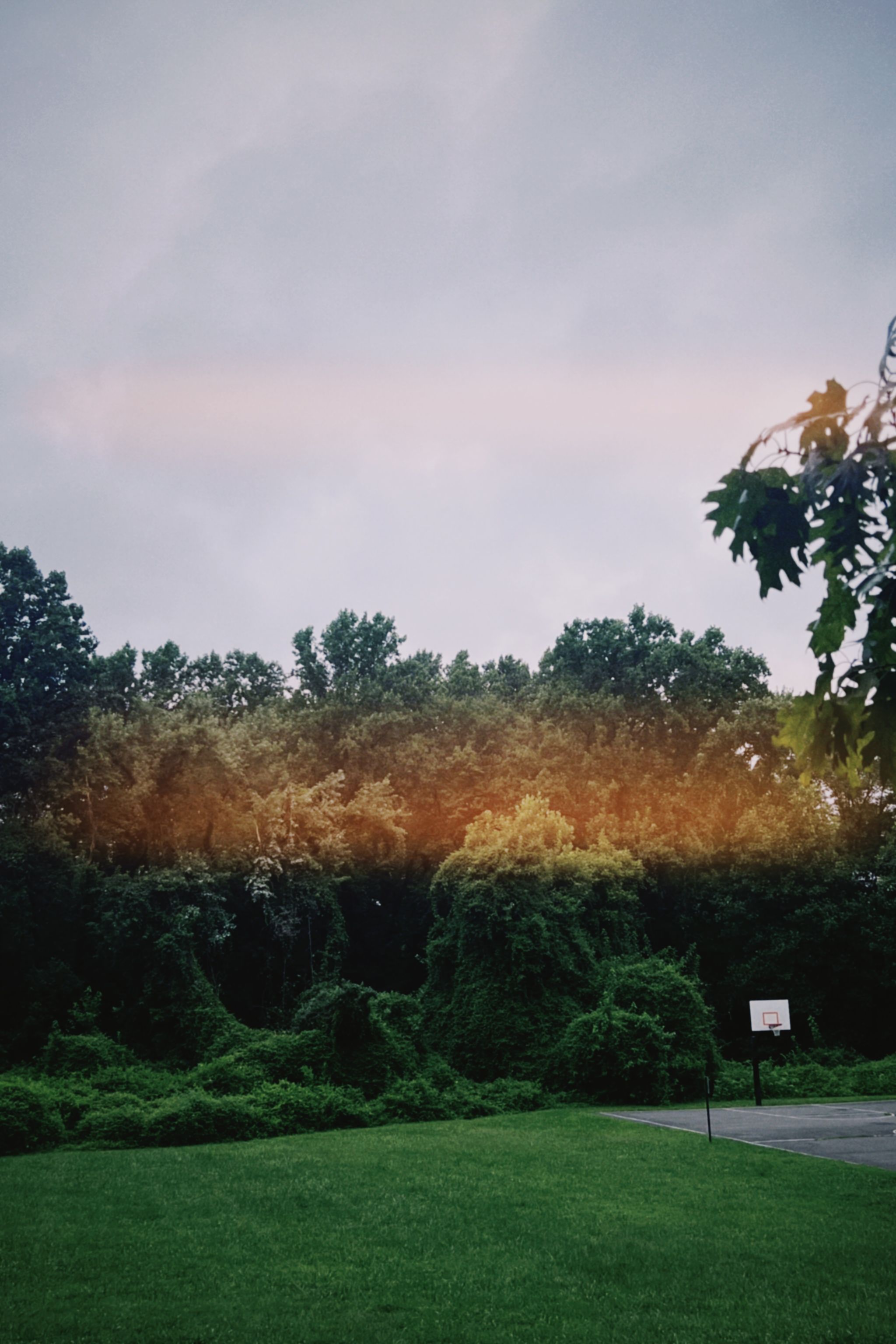
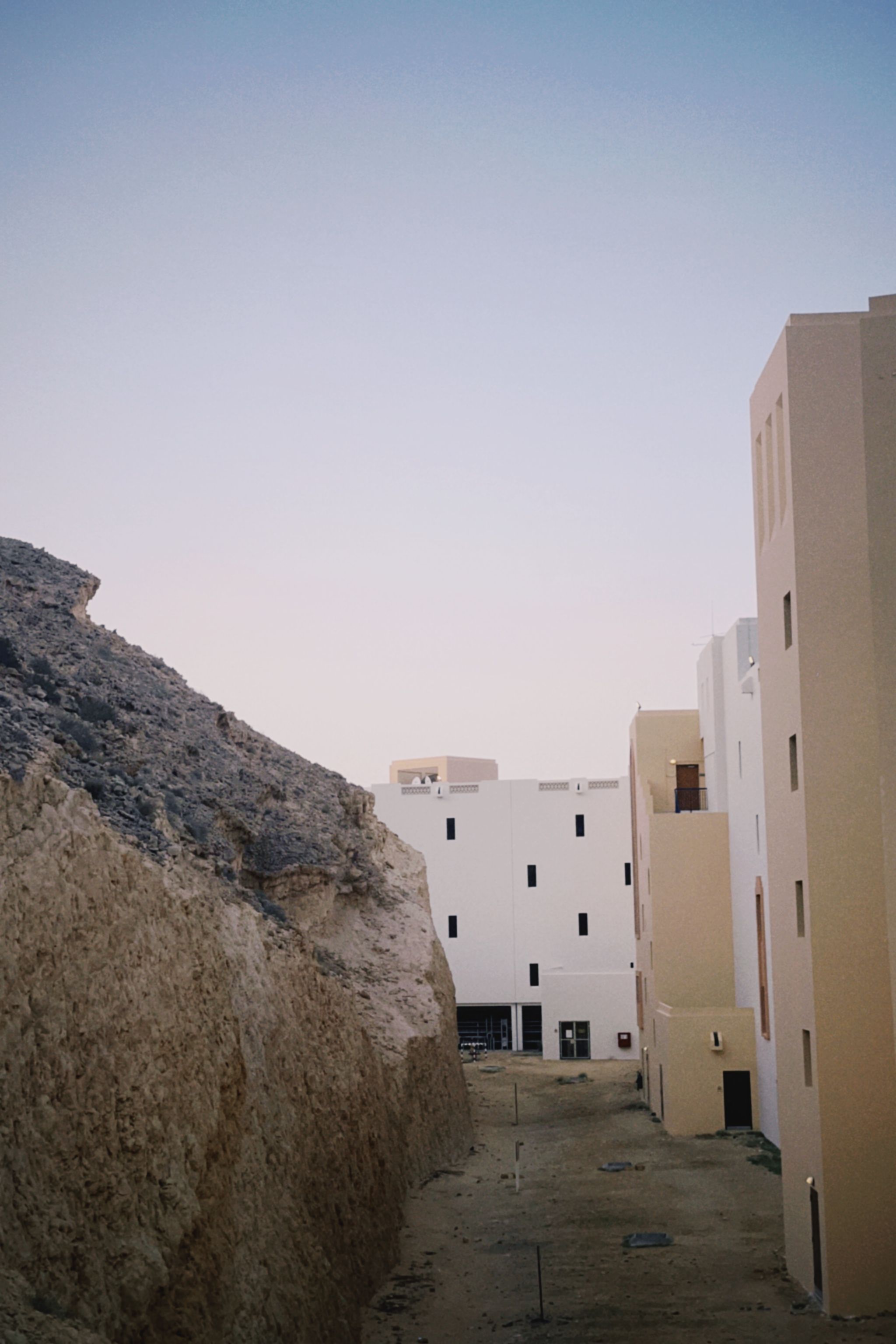
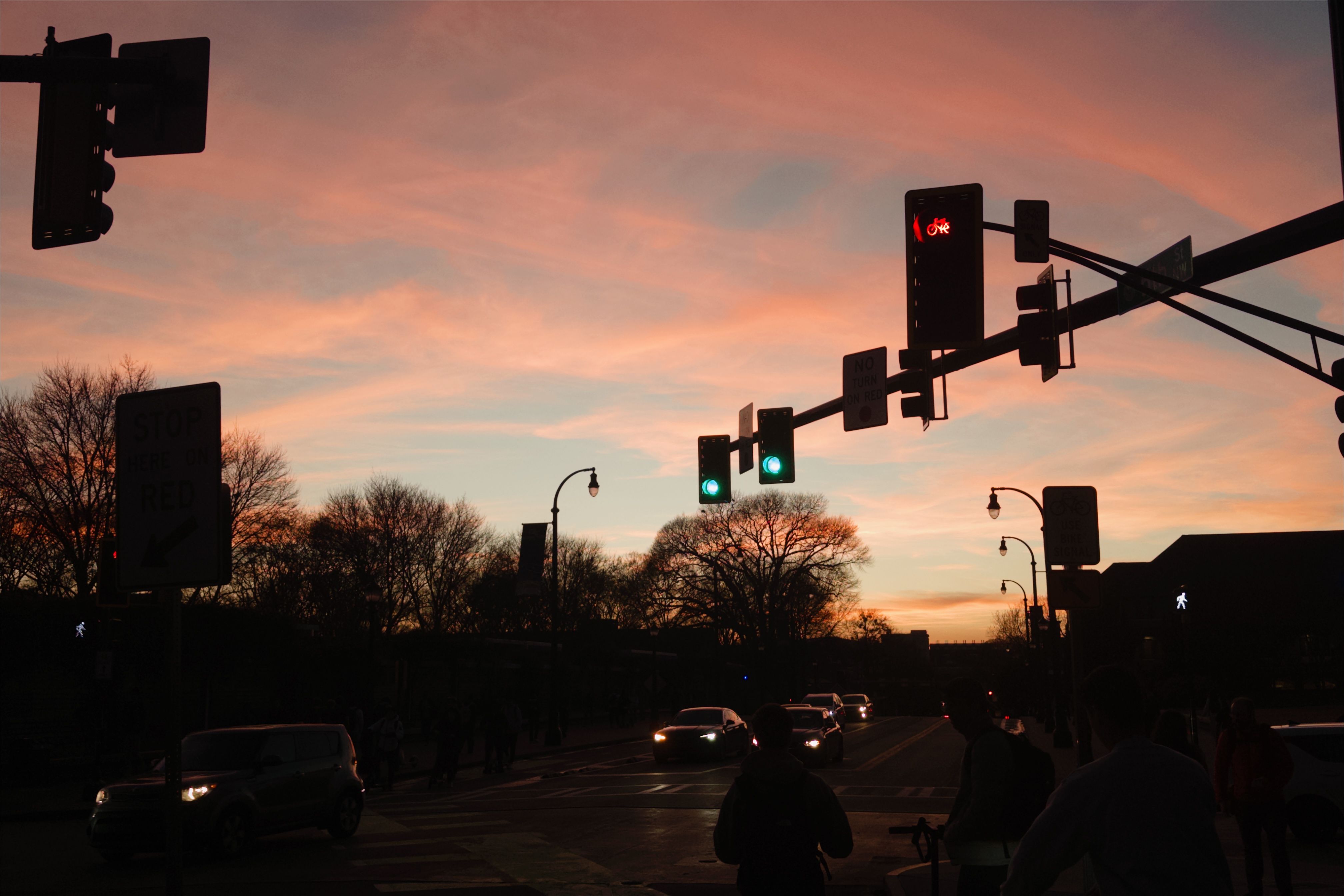
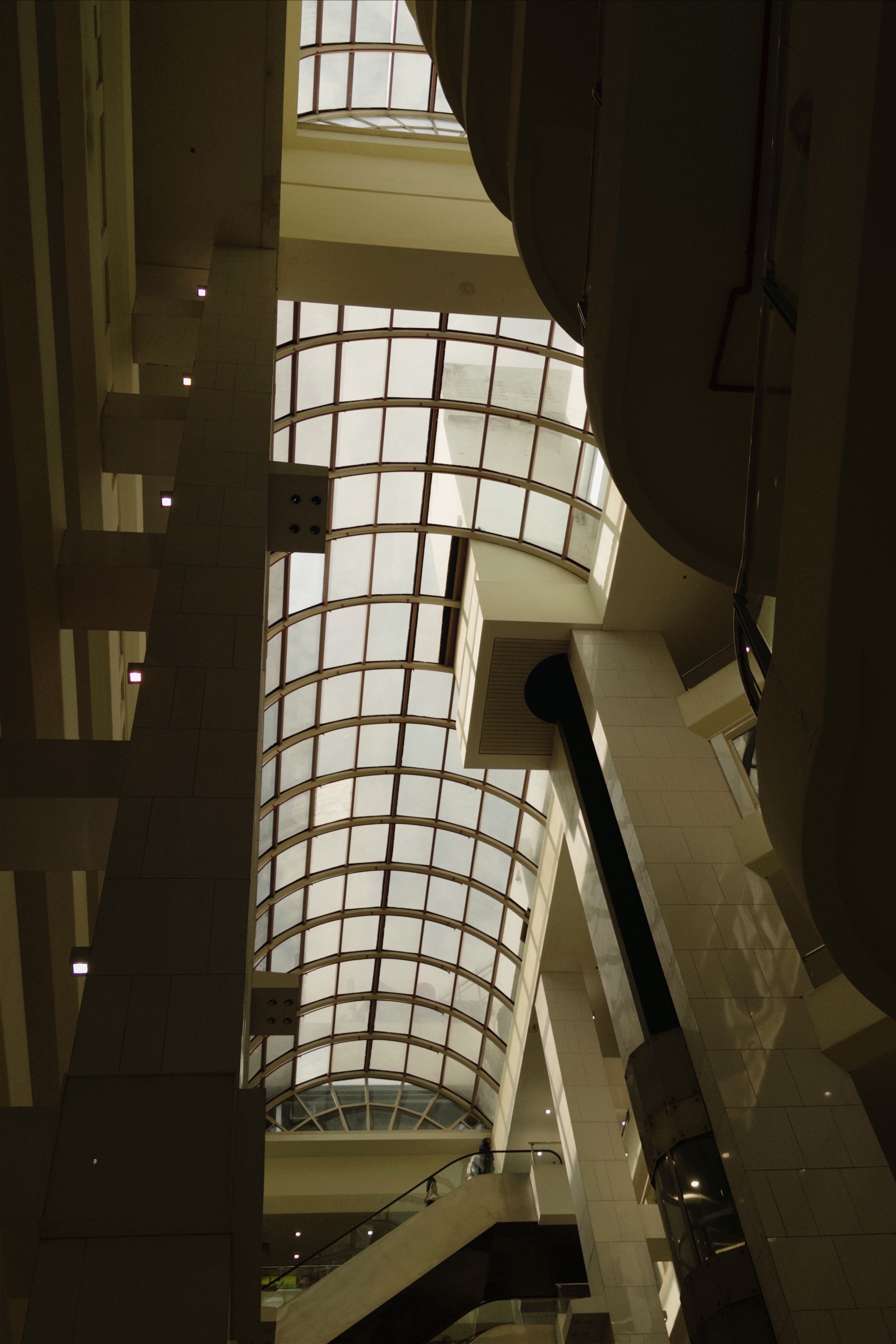
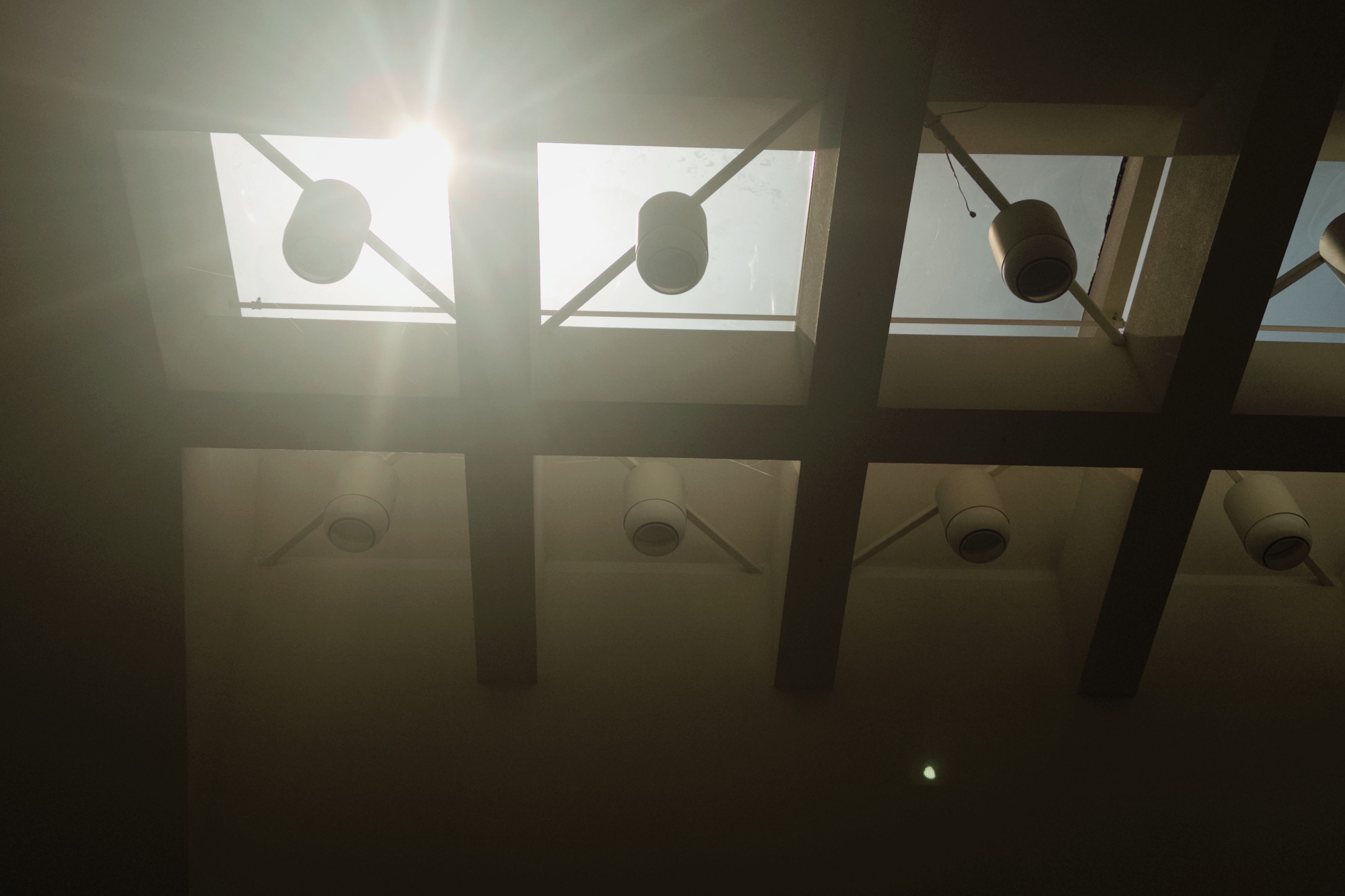
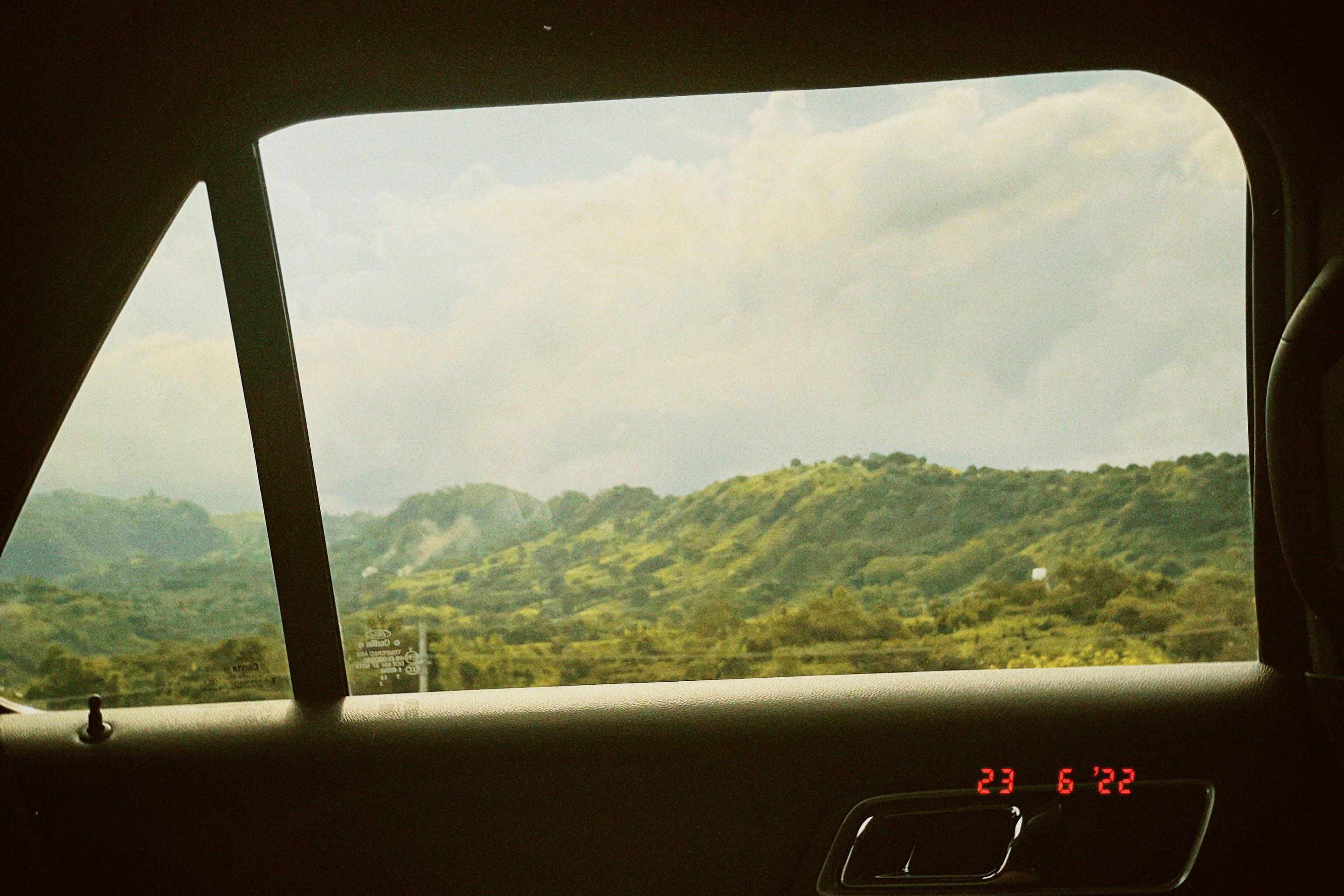
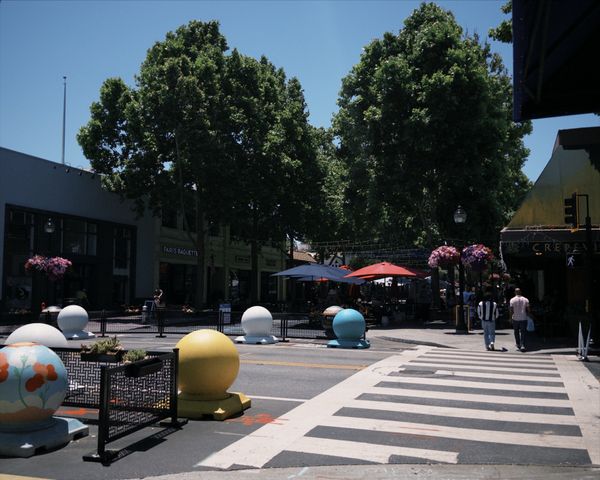
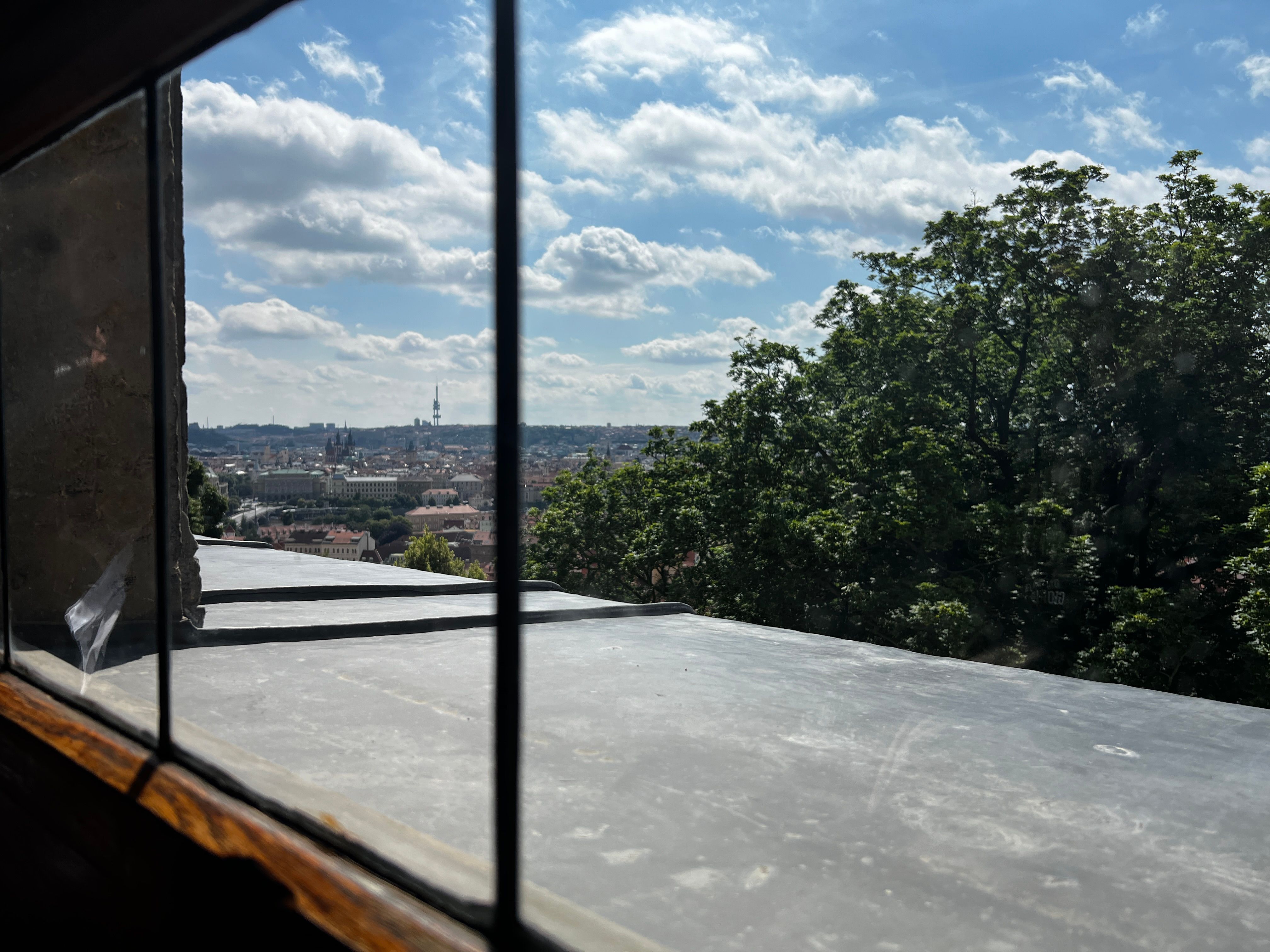
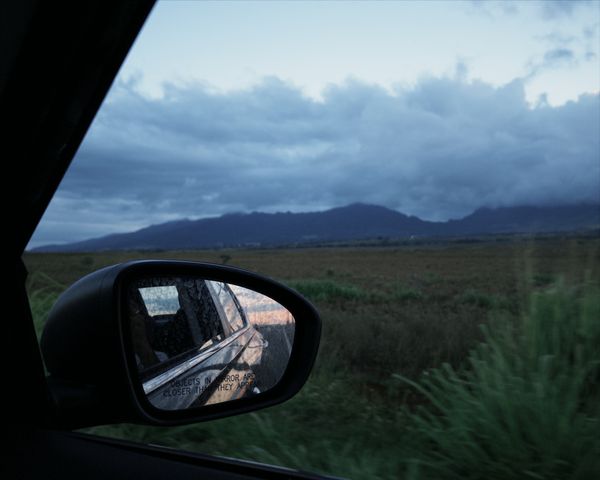
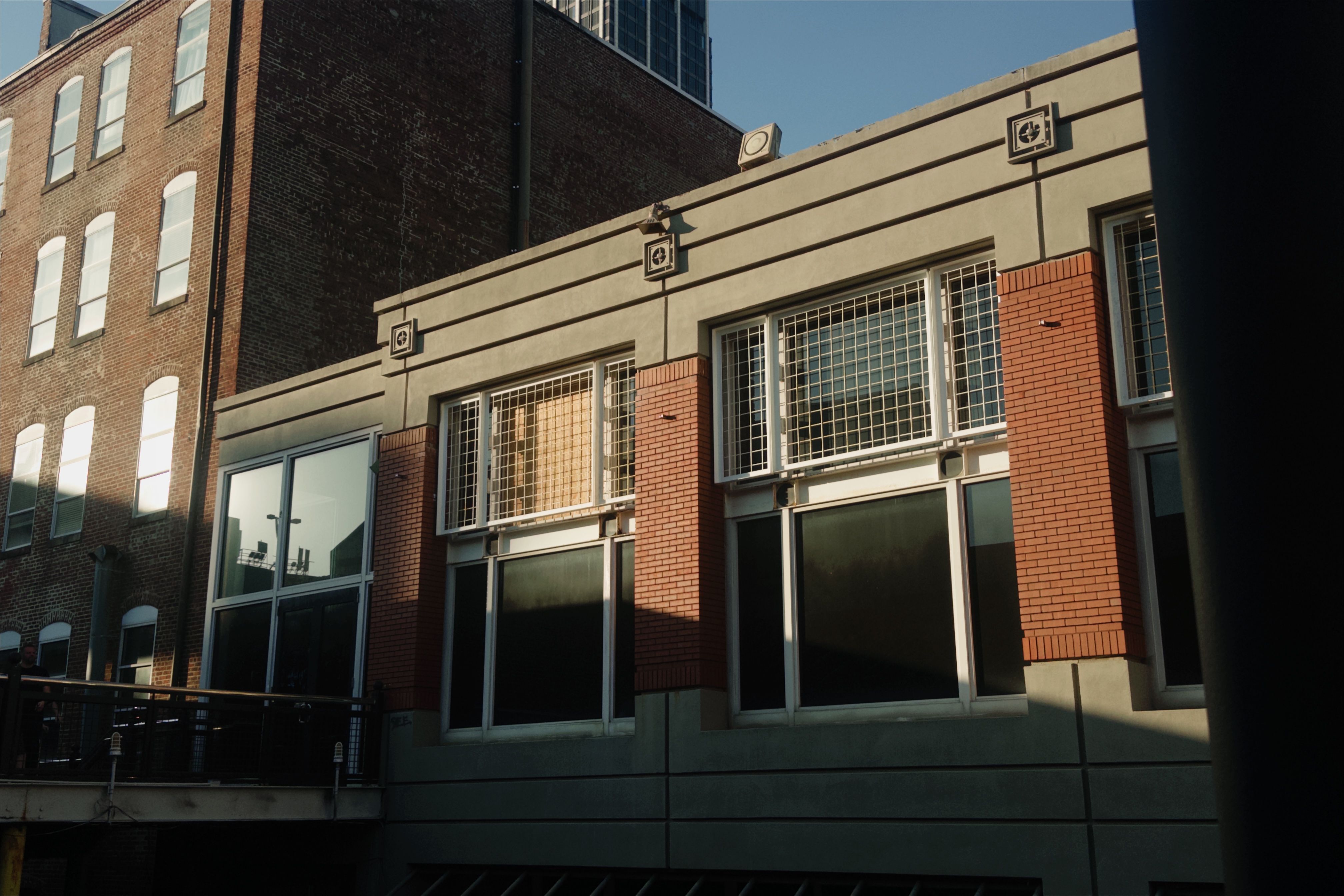
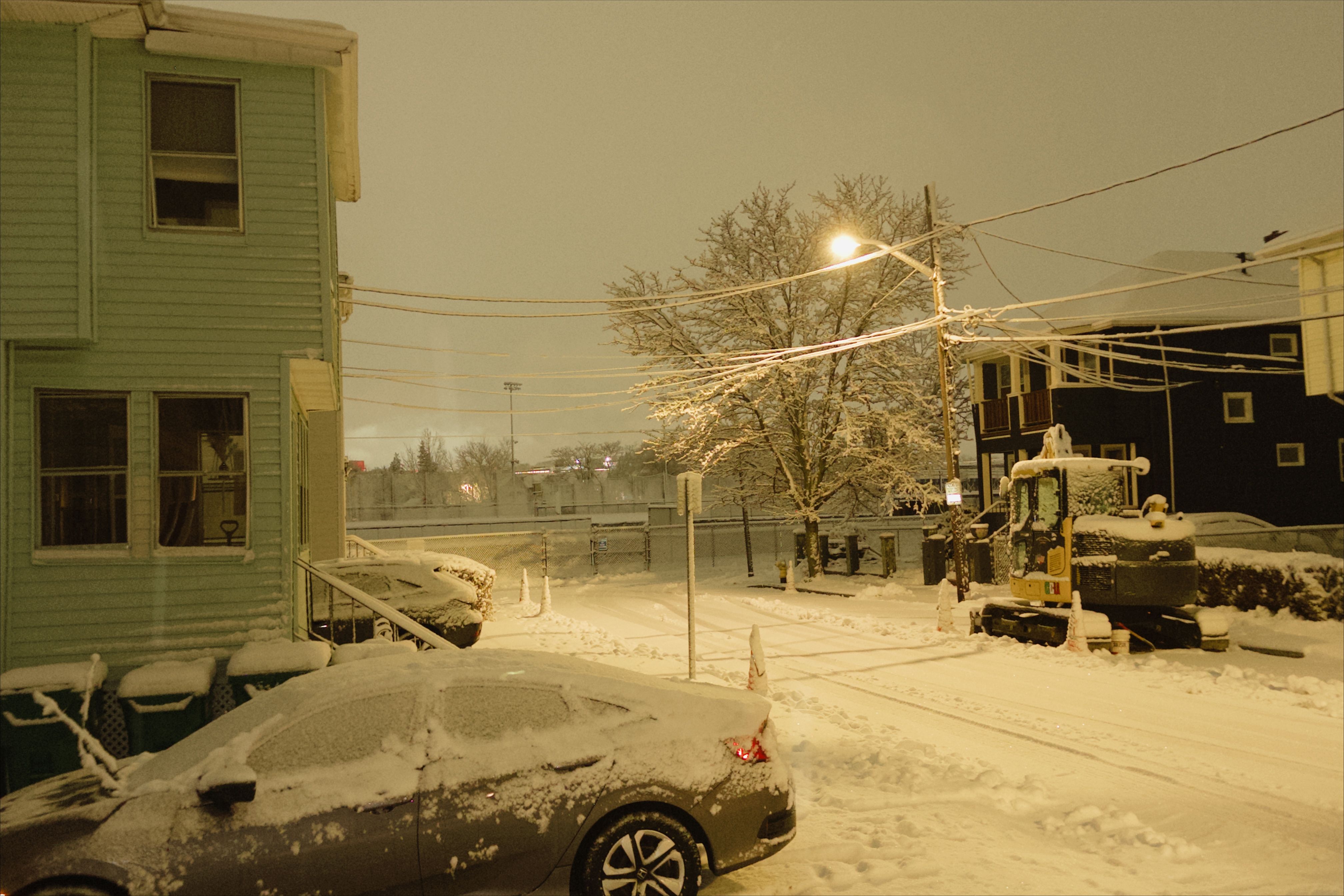
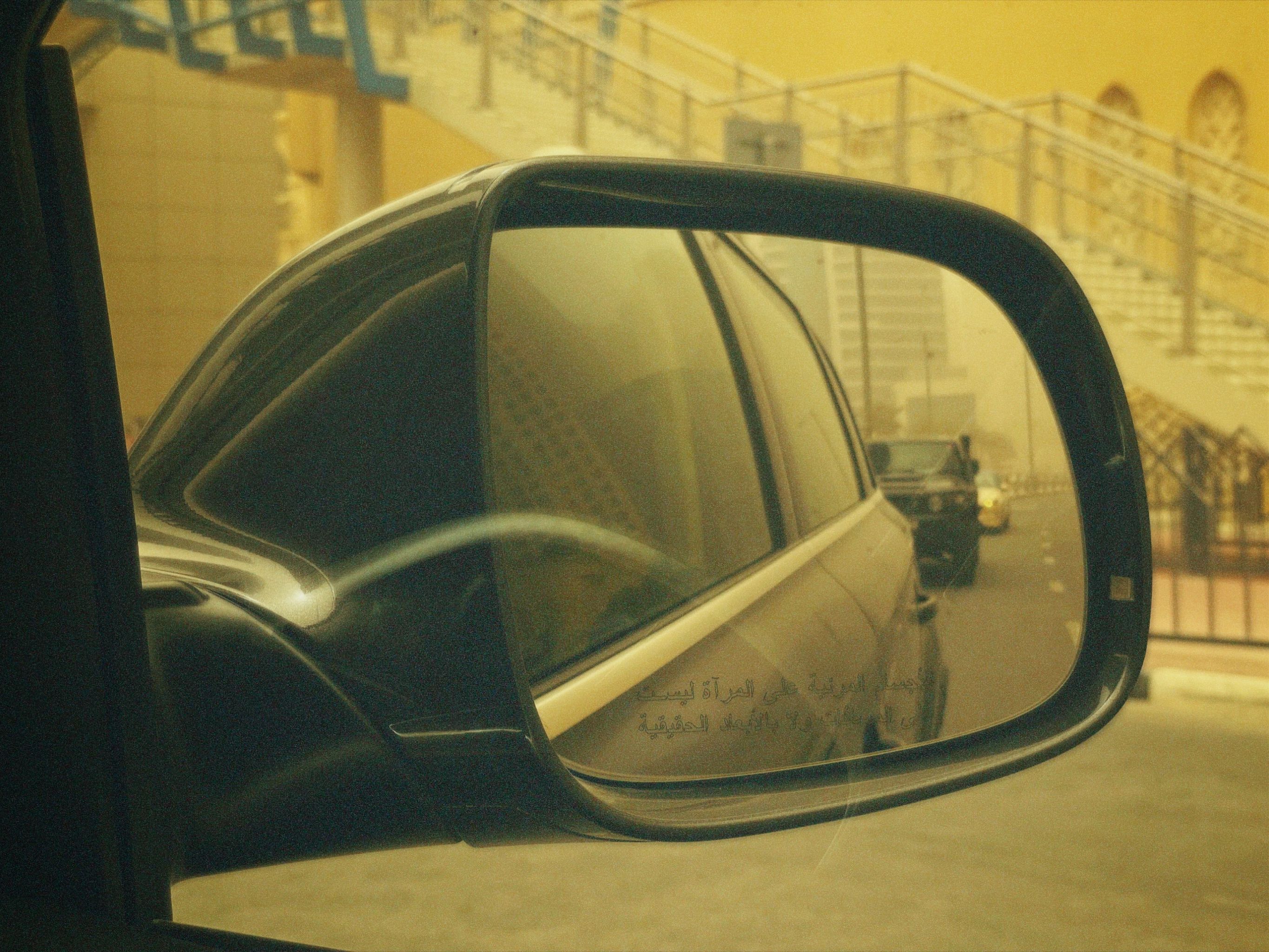
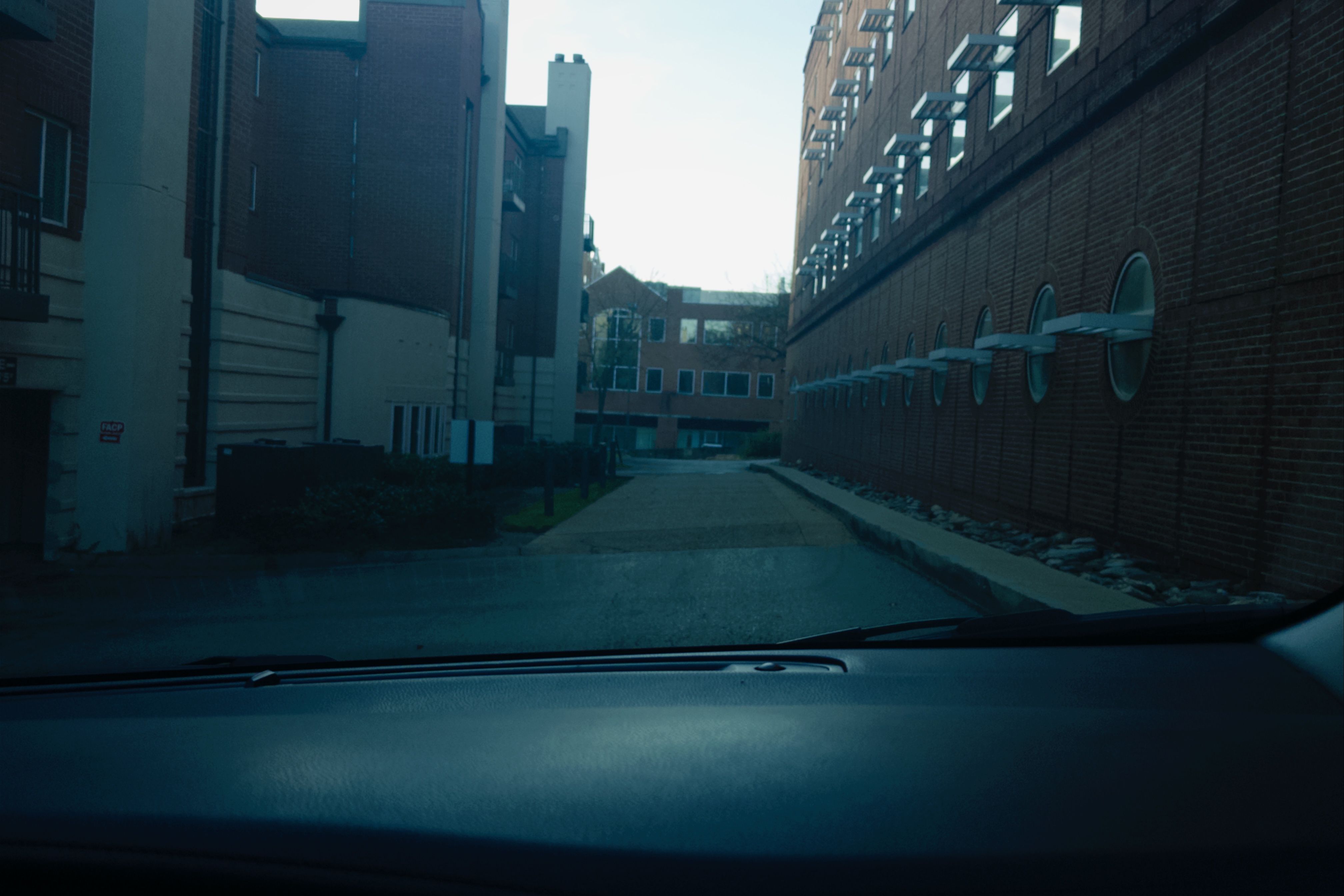
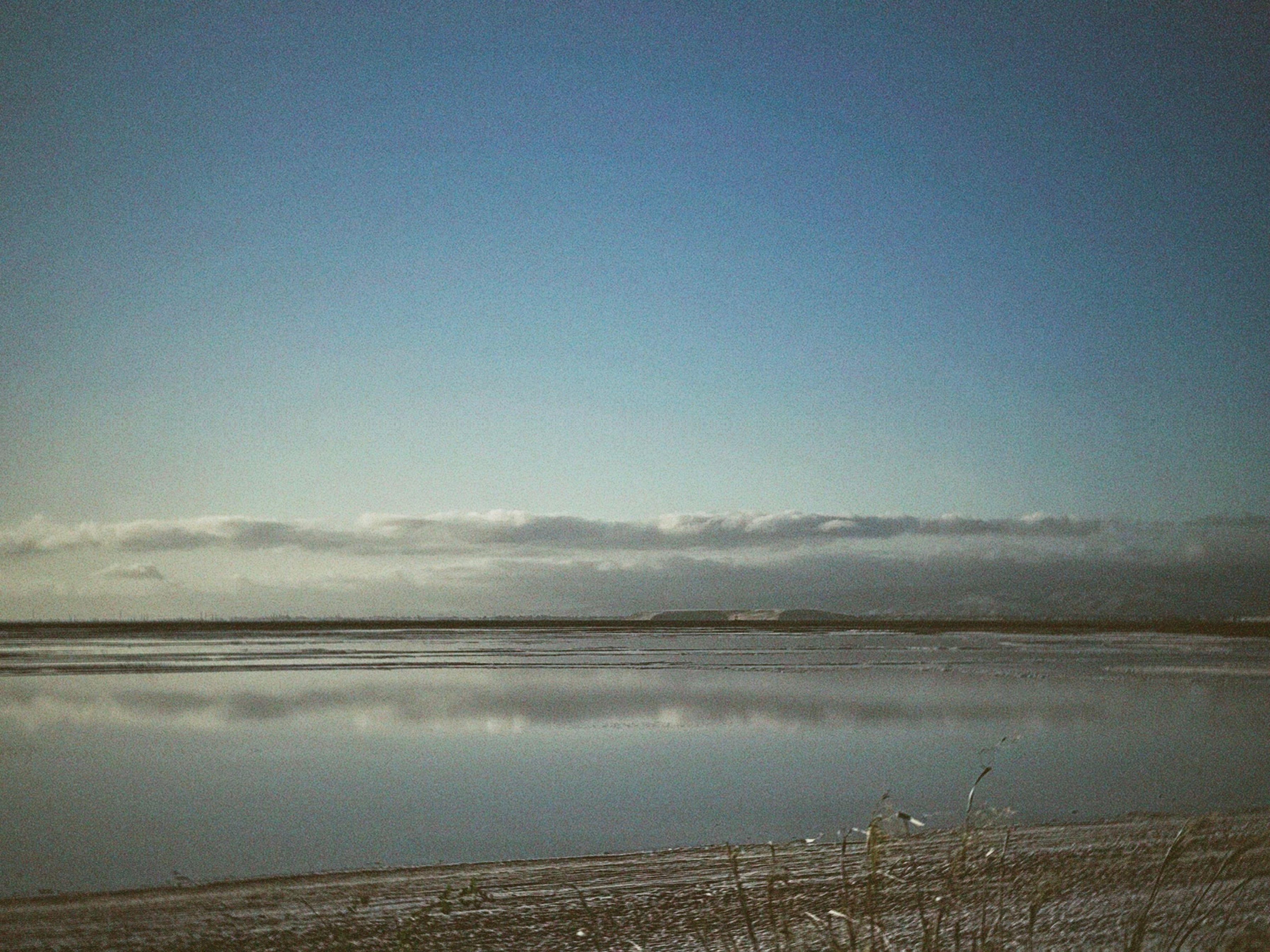
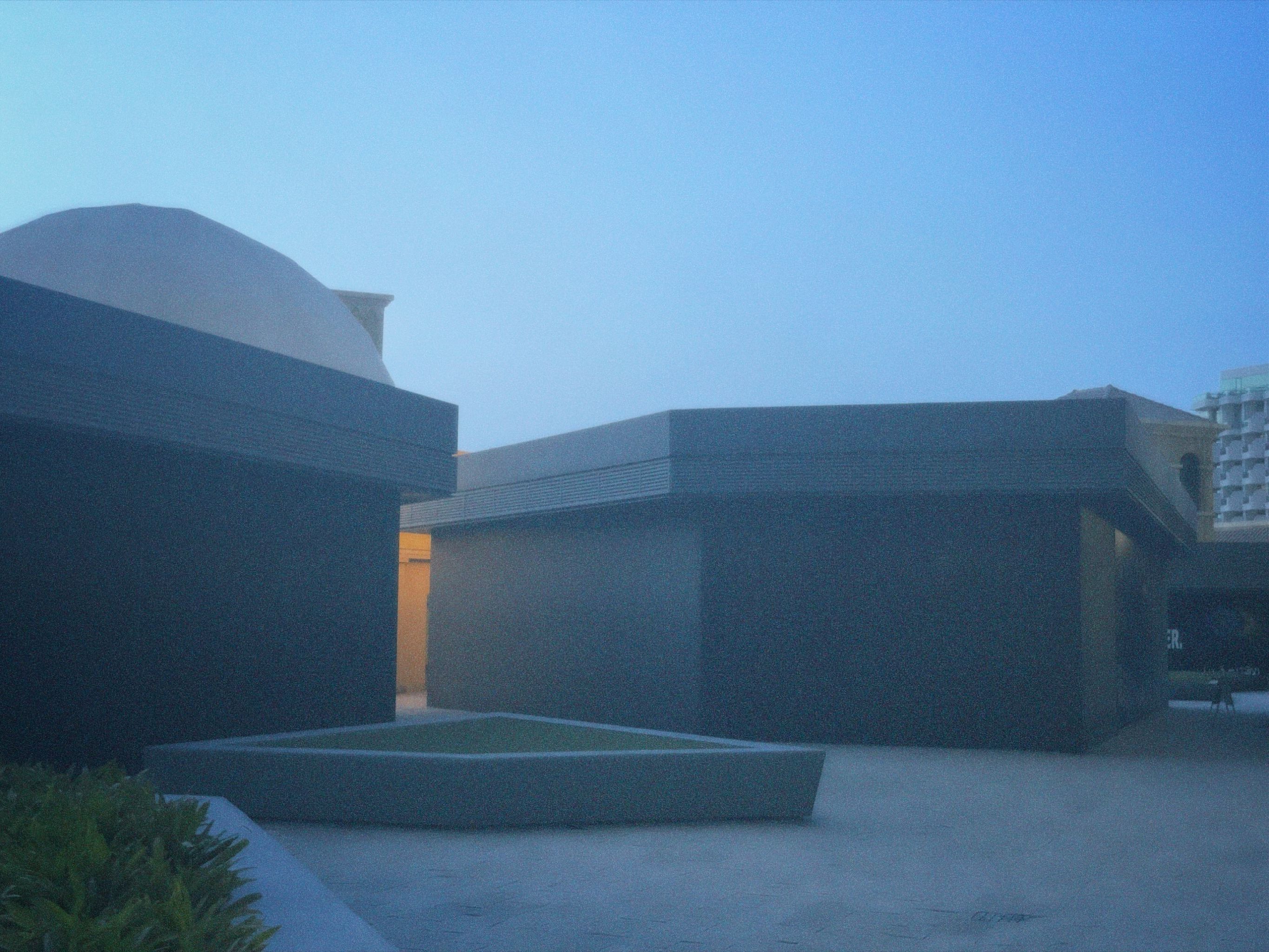
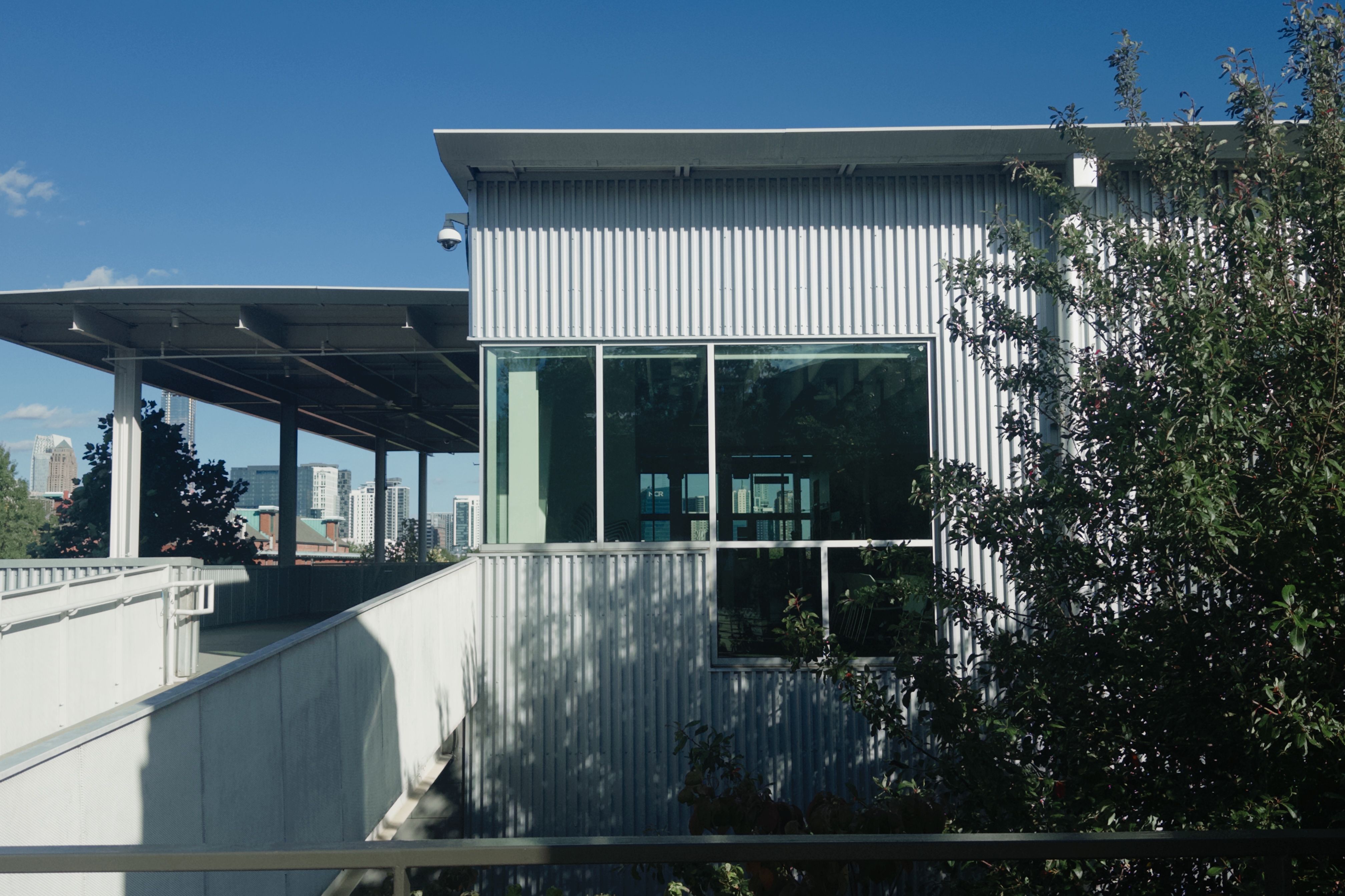
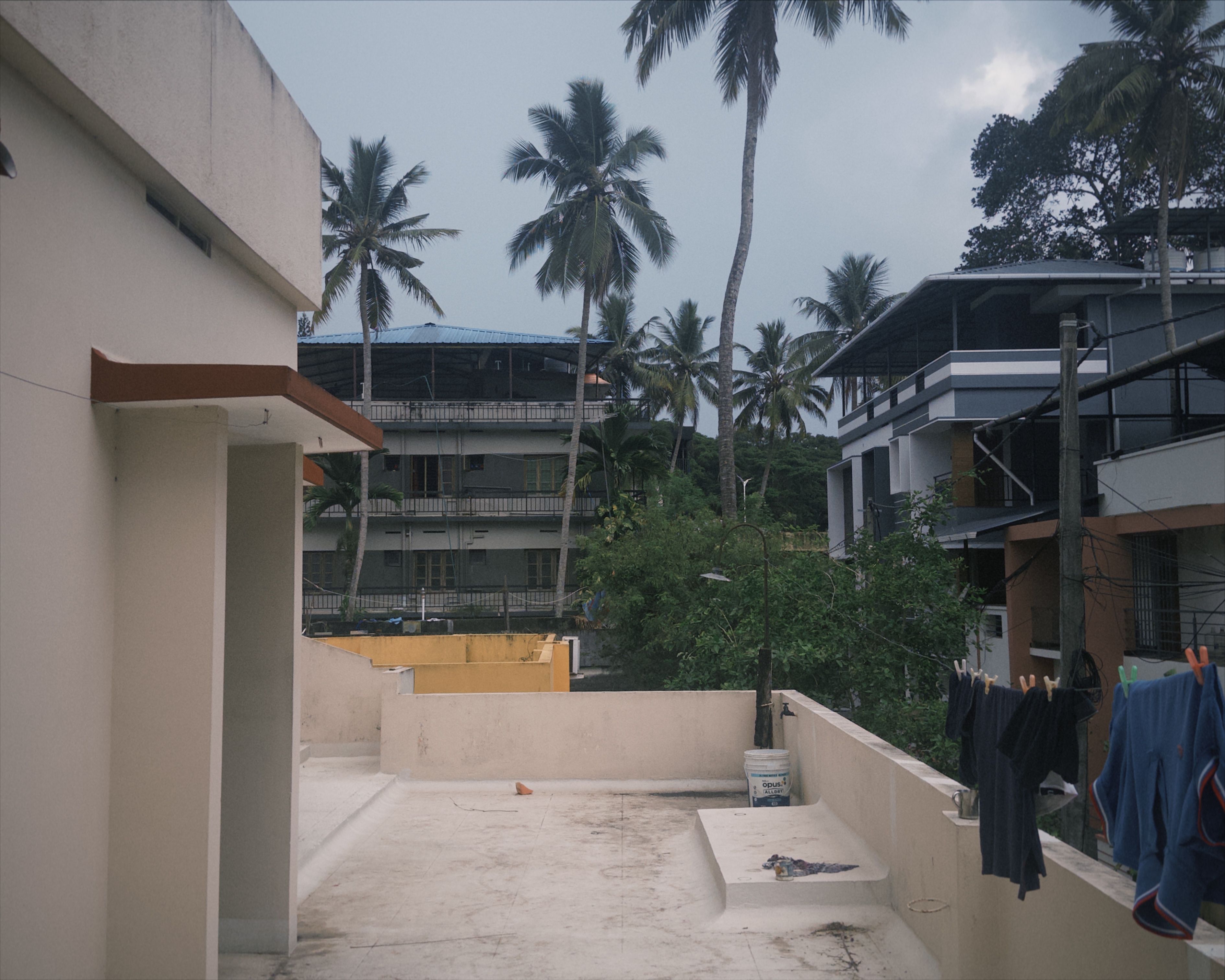
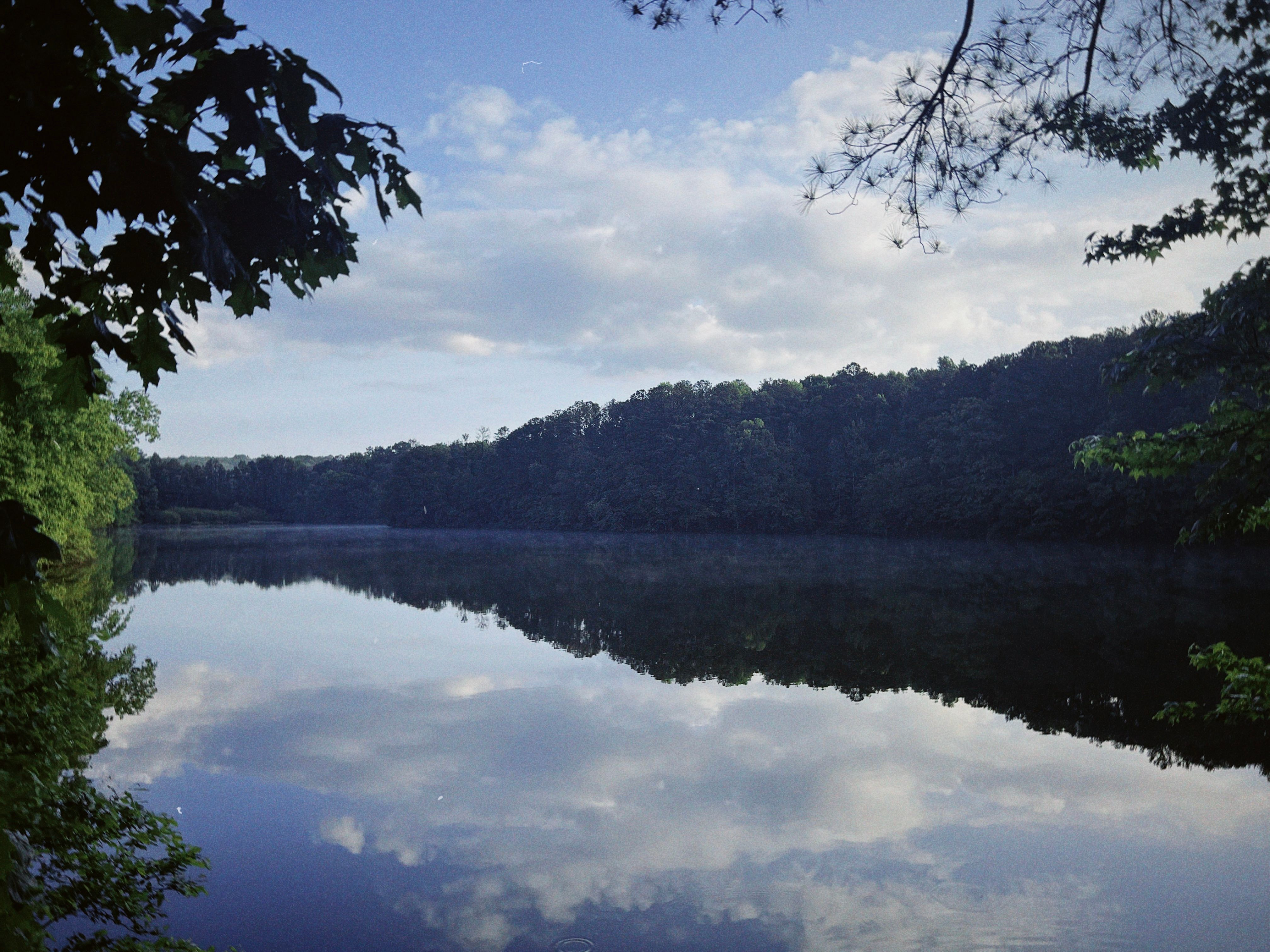
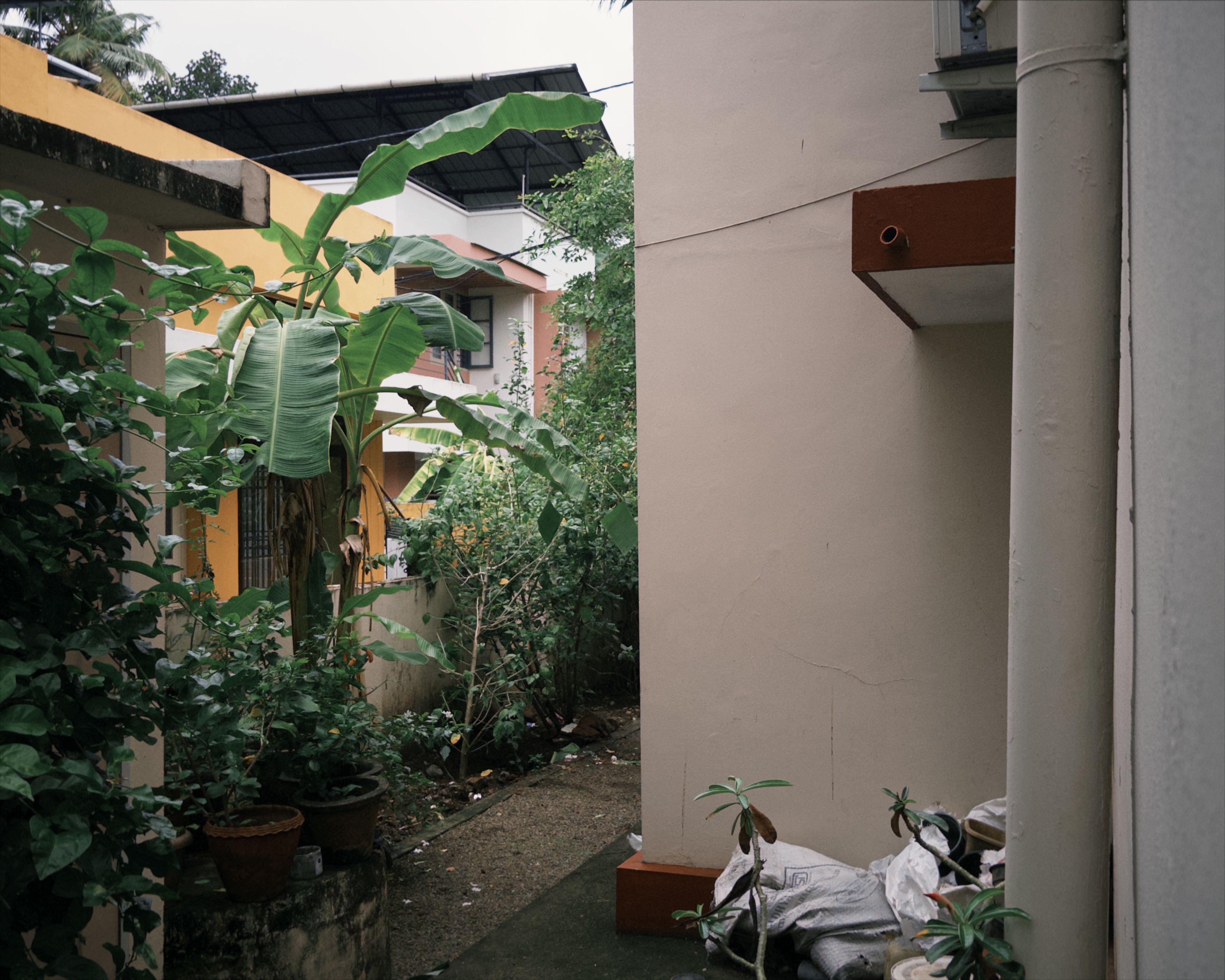
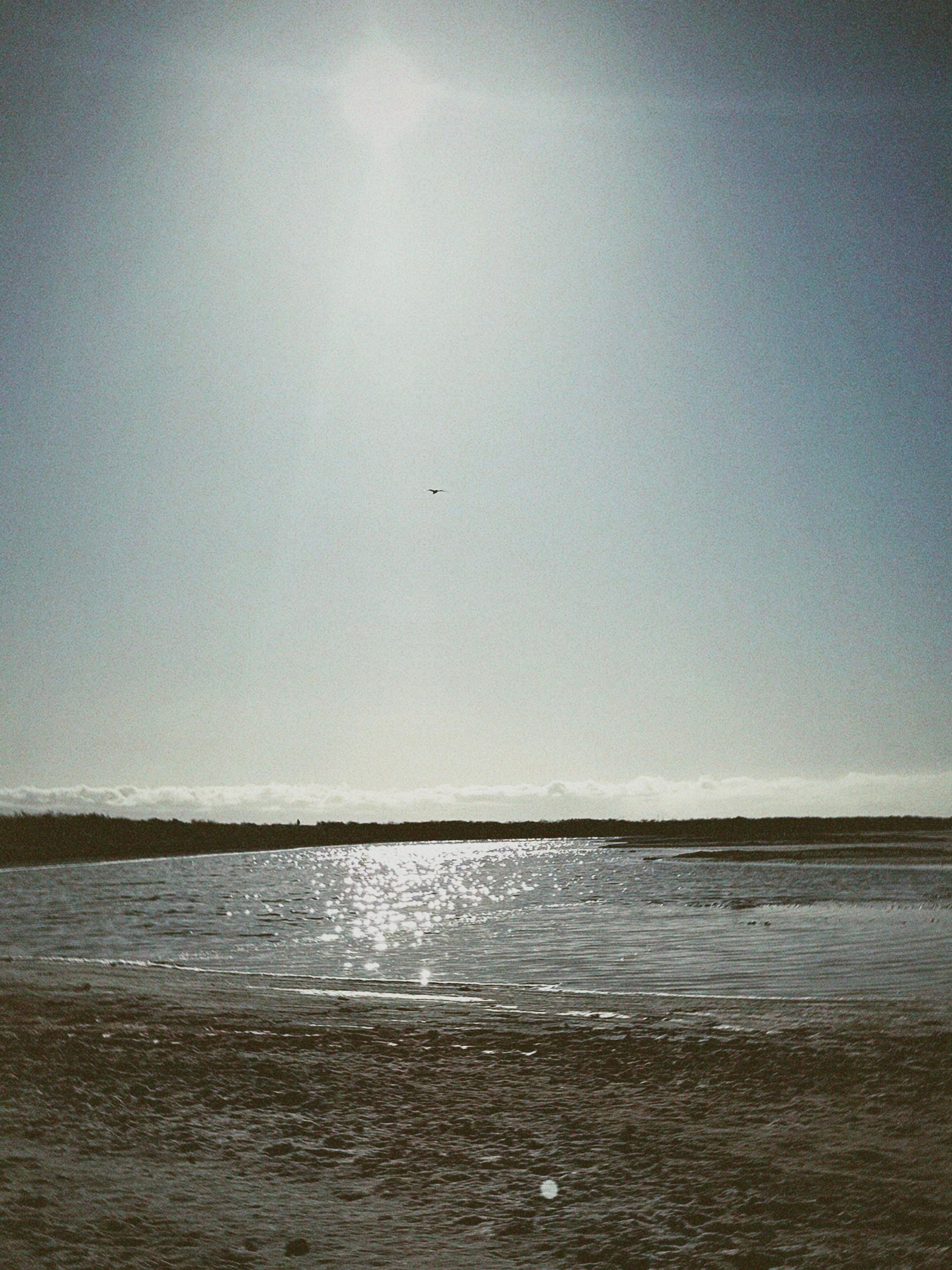
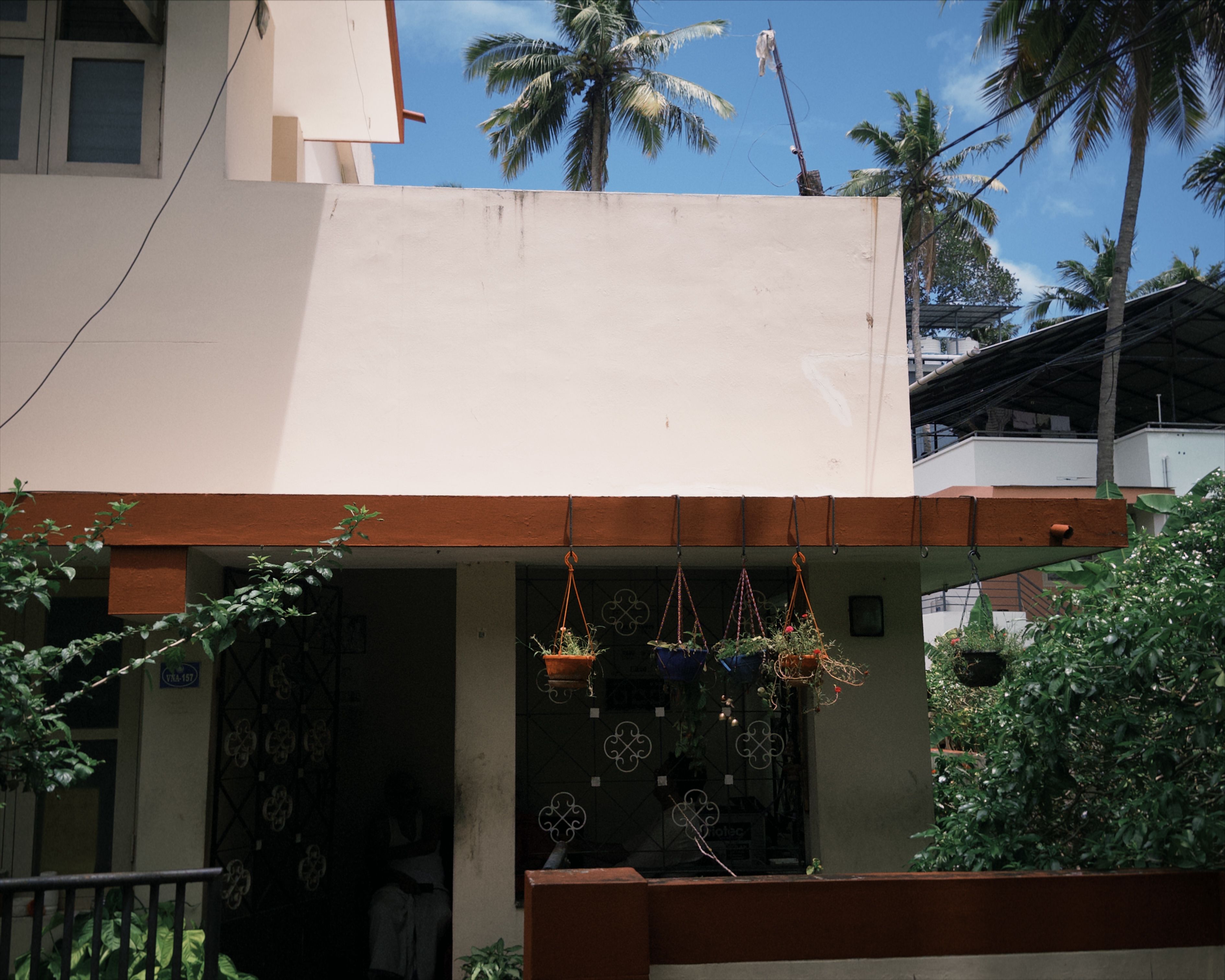
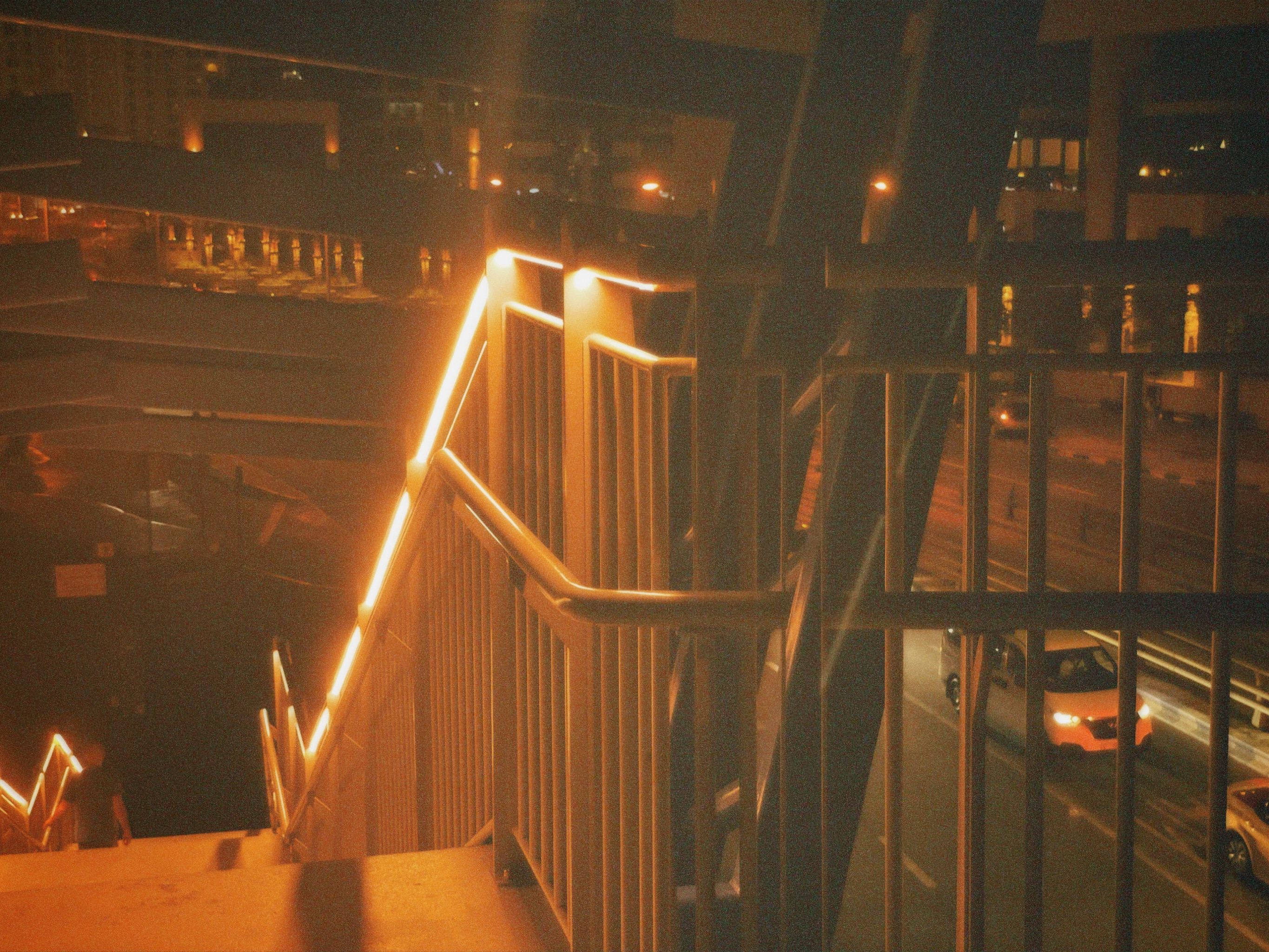
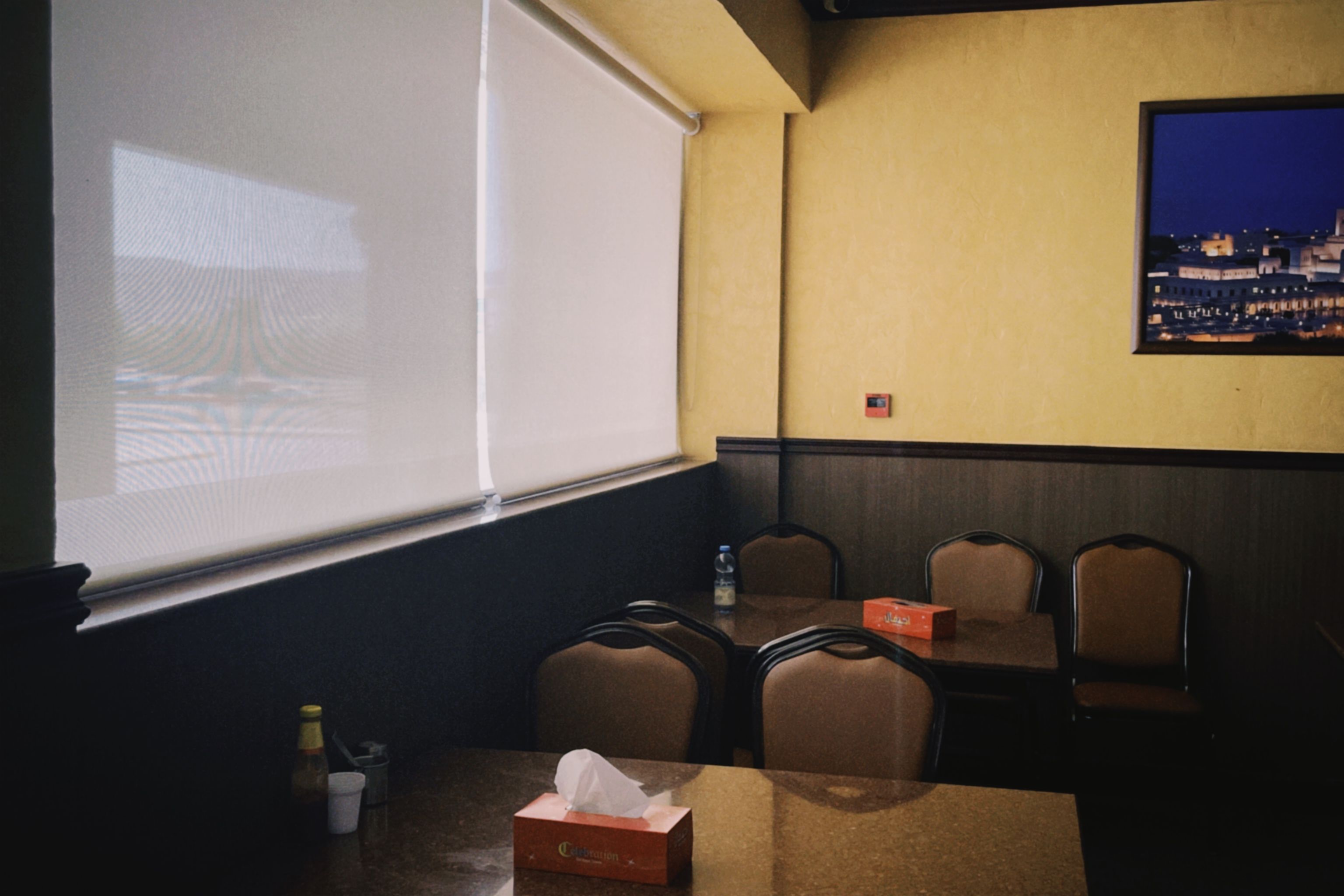
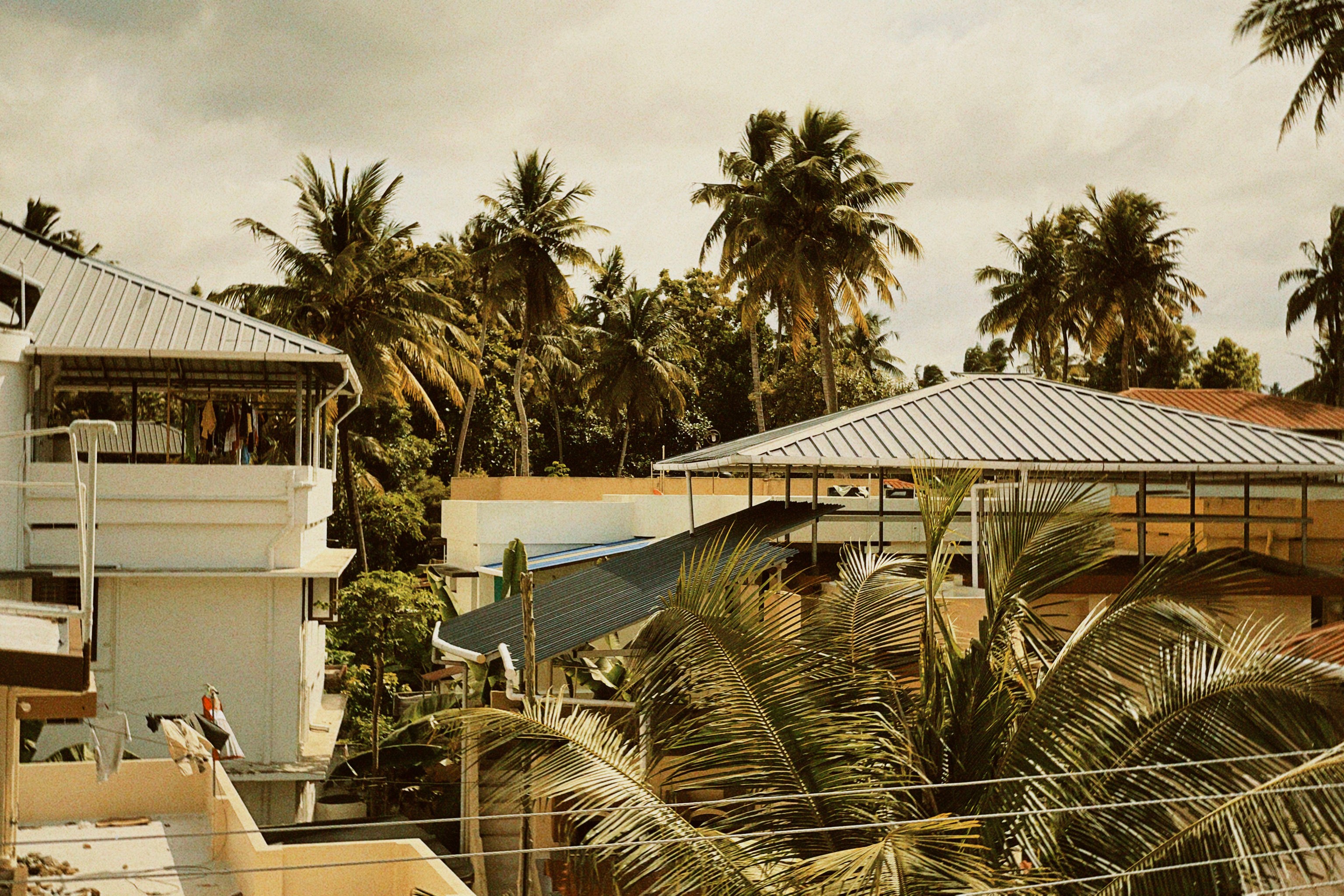
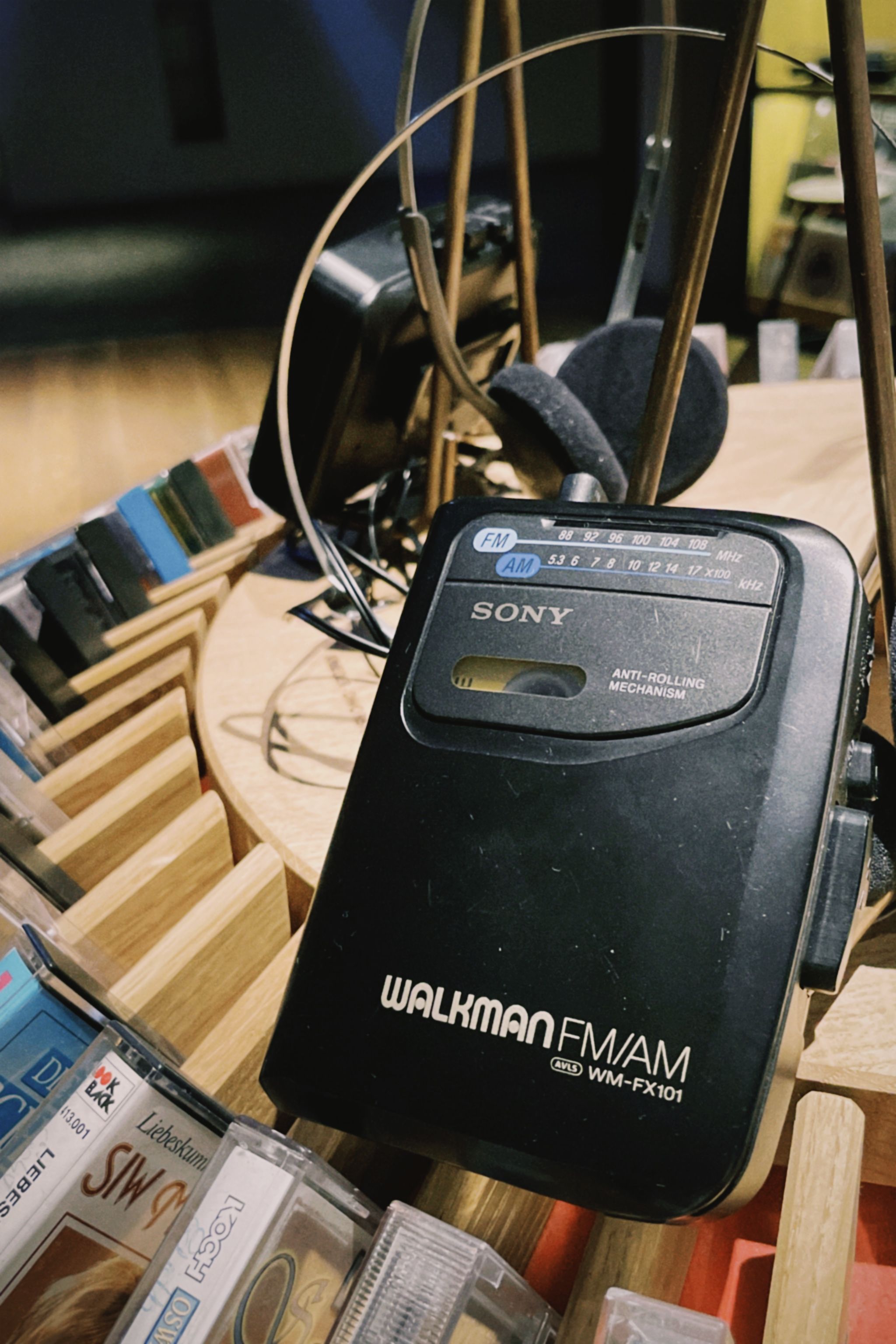
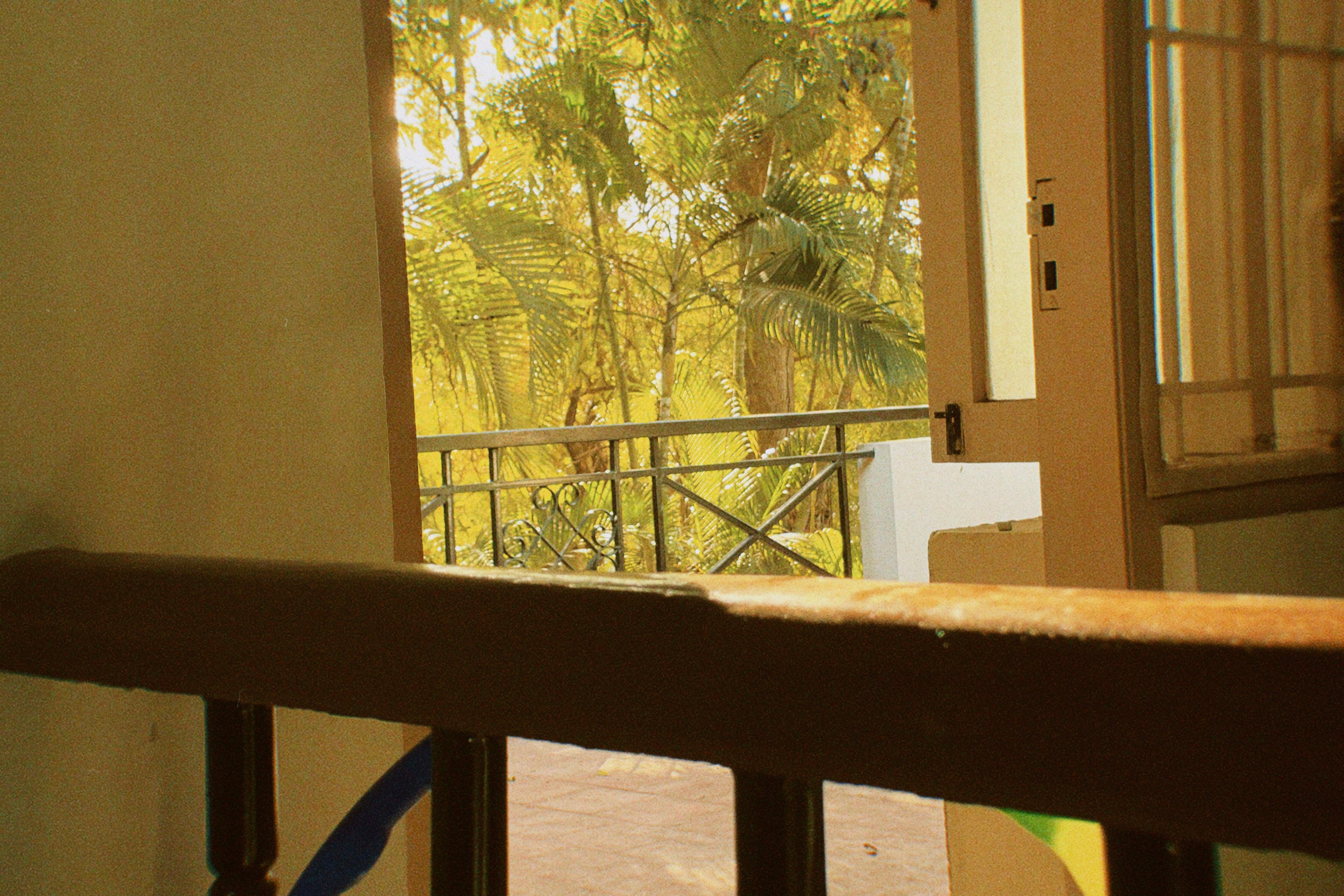
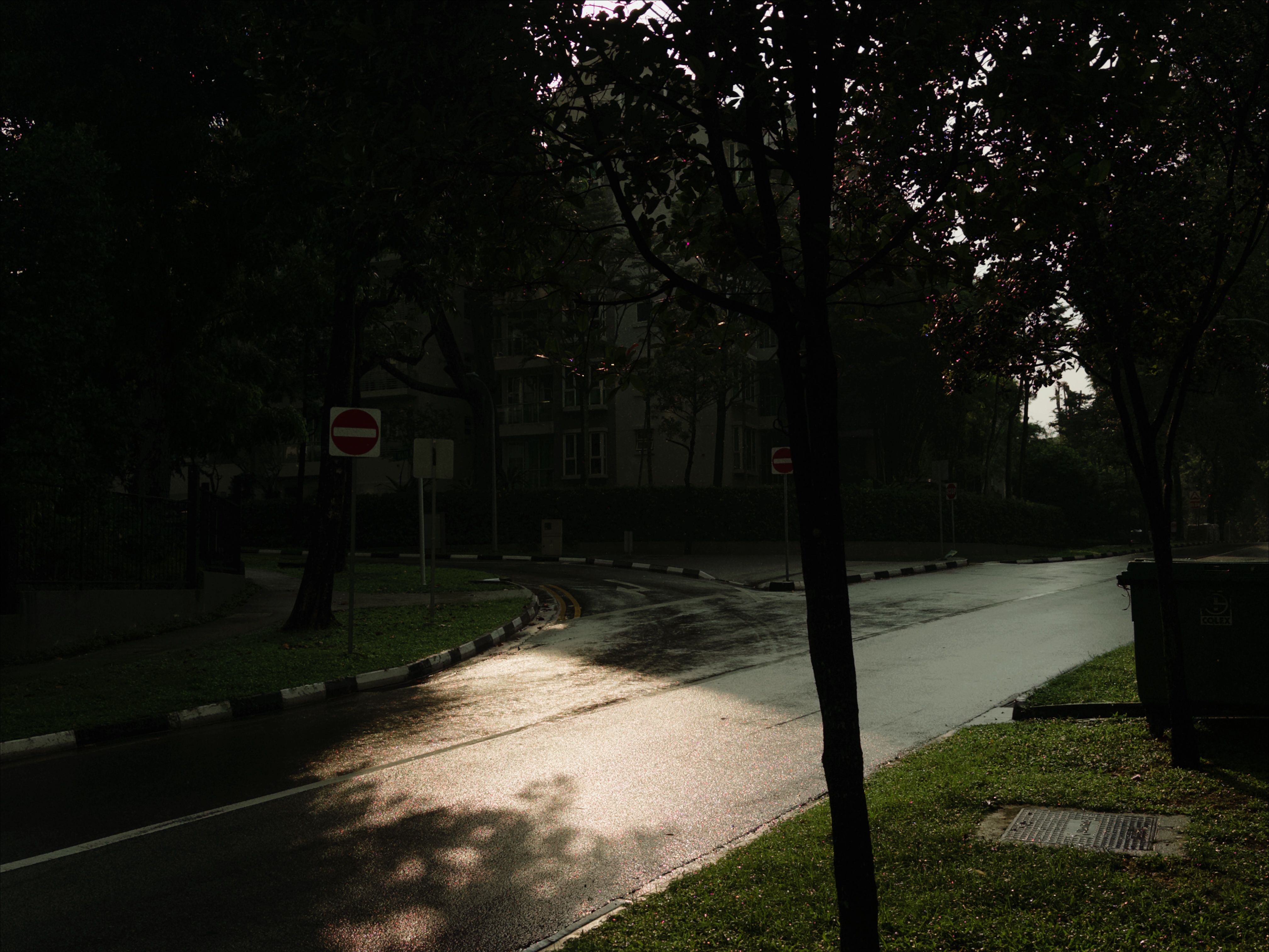
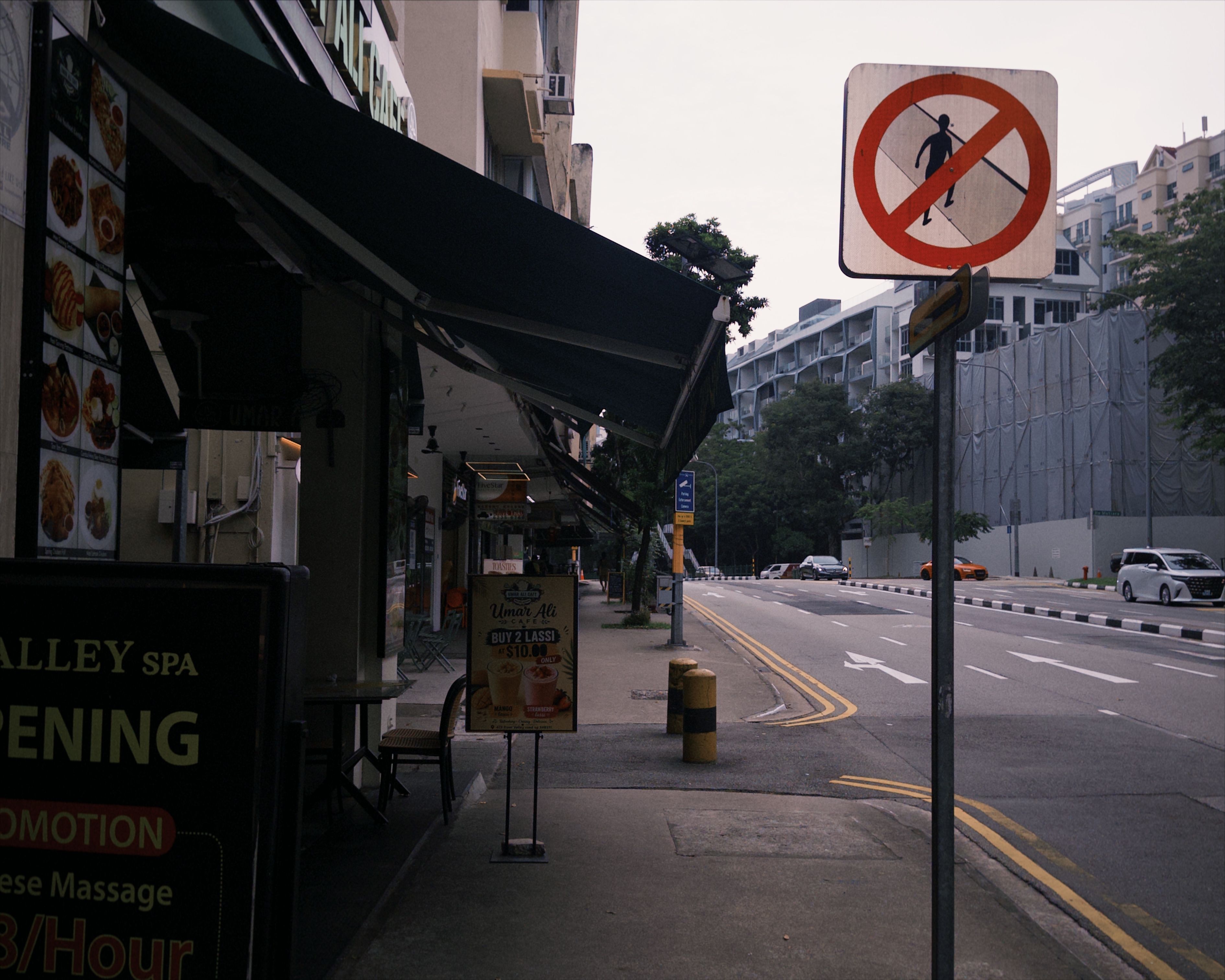
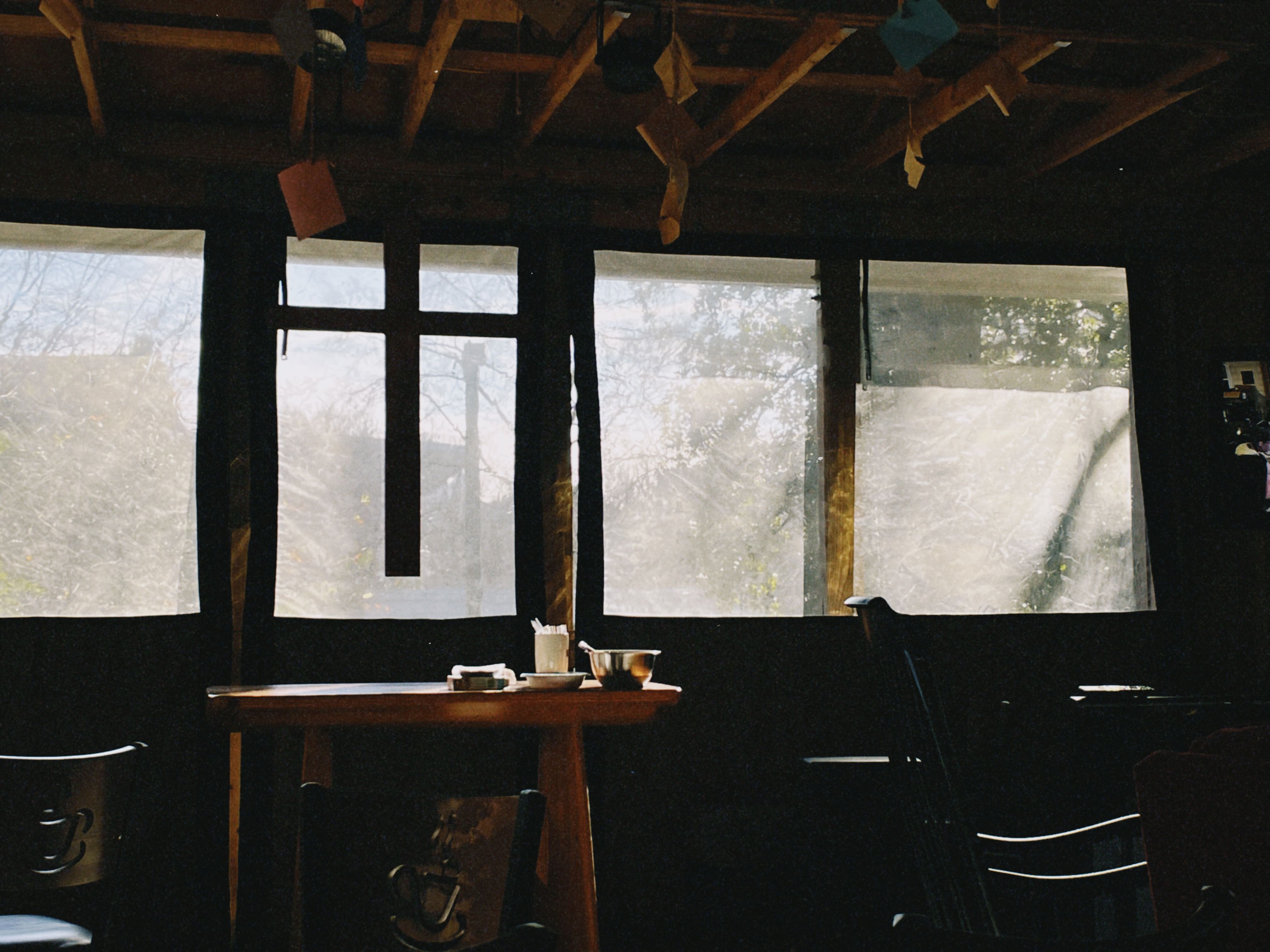
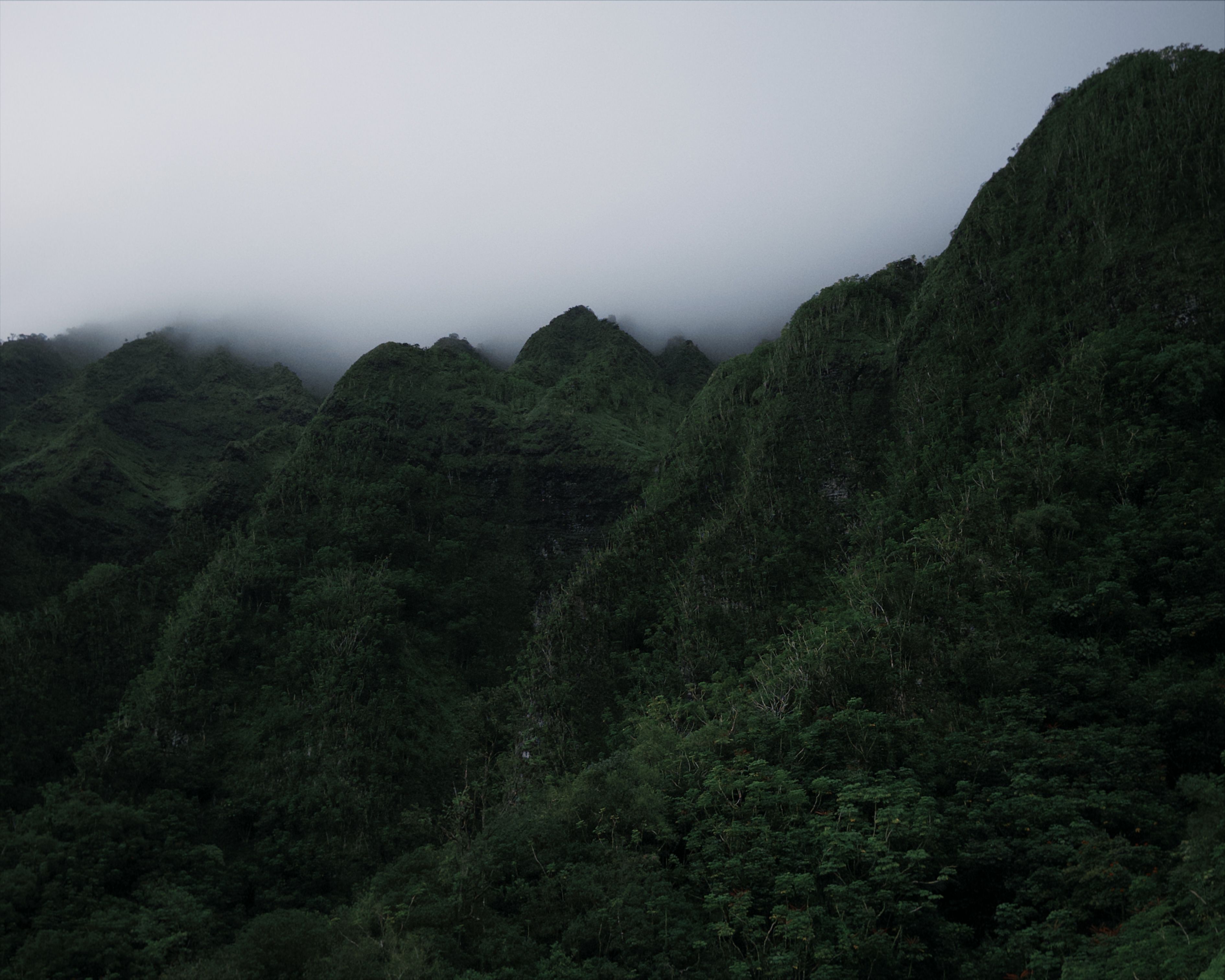
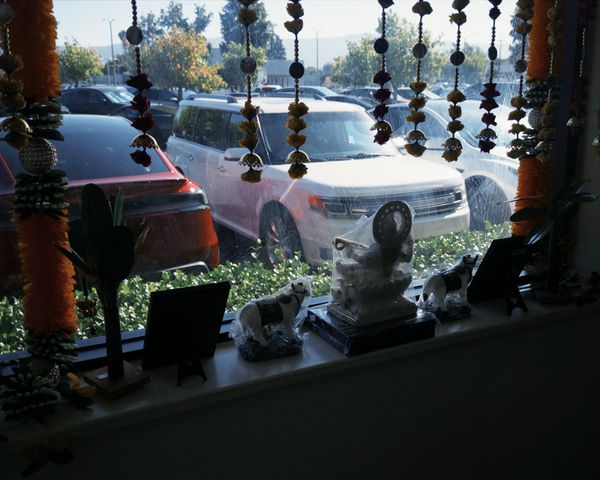
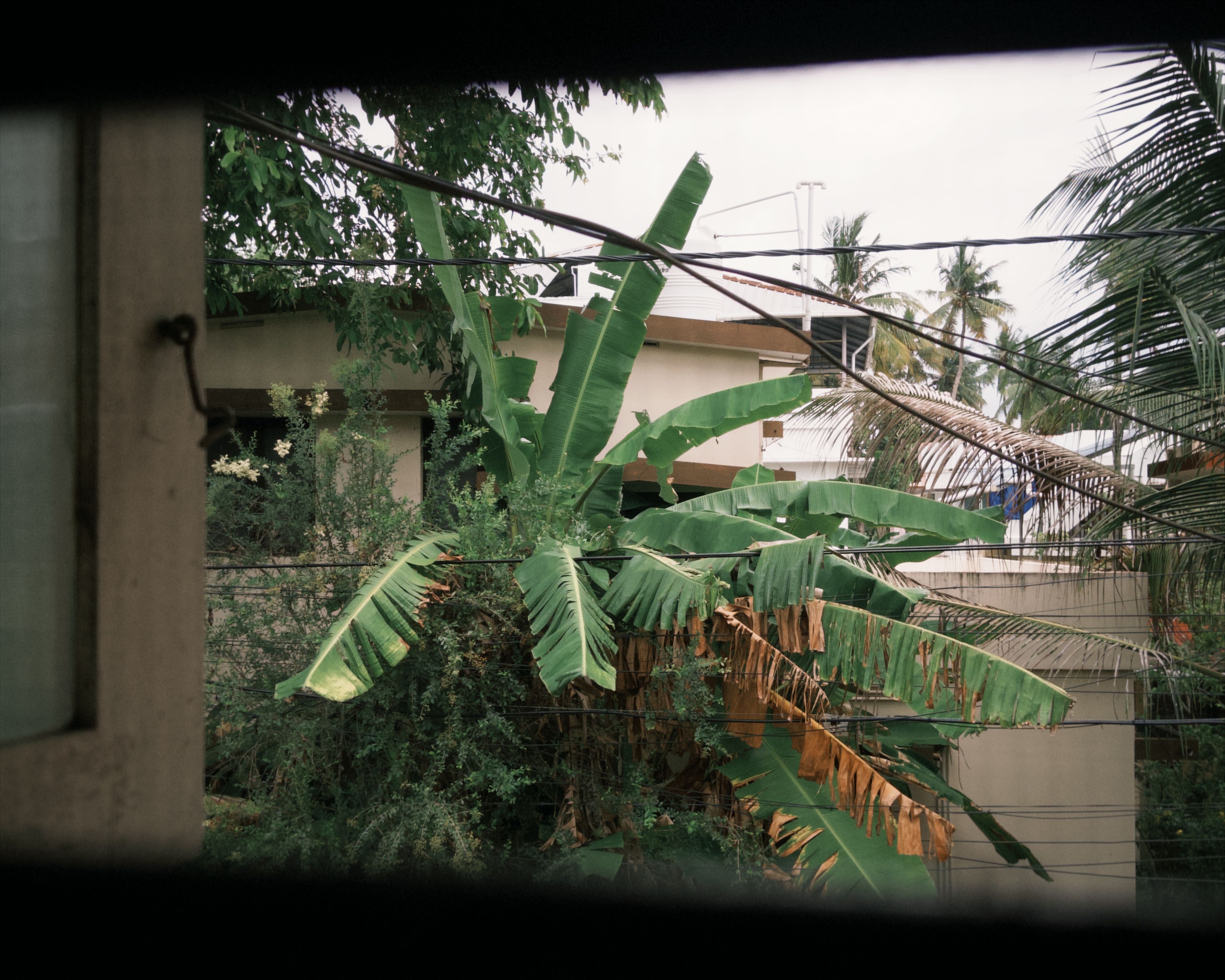
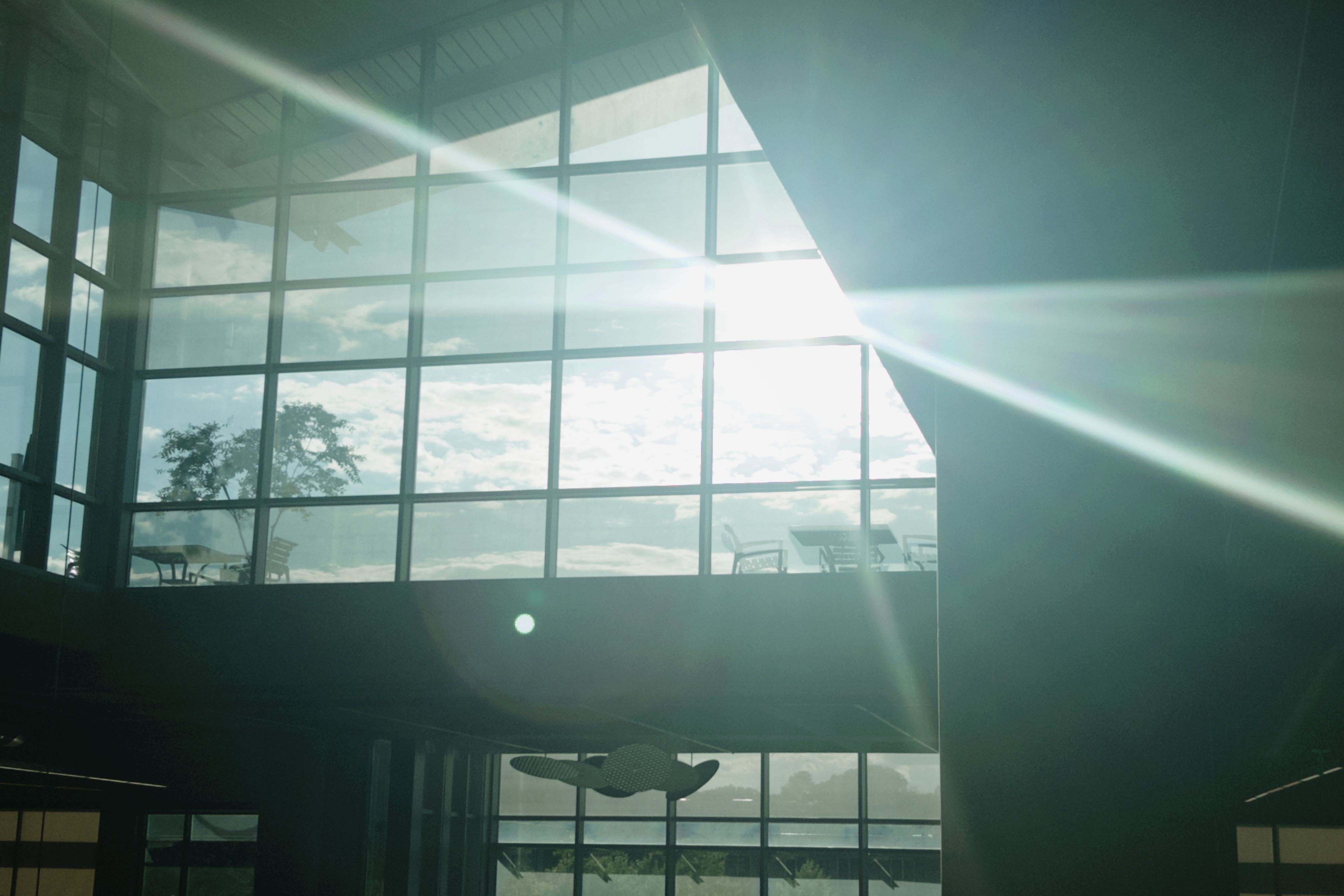
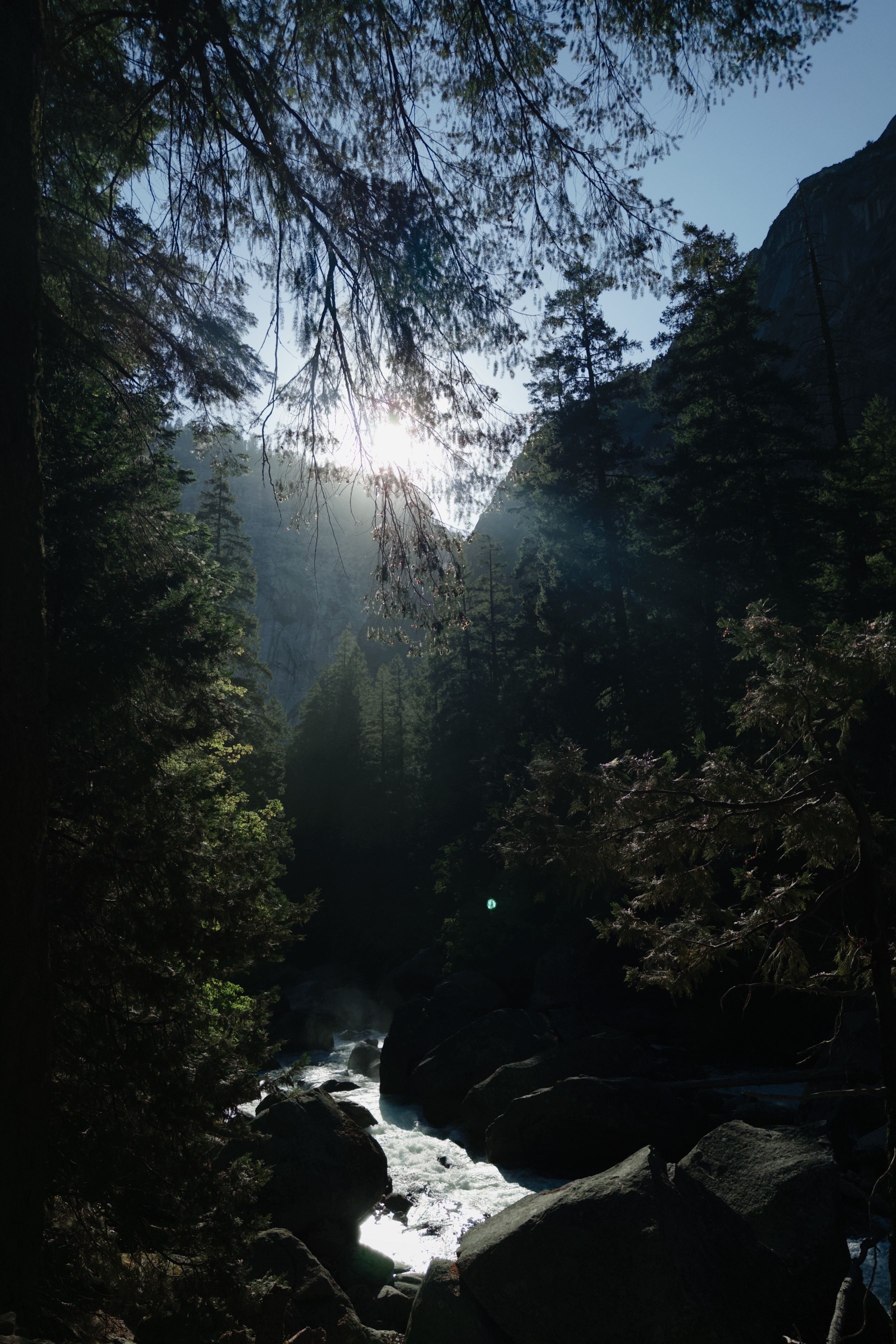
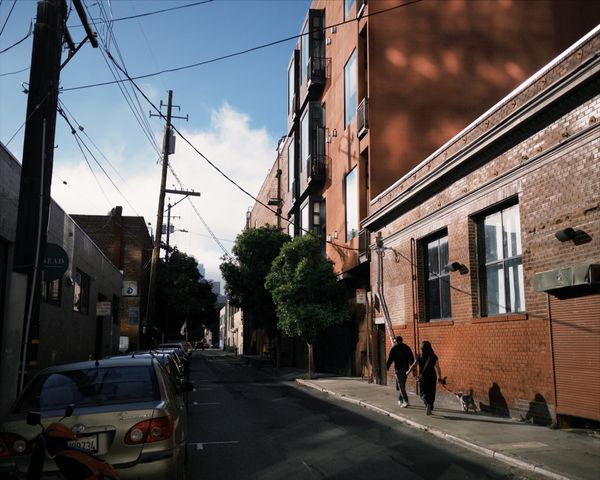
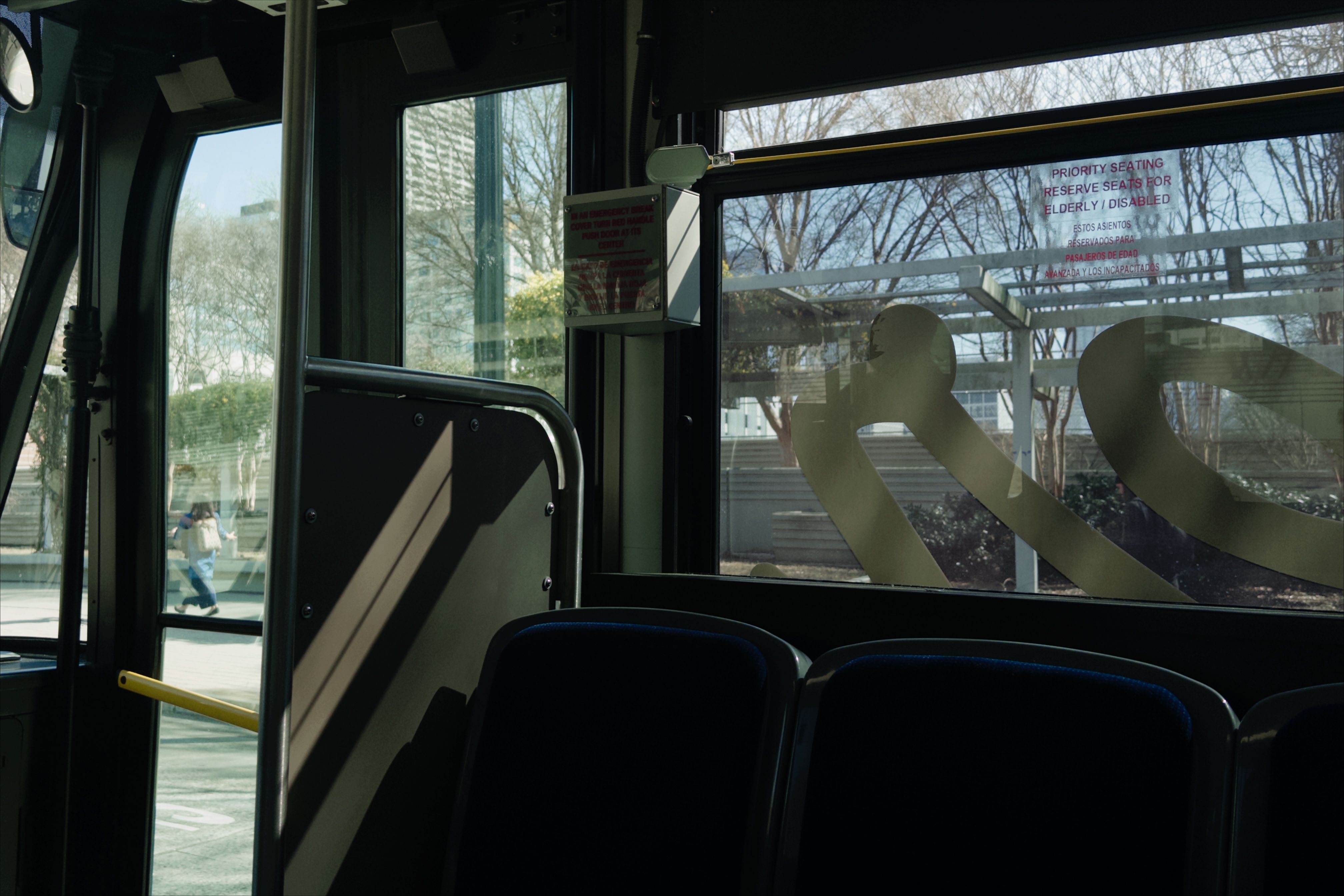
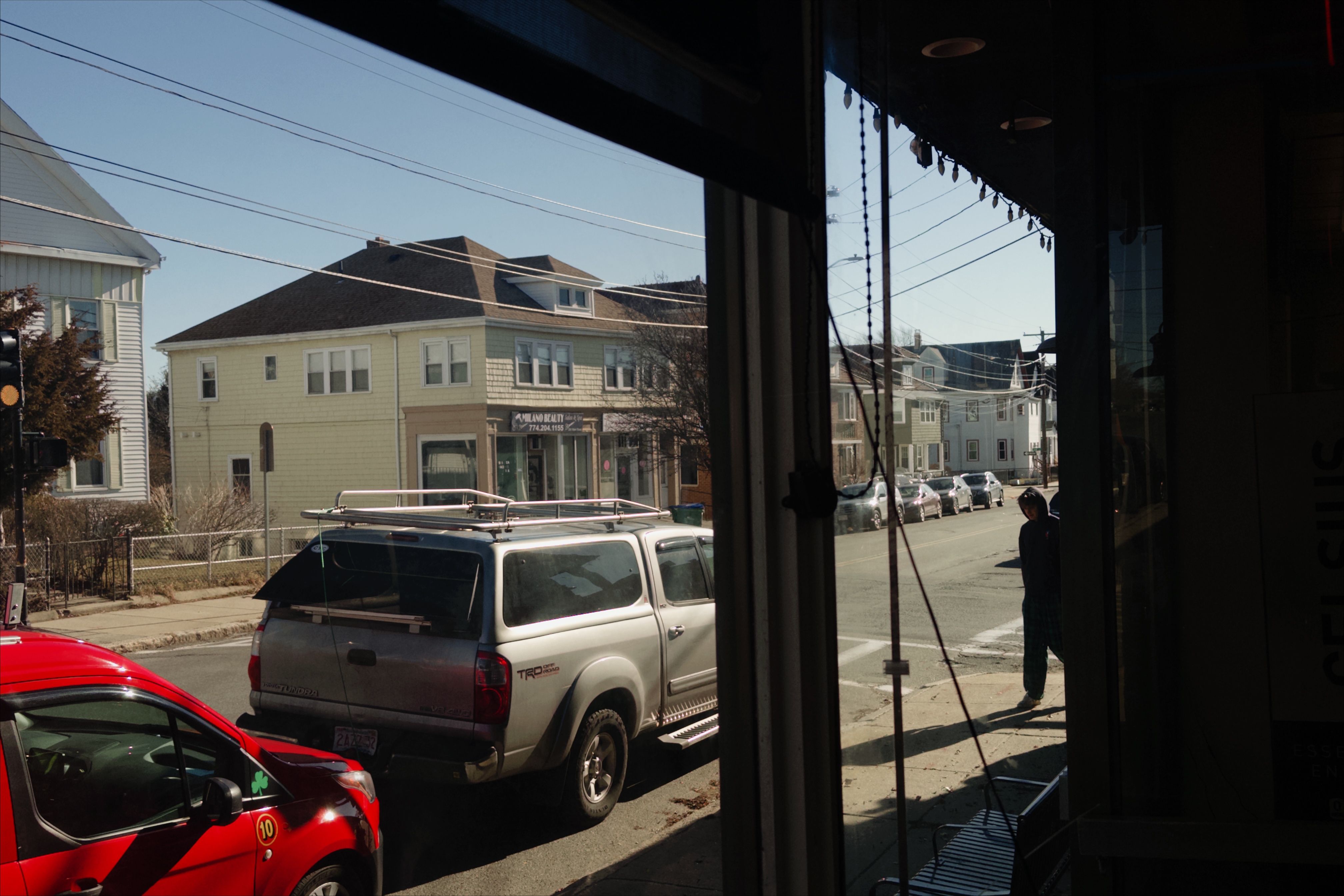
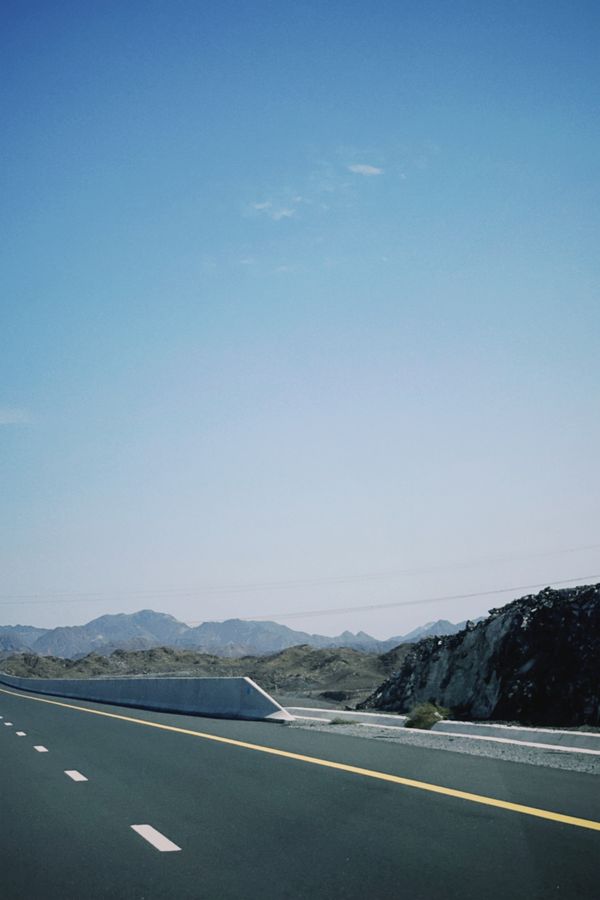
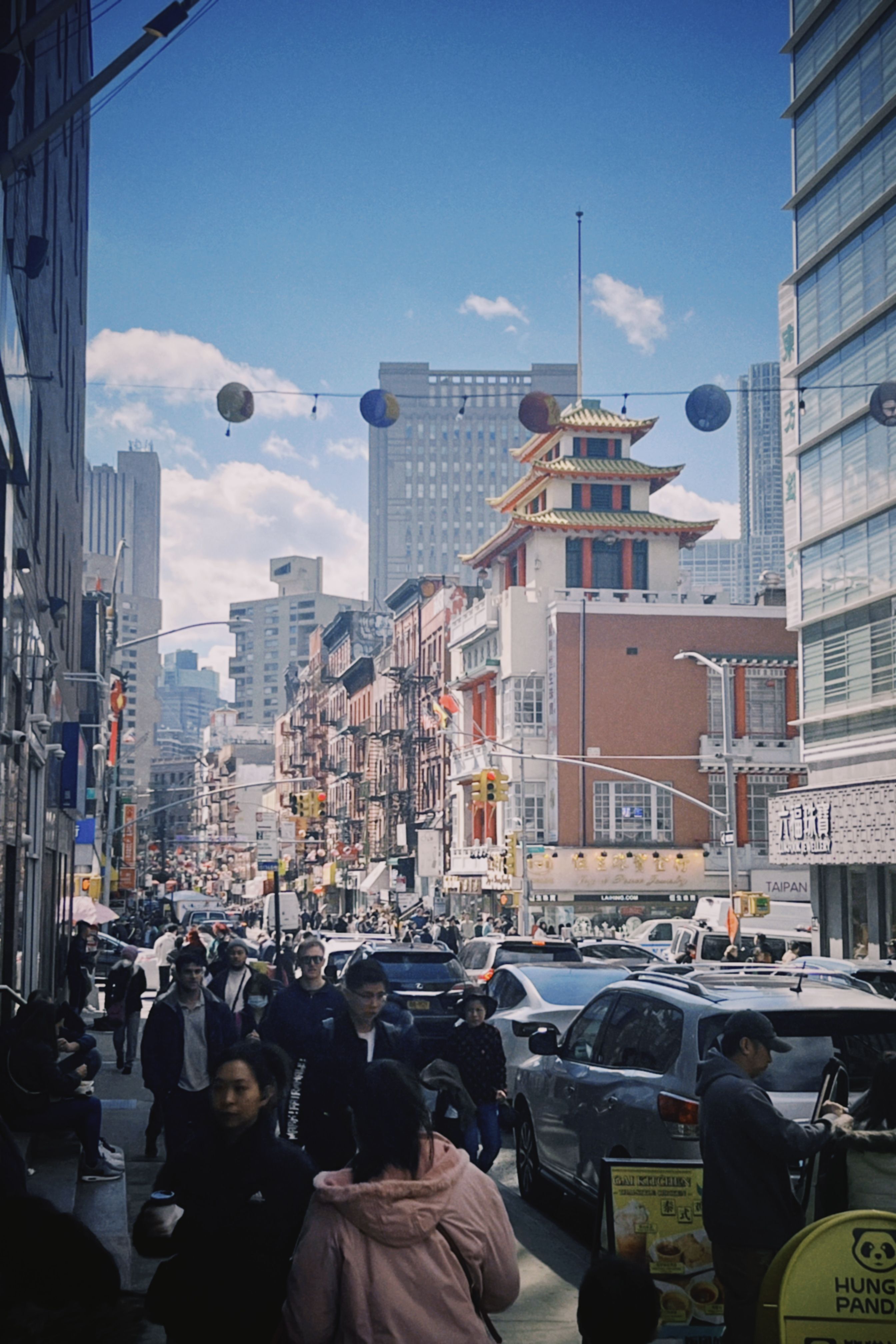
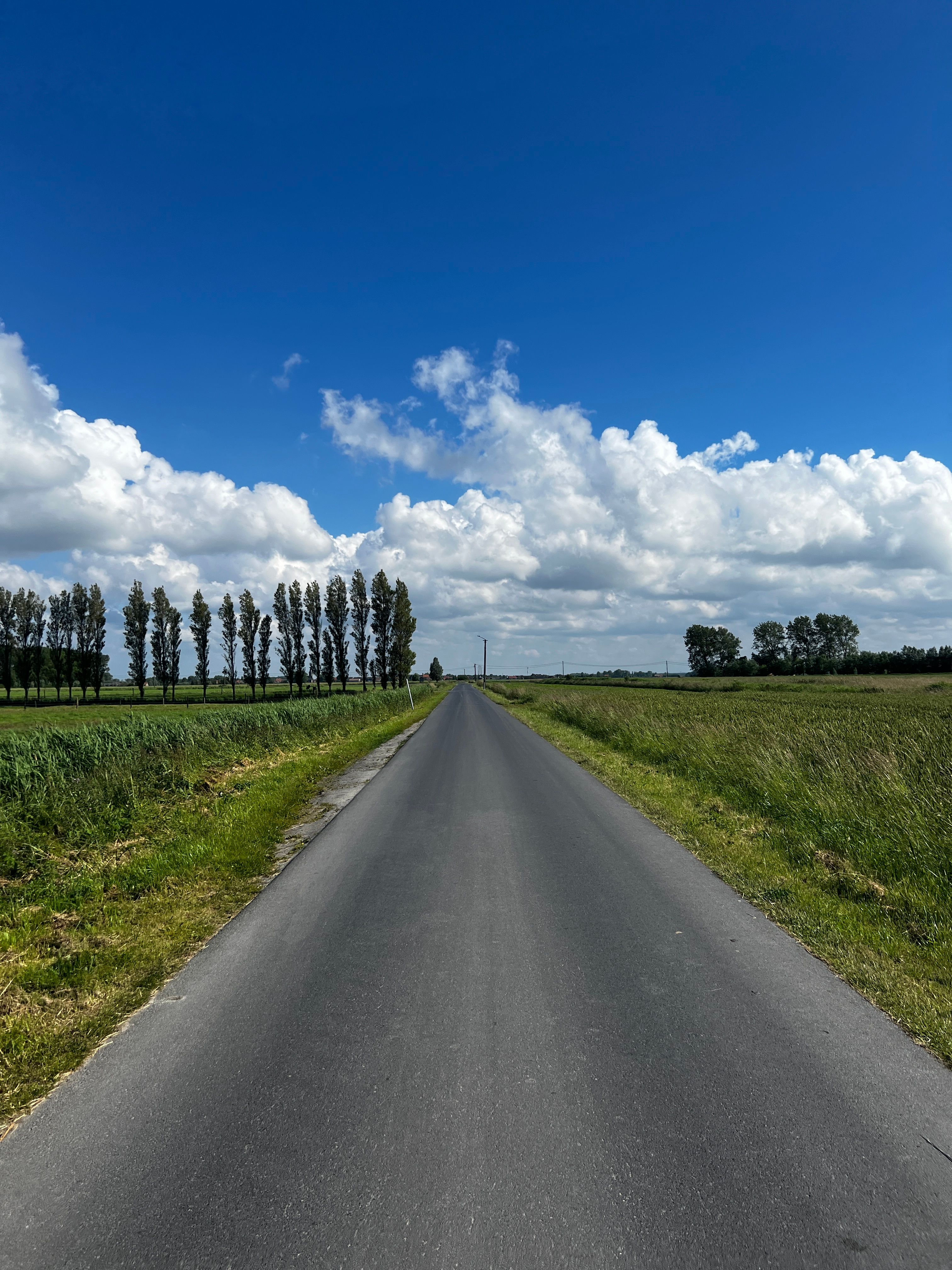
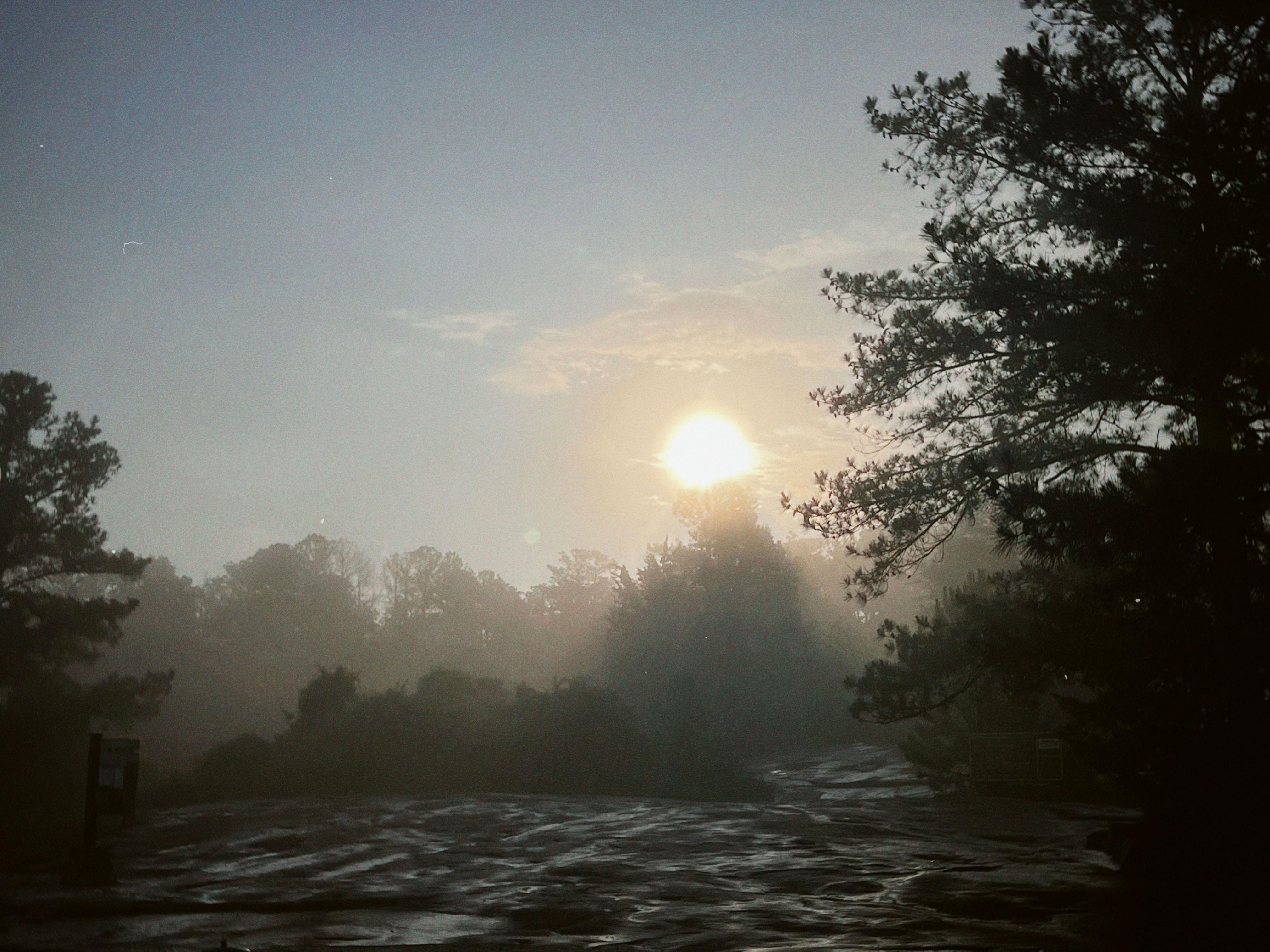
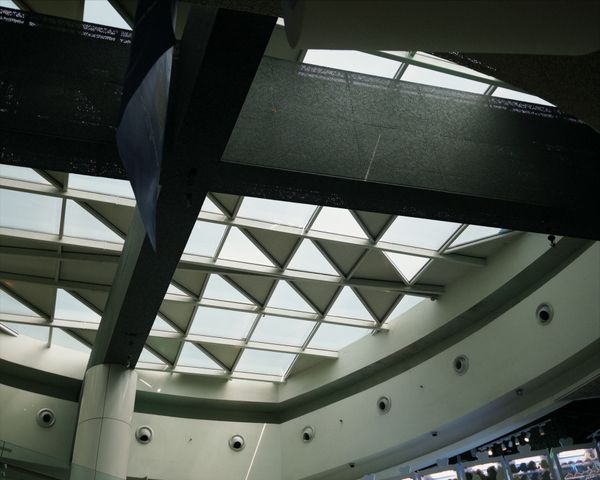
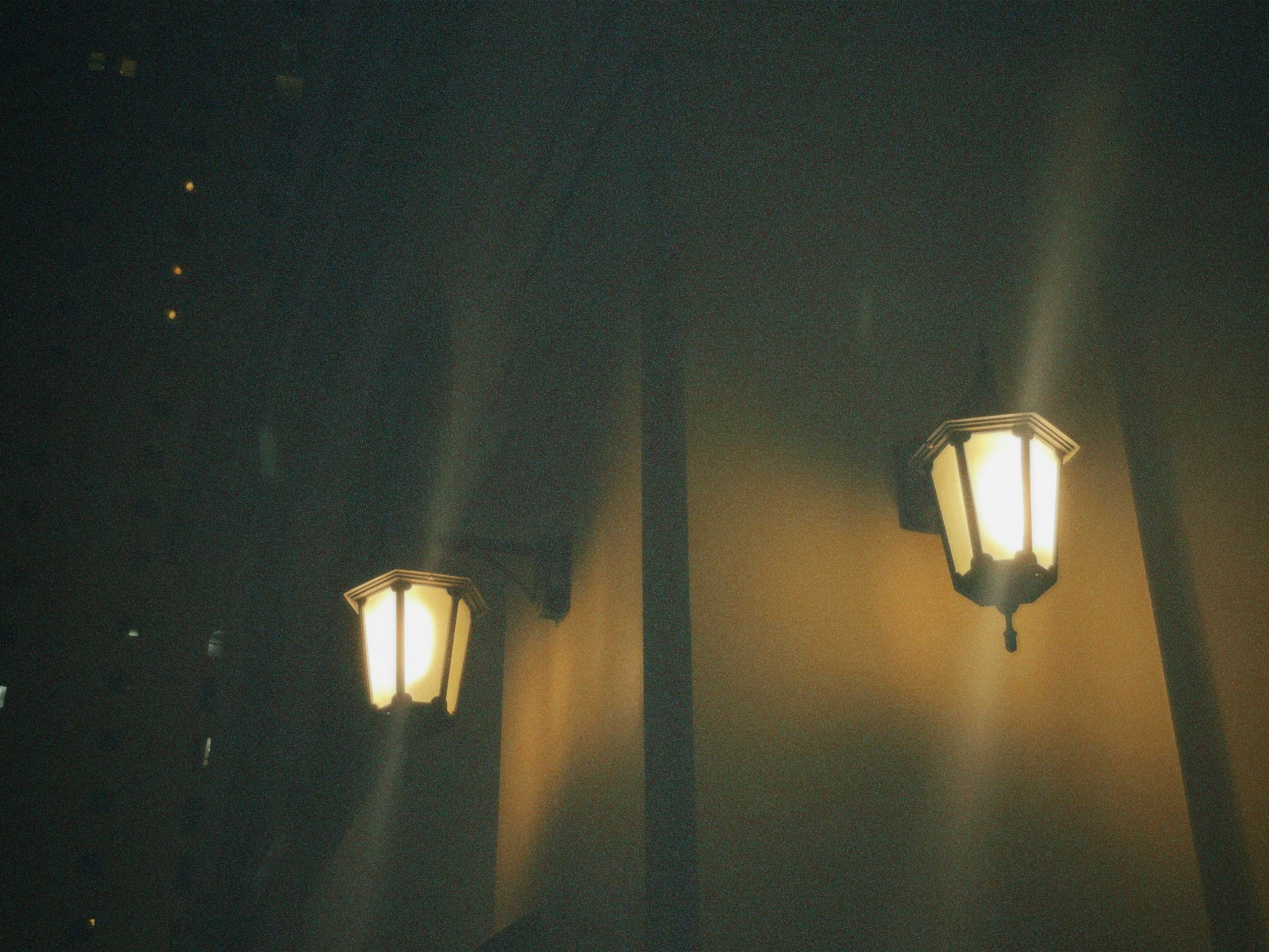
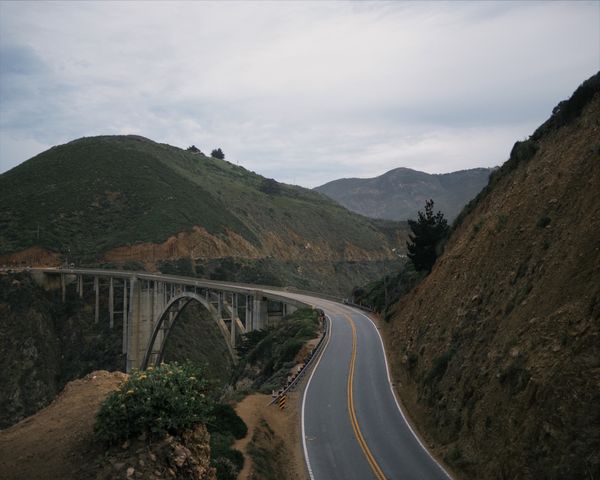
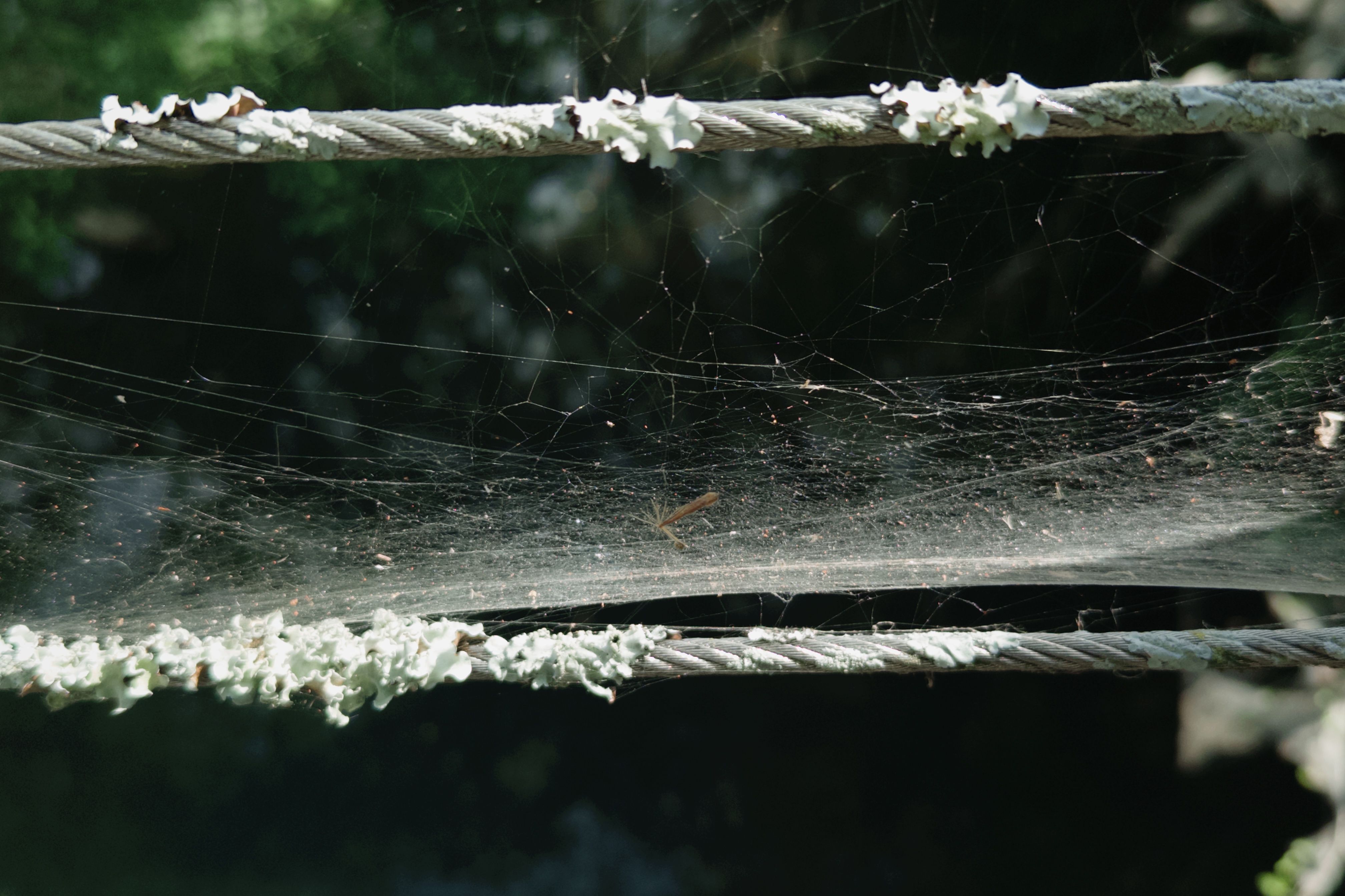
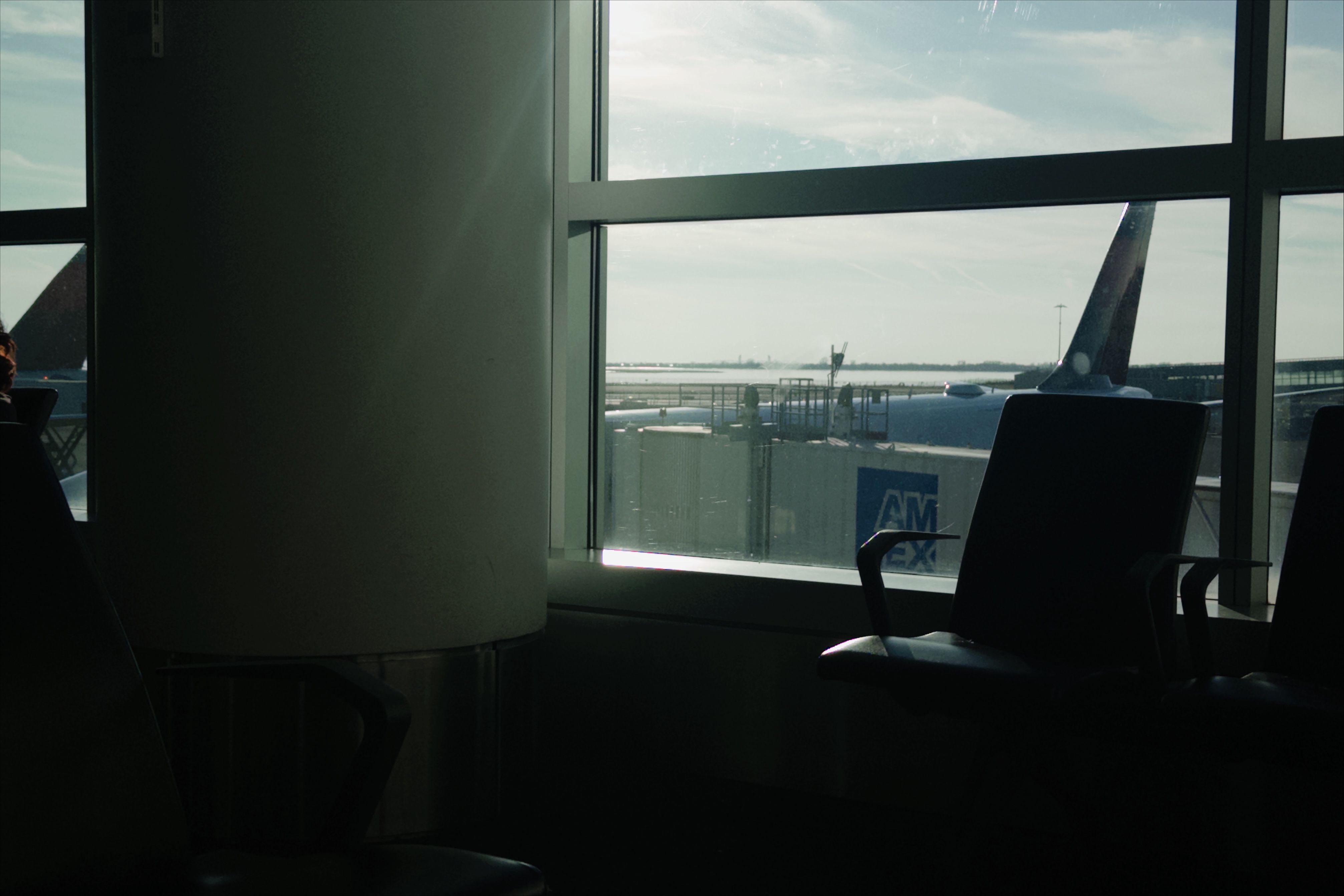
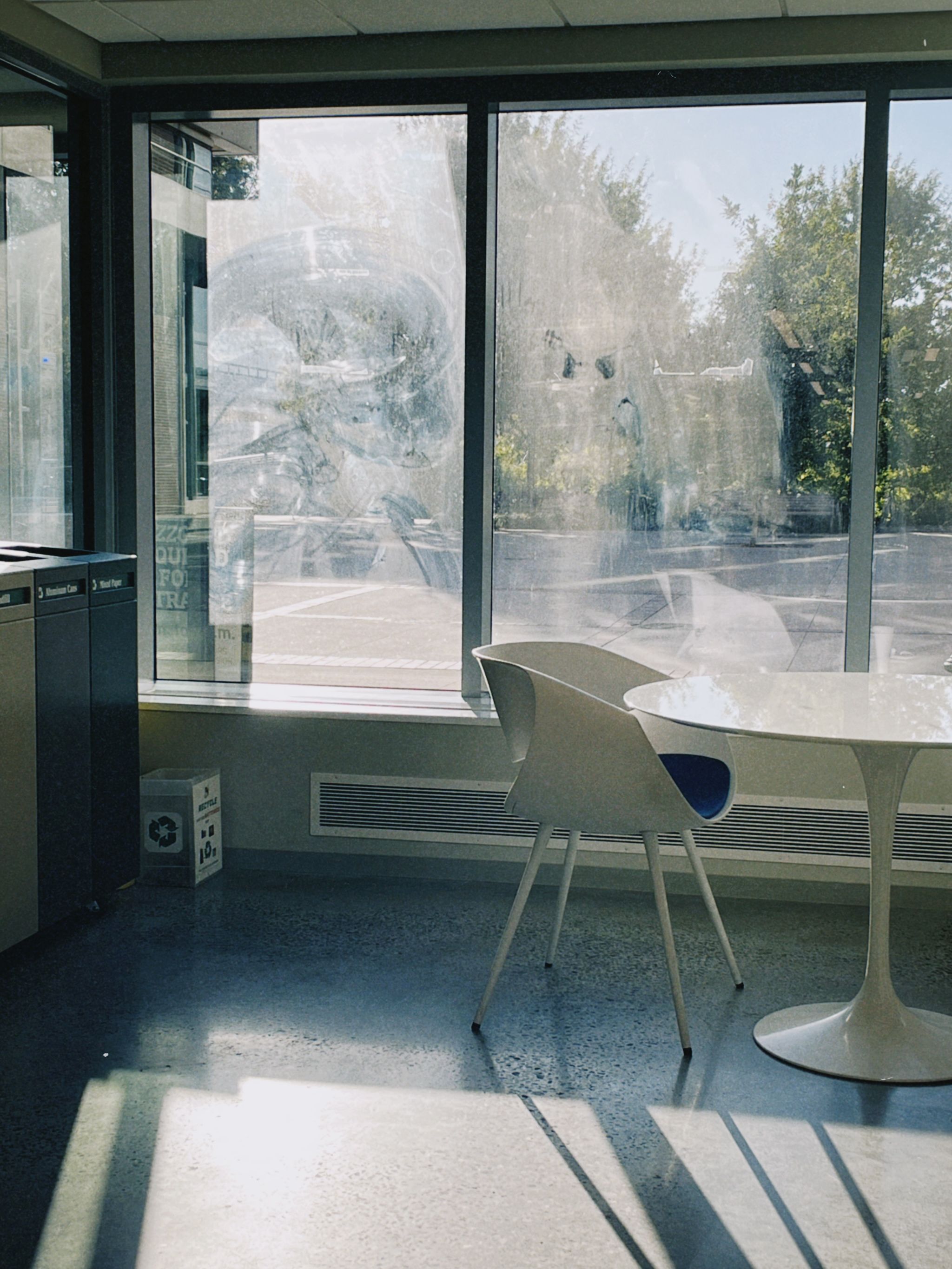
I’ve been taking photos a long time. Photos that are great or that I like are (relatively speaking, at least) far and few. Still, I relish in both the art of taking and sharing photos. I have an obsession with film photography. Not the hobby, nor the wince-worthy costs, not even the tangibility of physical print but rather — probably the worst reason, if you’re a film snob – chasing the film “look”. Chalk it up to the preferences of an anachronist.
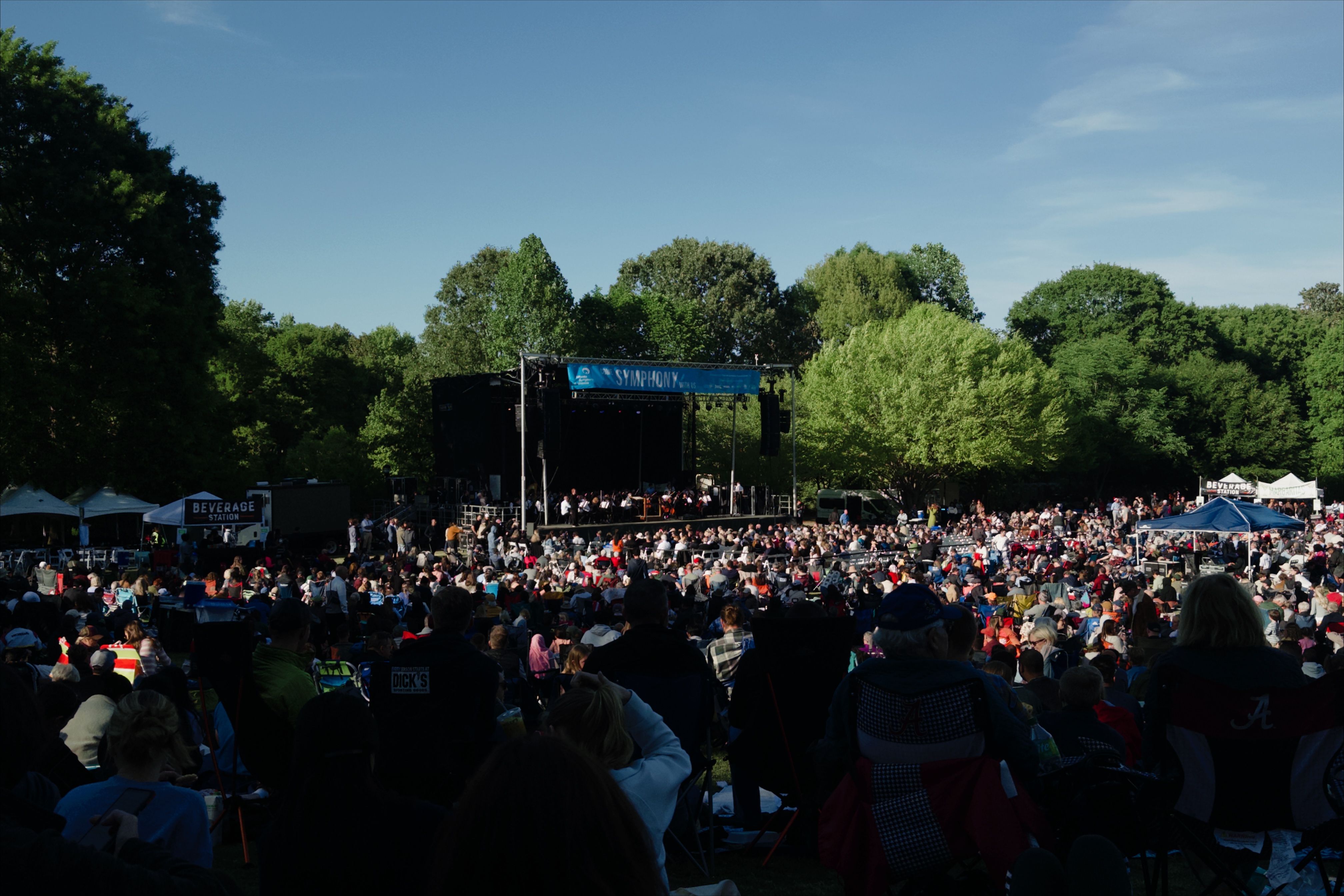
So when I discovered Dazz Cam (a vintage film app) in 2022, my relationship with photography shifted. I started snapping all these pictures I really liked. I didn’t share them for a long time, nor did I feel compelled to. But over time, I amassed this collection that I became fond of, and even more so as it grew. I shared Dazz with a lot of my friends and it spread. And so did our appreciation of the photos we produced.
So where is this going?
I’ve always been a fan of data. Multimedia especially; music, video games, videos, you name it. The consumption of the thing itself (i.e. songs, games, or videos) is great. But the information surrounding that thing (i.e. metadata*) amused me all the more. How many hours did I spend listening to music? What time of day was I listening the most? How many blocks have I walked in this minecraft world?
*Metadata is data about data.
So naturally, my metadata intrigue extended to photography. The question is, what kind of data can you pragmatically (both in feasibility and external interest) interact with? Yes, a picture's color profiles, resolution, and the name of its camera are somewhat intruiging, but they’re simple and repeated across photo collections, making them less interesting with each next photo.
What I kept in the back of my mind was that every photo had EXIF (Exchangeable Image File Format) metadata. These are details almost everyone’s cameras captures the moment it’s taken. Data like its date, time, camera model, shutter speed, and ISO. And it isn’t limited to iPhones either; digicams and Android phones capture a similar wealth of information. Rivetingly (to me at least), you even have latitude, longitude, altitude, cardinal direction, and sometimes the direction you were facing when you took the photo.
My film archive was hitherto a static collection of images that I could barely sort by date. And it wasn’t remarkable. The pictures were textured and cinematic of course, and easy on the eyes, but they didn’t have the je ne sais quoi that I need in my projects.
All this to say, now I had bits and pieces of the using-EXIF-metadata-in-my-film-collection idea coalescing.
The How
Let’s address a few immutables here. I’m taking the images and metadata as is; I have no desire to add in new fields, anything custom like captions per image, or resize the images. I’m working with a collection of ~300 images, with a hard ceiling of 500. And, I already had the static film archive set up as a masonry grid (a pristine column-based layout where images align like bricks on a wall) on Framer. The rest was free rein.
Now, what should the final product look like? From start to finish, I should be able to:
1) Take pictures like I always have and upload them easily to some hosting service
2) Parse, structure, and format their metadata
3) Have Framer be able to access the images and metadata
4) And have some quirky interaction between each photo and its metadata the viewer can enjoy.
Also, all of this should be free or at least within a whisker.
1) Upload… Where?
The as-is film wall used Framer’s native Content Management System (CMS) to manage my photos. The problem is I couldn’t upload in bulk to the CMS and I had to work with whatever metadata was automatically given which sucked.
The solution I uncovered was ImageKit. I could upload all my images, preserve their metadata, structure them in bulk, and download the information I wanted as CSV file. This seemed perfect because Framer’s CMS supports CSV imports!
My ImageKit folder:

But ImageKit’s CSV files barely capture any metadata. Example entries:

Fret not — the way you get your hands on the metadata is through their API. So I got API keys and got to work!
2) Metadata? I hardly know ha!
Two things we need now:
1) A place to store all the relevant information about a picture (its name, its image link, and all its metadata)
2) A way to periodically update that same place we store everything. It should leverage ImageKit’s robust API to do so.
They are Google Sheets and a simple sync.js script respectively. Google Sheets is a bit finnicky on read and write using a script. I had to get a Google Cloud Console developer key and email address, share the sheet with that email address, and write to that sheet using the script.
How the google sheet looks:

The way sync.js works is I run it locally and it’ll scan for any image updates on ImageKit and compare it to Google Sheets and write to the Google Sheet. One intriguing caveat with EXIF metadata: continent, country, state, and city are not raw EXIF data points; I had to extrapolate human-readable geographic information for each image. I used a process called "reverse-geocoding" in sync.js where I ping an API (Nominatim) with lat/long coordinates to triangulate a location, which I write to the sheet. Basically converting "14.55071389" and "121.0474333" into "Asia", "Philippines", and "Taguig".
3) Framer-Sheets connection
The easiest part. Framer has a built-in Google Sheets plugin. I click “sync” whenever I run sync.js locally.

4) The Fun of it All: The Thing.
I didn’t really know what I wanted the "thing" to look like. I first tried a little rounded pop up with the metadata I wanted (like date, country, etc.) that shot up when you hovered on an image before but it clashed with the straight-edge nature of everything else on my website.
That’s when it hit me: sticky notes! It’s perfect. It goes with the pen-and-paper, handwritten motif I’ve got going on, and it’s very simple to design hierarchically.
How did I put everything on the sticky note though? Fantastic question. It takes some well-thought out design and knowledge of Framer. Check out the video at the end if you want.
The page is structured as such:
Film Archive Page
|_Masonry Grid
|_ Google Sheet data
|_ Image Frame
Adding an effect to image frame applies it to all the images on the grid; think of image frame as the one-stop shop to apply any kind of interaction. To add the sticky note, I used Framer’s new overlay feature that triggers on when you hover on any image. The rest was simple design and logic; set the content of the sticky note from the Google Sheet and hide anything its entry is empty (e.g. missing metadata).
Now, the coolest part: the Google Maps embed! This was a real light-bulb moment. There were two components to this realization:
1) I wanted to do something with lat/long coordinates other than simply display them. They aren't meaningful to us.
2) I remembered that Google Maps accepts lat/long pairs as input parameters for a link.
The eureka was realizing I could generate a unique link for each image with its lat/long coordinates and embed that link in the sticky note. Very little work; all I had to do was mass-generate that link (formatted as an HTML iframe snippet) in sync.js, write it to the Google Sheet, and embed it in each sticky note in Framer. Voila!

Here's a video explaining it all: